

5 New Features Added To Android Phones In April 2026
Google is surprisingly nuanced with its Android updates and improvements. Rather than waiting for yearly builds of the latest smartphone operating system, Android actually receives vital improvements through its System Services. The updates keep phones running smoothly, ensure data security, and occasionally drop major new features without warning. Throughout April 2026, Google updated its Play Store, Play services, and core system intelligence to give users more control over their digital lives and hardware. Updates like this bust myths that Android is a vulnerable open-source operating system, as it receives regular security updates to keep users safe.
There's nothing major to do to get the latest updates, either, as Google usually pushes and handles them in the background. But the changes that have landed this month are significant enough to be noticed while using Android day-to-day. There's a refreshed look for digital payment cards, a more social-focused gaming experience, and much more. We're breaking down what Android users need to know about these latest improvements for April 2026, because understanding them helps ensure users aren't missing out on tools that make life easier by simplifying a morning commute, protecting their privacy and speeding up a new phone upgrade. It's all part and parcel of Google pushing to make its operating system more cohesive and user-friendly across different hardware, so let's get into it.
A more intuitive Google Wallet
Google gave its Wallet app a significant facelift this month, mostly to help users manage their digital life with less friction. By introducing a redesigned Wallet interface that streamlines how users access their cards and discover new features, making paying for groceries and bringing up flight boarding passes feel more intuitive. It sounds like a small update, but users can now use a dedicated search and discovery tool within the app, making it much faster to find that one specific loyalty card buried in a digital stack.
Privacy also got a major update. Users can now control how private passes interact with other Google services. For example, for a pass that contains sensitive information, users can choose whether it works with Autofill via new per-pass privacy settings. This level of granularity makes sure users aren't sharing sensitive data they don't need to when using other apps. Google also added a new entry point for MyCommute within Wallet. This means users can check their travel details and status updates directly in Google Wallet, where the tickets are stored, saving the hassle of switching between apps for quick updates on the move.
Social and instant gaming in the Play Store
Google Play had a massive overhaul this month, specifically how users interact with games and other users. One of the most apparent changes is the option to create a Gamer profile directly from the You tab. Users had to dig through various settings or other apps to manage their gaming identity, but now it's front and center. This makes it easier to track progress and showcase achievements to friends.
Google also made it easier to jump into a game without waiting for the dreaded large update to tick over. Google Play Store version 51.0 allows users to play specific games without installation. It's a welcome update for gamers who want to try something new without sacrificing storage space or their data plan for a full game download. This comes in really handy for games with large file sizes, like "Diablo Immortal" or "Genshin Impact," though some online-focused games may require downloading the full experience to function. Play Games Leagues have also been added via the You tab, a competitive feature that turns the Play Store into a social hub and a marketplace for users to manage their statistics and compete with game community members easily.
Streamlined device setup and account transfers
Setting up a new phone can be a chore, but Google has been working on ways to reduce that friction with the release of Google Play Services v26.14. As of April 13, 2026, it introduced a faster way to set up a new handset by targeting the transfer of accounts and settings from an existing device to a new one. It cuts down transfer times and the number of steps users have to take before they can physically start using their new phone. We've all been there, waiting for a full file transfer alongside endless accounts that have likely been forgotten. The latest Google Play services update streamlines the process so users can start having fun with their new Android-powered handset.
Android is now more efficient at handling background data when transferring from one handset to another, and it offers clearer sign-in confirmations when using QR codes to log in to Google accounts on other devices, such as Android Auto. The confirmation screen now displays the name of the requesting device, clearly showing users which device is requesting access to an account. It's a small improvement, but a vital security improvement that puts users in control of what Android devices are doing.
Better feedback for AI-generated summaries
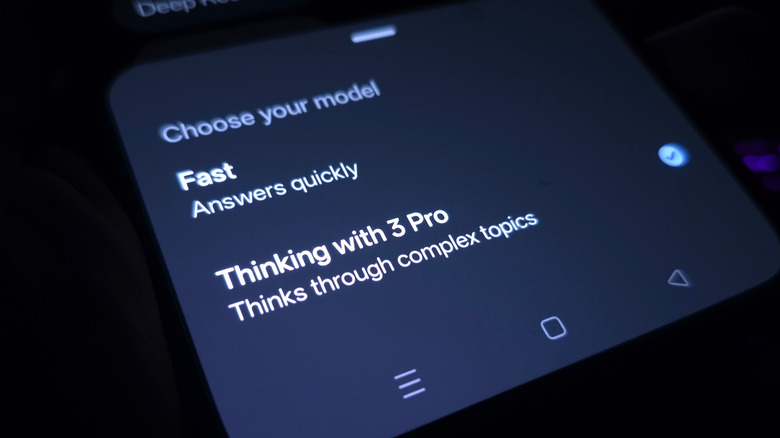
Artificial intelligence has been part of the Google Play Store for a while, but now Google is using Gemini to summarize user reviews. This saves customers from having to read through hundreds of individual comments to see whether an app is worth their time. The days of trawling through reviews to find that one ad blocker that does its job just got a lot easier. For users who aren't happy with the results given, they can provide feedback on these AI-generated summaries directly in the Play Store.
If a summary is inaccurate or misses a key point that users are complaining about, customers can flag it without issue. This feedback isn't just going to sit in the tech giants' inbox; it helps Google refine its models and takes user feedback into account to improve services. Everyone knows generative AI isn't perfect, but it's good to see a big company like Google being open about its development process. Google Play Store version 50.9 also began displaying download counts for apps and games, giving users a sense of how popular a given app is before clicking on it. It's a small bit of transparency that goes a long way in helping users filter out noise in a crowded marketplace.
Enhanced location accuracy and connectivity
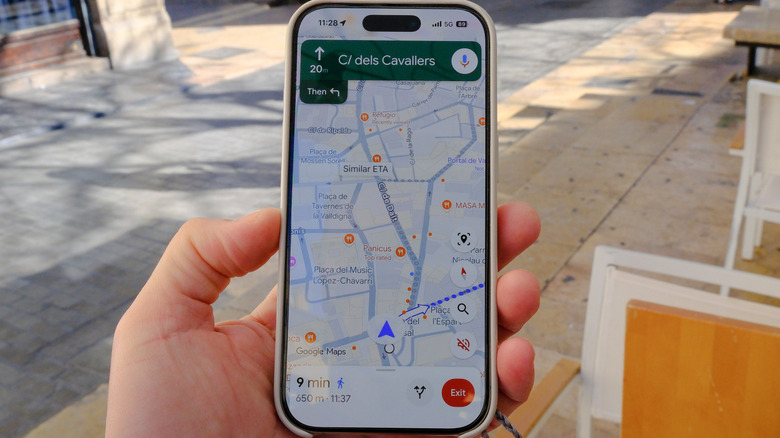
A handset's ability to accurately determine a user's location is critical for everything from finding a nearby food spot to getting help in a genuine emergency. This month, Google pushed updates that make location services more reliable. Google Play services v26.14 now allows users to get more accurate location results on their phones. This isn't just about GPS; it involves finding more sophisticated ways to handle various data points to pin down a user's coordinates with precision.
Google also refined its Location Sharing APIs and introduced new types of location requests. This means apps that rely on a user's position will function with less friction and will have a smaller power draw, making lesser-known, more efficient features such as bypass charging more effective. Another behind-the-scenes change is the more frequent processing of On-Device Location History Store Visits. This makes sure a user's local history is up to date, which in turn helps Google provide better recommendations for places users might want to visit. These updates work alongside new developer features that are designed to support device connectivity in general. This affects everything from connecting to a pair of headphones to syncing with a user's car, resulting in fewer connection dropouts as digital handshakes are handled more efficiently.