

How Often Should You Turn Off Your 3D Printer
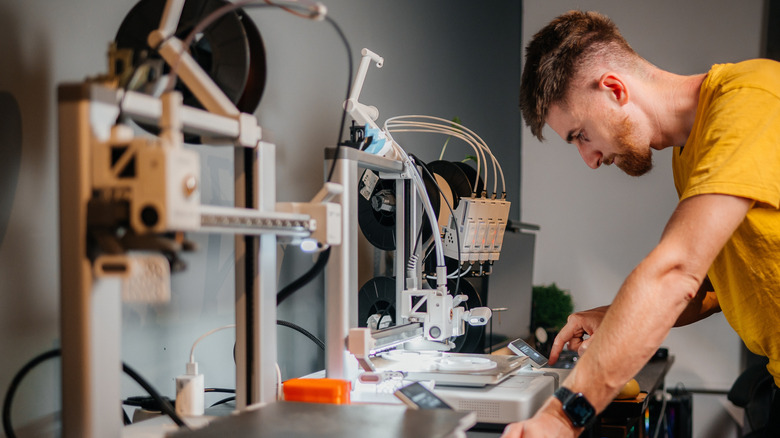
A 3D printer is a great tool to have for making your own projects. No matter what it's for, be it tabletop accessories, cosplay, or components, this device allows you to print out designs you've made or downloaded from someone else. But, while 3D printers are great for making you just about anything you can imagine, they can take hours to print larger, more demanding models. Any time you complete a printing project, it's best to give the printer a break and shut it down once it cools off and the fan shuts down.
A 3D printer can run quite hot, especially after a lengthy printing time. There are two internal components: a hot end and a cold end. As the printer is heated during the printing process, the filament on the cold side could melt, leading to a blockage. If this happens, you'll need to completely take apart the printer and remove the clogged items.
Newer models come with more advanced features, such as an automatic shutoff that stops the hot end if it detects anything wrong, like abnormal temperatures. Generally, it's advised to shut off the printer after each print. This allows for any internal filament to be bled from the machine to prevent any blockages. Aside from that, there are other 3D printing health risks nobody talks about, including exposure to contaminants.
What can go wrong if you leave your 3D printer running for too long
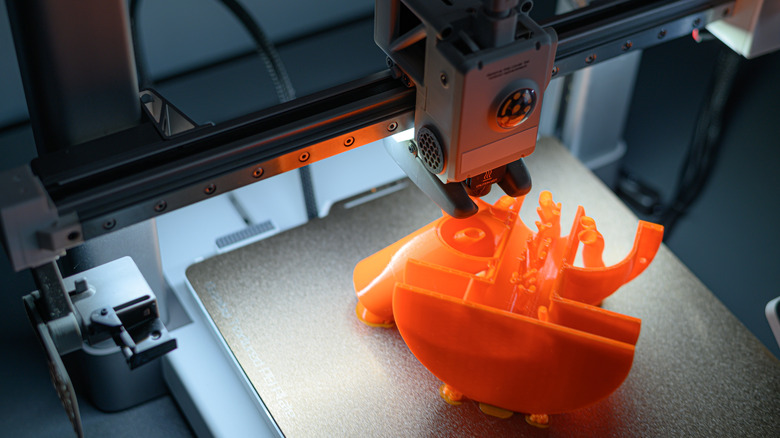
3D printers can chug out some pretty impressive models, but depending on the printer you have, they can take anywhere from an hour to a few days to complete. In the time it takes to print something, a few things could go wrong that you should be aware of. If you leave your 3D printer running for a long time, say a few days, these dangers could lead to device damage.
Another danger to a printer, if left running overnight or even if you step away for a while, could be a potential fire. 3D printers use heat to break down filaments and mold them into the model you want. Another way your 3D printer could get damaged if you leave it alone is with the filament clogging components. There are error codes and warnings that come with printers to let you know what you can expect and how to care for and use the printer to get the most out of it.
Depending on what model and brand you get — and here are 5 things you need to know about buying a 3D printer – you can use those codes and the documentation included with your device to troubleshoot potential errors and warnings. It should walk you through what is going on if the printer ever gets clogged or isn't working properly from being left on for too long.
What to do if you need to print overnight
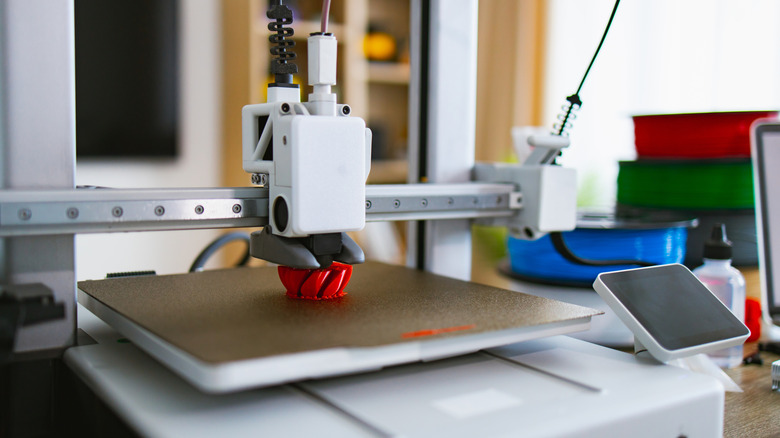
If you absolutely need to use your 3D printer for long builds and tasks, often overnight, there are a few things you can do to make sure it's done safely. First, check your manual beforehand to see if it lists any tips about using a printer long-term, such as where to properly set it up or recommended filaments. While the hot end of the printer will heat up during printing, certain exterior elements of the printer can get hot during production, as well.
For long prints, or any prints for that matter, placing the printer somewhere with good air ventilation away from flammable objects is a good start. It should also be kept clear of edges or high surfaces — anywhere it could fall over or off of. Check to see if the printer has any automatic shutdown features that prevent it from overheating. If possible, check on the printer throughout the process, either in person or by using your phone or a camera to check on it using the app that came with your printer (if available).
Whether you're just starting out on your 3D printing journey or are a professional, knowing how to best care for your printer by shutting it off each time a job is finished will ensure it's in working order. 3D printers can solve everyday problems and can be a source of endless creativity for just about anything you can think of, but you need to take care of them if you want them to last and perform at their best.