

Can You Use Lens Cleaner On Your Monitor?
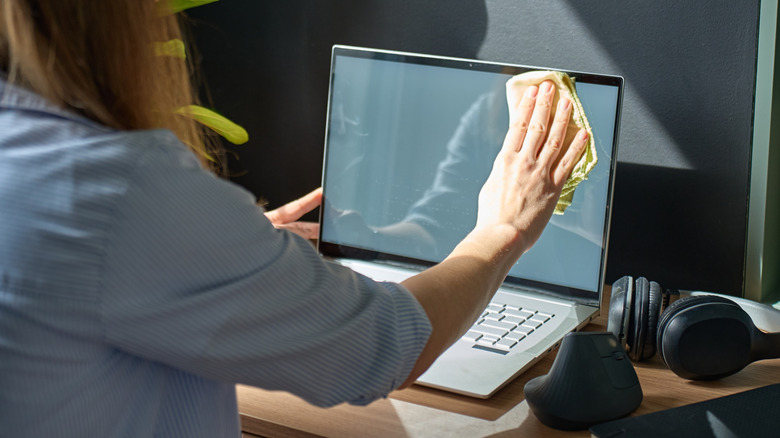
It's extremely annoying to be working on your PC, only to spot an errant smudge on the screen. Once you notice it, you're not going to un-notice it, so you'll want to clean it right away, as good screen upkeep is essential for cleaning and maintaining your PC. If you wear glasses, you might have a bottle of spray-on lens cleaner handy that you'd be tempted to try, but if you spray that stuff on your computer monitor, you'd be more likely to cause permanent damage than clean it.
There's a certain logic to trying to use lens cleaner on a monitor, but even if it sounds sensible on paper, it's actually one of the worst things you can do to your display. Remember, a monitor isn't a window, and it isn't made of the same material as your glasses, which means chemicals formulated for cleaning glass will do more harm than good. Instead, if you need to clean your PC monitor, that's a job best saved for a microfiber cloth with a bit of water and isopropyl alcohol as needed.
Lens cleaner is too abrasive for PC monitors
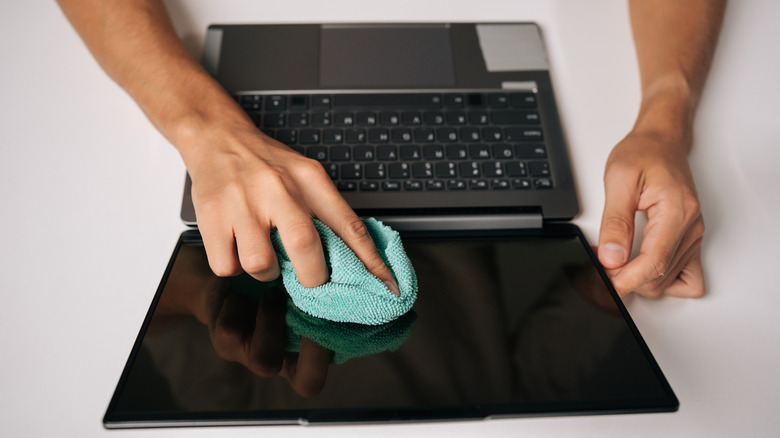
Cleaning an actual glass surface like those of your eyeglass lenses is much different from cleaning the liquid-crystal display (LCD) on your PC. Lens glass is a solid surface, while LCD's are made up of a multitude of tiny pixels. Treating the latter like the former with a lens cleaner is asking for trouble.
Lens cleaning solutions usually contain some manner of harsh chemical, which helps loosen up accumulated crud so you can wipe it away. This is fine for lenses, since they're a solid surface, but on an LCD monitor, those chemicals can strip away the display's outer coatings and ruin its anti-glare capabilities. Even worse, if you spray lens cleaner directly onto a monitor, it can seep beneath the display bezel and into the delicate internal circuitry. This type of unfortunate incident can cause permanent damage and black dead zones on the corners of your display.
The best way to keep your computer's screen clean is to stick to a soft microfiber cloth, applying gentle pressure across its surface to wipe away dust and contaminants. If you need more cleaning power, use a mixture of 50% water and 50% isopropyl alcohol, but only in small amounts, and only applied to the cloth, never directly to the screen itself. And remember to get the right kind of microfiber cloth for OLED screens if you're using one.