

Should You Plug Your Monitor Into A GPU Or Motherboard?
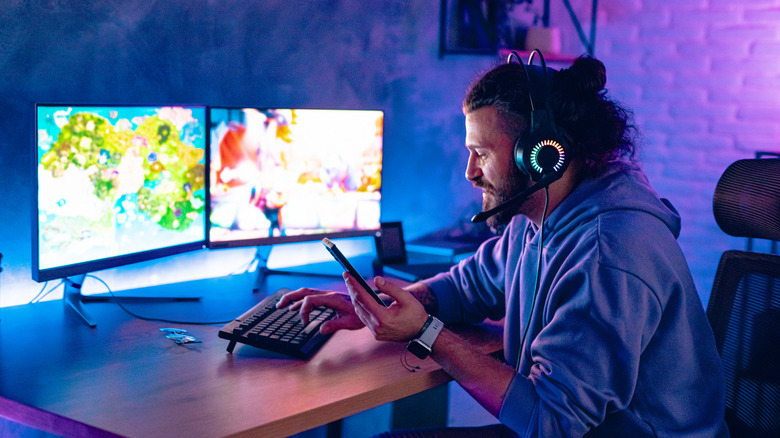
If you just finished building your desktop or you're trying to reconnect the cables after changing your setup, it is common to wonder whether you should plug the monitor into the GPU or motherboard. The answer is that you should always prioritize your graphics card in any situation. Many users, especially first-timers, make common mistakes when setting up a new computer and connecting the monitor to the motherboard, only to get scared when no image appears. Since the motherboard is the part of the hardware where the CPU, RAM, storage, and nearly all other stuff plug into it, it makes sense to think that the monitor would be there as well.
But even when the motherboard has a video output, you rarely use it, especially if you've built a gaming PC with a dedicated graphics card, since the monitor must remain connected to the GPU. In this case, connecting the cable to the right place prevents performance loss and unnecessary scares. When your PC connects directly to the GPU, the desktop can use the full potential of the dedicated graphics card for games, editing, and other tasks. That does not mean the motherboard's video output is useless, but it should never be your first option.
Use motherboard video ports only for integrated graphics
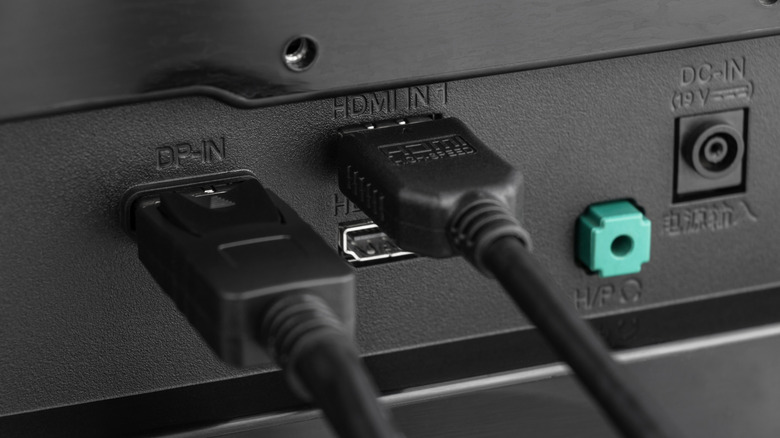
The GPU serves as your desktop's main video output, since it exists exclusively to render images. It has its own video memory, hundreds of graphics cores, and bandwidth far higher than any integrated graphics solution. So, it can deliver everything to your monitor with the best quality possible, which makes the other video outputs a waste. The motherboard, on the other hand, has video outputs so you can plug in your HDMI or DisplayPort cable for a few specific reasons. Not everyone needs a graphics card, especially when the focus is not gaming, but on office tasks.
Some processors include integrated graphics to reduce these costs, and in those cases, you should use the motherboard's video outputs. The important thing is to identify which hardware your desktop has, especially if you lack experience with this kind of setup. Regardless of the graphics card brand that you have on your PC, you can ignore the motherboard outputs and connect the monitor directly to it. If you have a more basic build and your AMD processor ends with G, or your Intel processor does not have the F suffix, the motherboard inputs are your options.
Can you plug a second monitor into the motherboard while using a GPU?
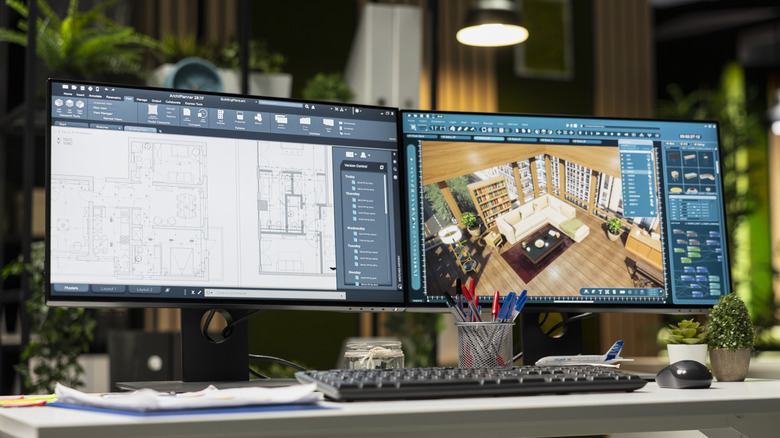
If you want a dual monitor setup, there are some tips and tricks for it, but if your graphics card isn't equipped with the ports you would need, you can use the motherboard for that purpose. But a lot of things need to be done well in order to do this. The first is that the processor needs to come with integrated graphics, and simultaneous use has to remain enabled in your motherboard BIOS. The correct term and path to activate it probably varies depending upon your motherboard manufacturer, but it will often appear as iGPU Multi-Monitor.
However, this setting is more appropriate if you want to use your second screen for simpler tasks, like using Discord or watching videos while gaming. This setting isn't recommended for playing on both screens, since the processor's built-in graphics aren't really that great. While it can work as an option for people who want an extra screen, it really should always be done on a GPU. As well as the performance drop from integrated graphics, you can still encounter driver conflicts, and the processor can take too much RAM.