

4 Features To Look For In Your Next Router
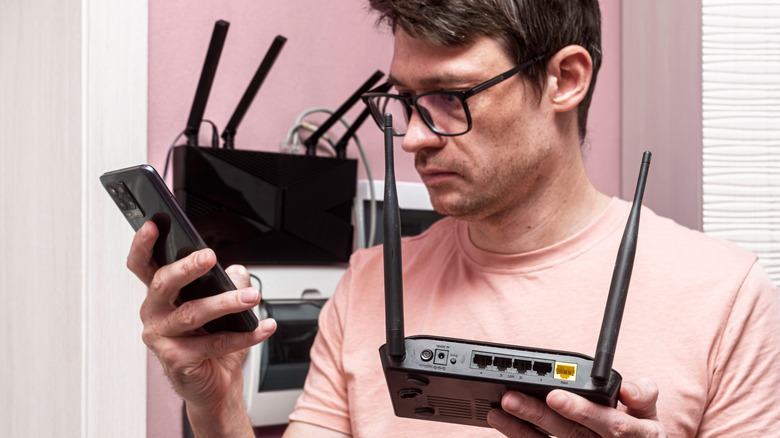
Not all Wi-Fi routers are created equal. If you're looking to upgrade to a new router, it's wise to research your options before making a purchase. For example, you may check rankings of popular router brands to make sure you're getting a unit that's likely to be reliable. Similarly, you should familiarize yourself with the various features some wireless routers offer that might not be available with other models.
The more you learn about the different routers that are available to you, the more you may discover just how much a router can do. Just remember that there's no one router that's ideal for everyone. By understanding both the features different routers may offer, as well as your own needs and uses, you'll be more likely to invest in one that's worth your money. Here are some features to keep an eye out for as you search for a router that best fits your situation.
Look for LAN ports for use with smart home devices
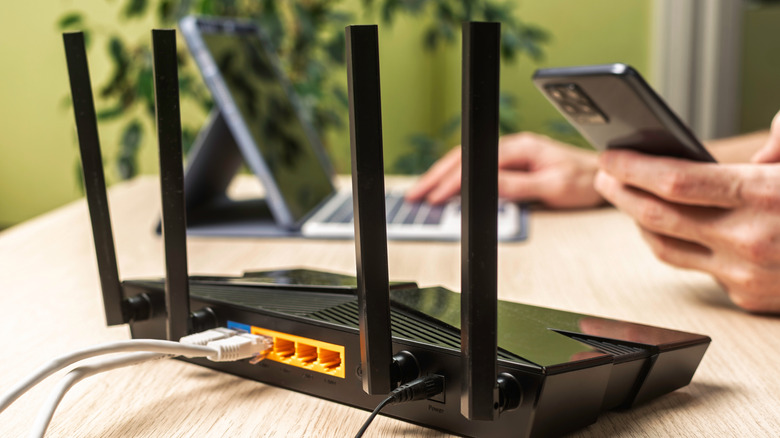
A LAN (Local Area Network) port allows you to connect to the internet by plugging your computer directly into the router with an Ethernet cable. If you exclusively use Wi-Fi, you might assume this isn't a feature you should care about when choosing routers. However, even if you don't expect to ever need to plug your computer into the router, looking for models with sufficient LAN ports may nevertheless be a good idea.
That's because various smart home devices often need a hub with a LAN port connection to work as intended. If you already have such devices, when selecting your next router, it's naturally important to check if access to a LAN port is needed to continue using them. If you don't own such smart devices now, it's worth considering the possibility that you might purchase them in the future. Thus, while you might not currently have much use for the multiple LAN ports available with certain Wi-Fi routers, that could easily change over time.
Review router apps before buying a new router
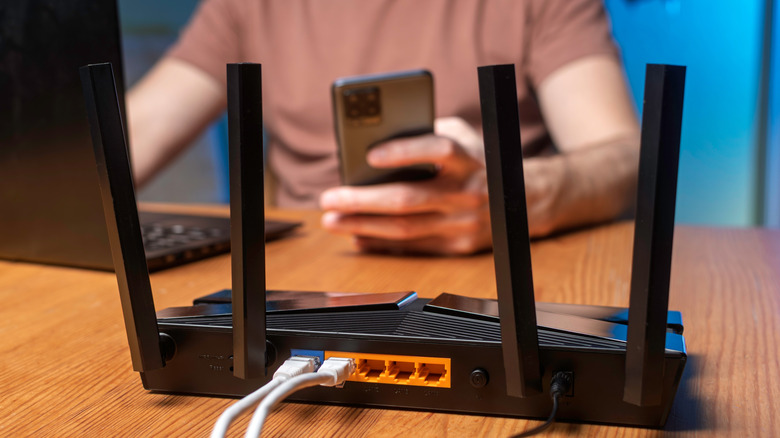
These days, many routers offer apps letting users take advantage of a variety of functions from the convenience of their smartphones. For example, if you're a parent concerned about the content your children may be exposed to online, some router apps allow you to set parental controls. Router apps can also let users quickly review which devices are connected to a network, as well as establish profiles for the various devices that may be connected.
Those are just a couple of examples of features different Wi-Fi router apps may offer. Again, it's smart to review your options thoroughly to find an app that suits your needs. Taking the time to evaluate wireless router apps will also give you the chance to learn about how different apps use your data. Although an app is definitely a feature you might prioritize when choosing a new router, you also want to be comfortable with how it manages privacy issues.
Consider routers with strong quality of service options

In the digital age, it's highly likely you're not going to be connecting just one device to your Wi-Fi router. However, not all devices may deserve equal connectivity. For example, it's very important that you experience reliable service when using your work computer for important job-related tasks, such as video conferences that can require significant bandwidth. While you ideally never want any of your devices to be plagued by Wi-Fi issues, it's admittedly less important to avoid interruptions when scrolling on your phone.
That's why routers may offer quality of service features. Other common names for this type of functionality include "media prioritization" and "traffic control." Basically, these features allow a user to program the router so that its performance is optimized to support certain specific devices or use cases. Once more, you might hope that your router never offers anything less than superb and smooth connectivity in any circumstance. Unfortunately, no device is perfect all of the time. With quality of service features, you can at least boost the odds that your router will be most dependable when you need it to be.
Review security features

Security features can also vary on a router-by-router basis. Common features you might find in various routers offering include automatically scanning devices on the network to detect red flags, monitoring the network for problems in real-time, and even automatically blocking threats. Although you obviously want the highest level of security possible, you should also consider differences in pricing. It's not uncommon for router security features to be subscription-based services. Your goal is to find something that offers the protection and security you need without costing more than you can afford.
Generally, don't make the mistake of assuming the router provided by your Internet Service Provider (ISP) will do the trick just fine. First of all, the cost of renting a router over the course of a year can be greater than the cost of simply buying a new one. Second, if you buy a router of your choosing, you can look for one offering the features that matter most to you. These are a few key examples to keep an eye out for.
And, once you do make an upgrade, don't just throw away your old router! As it turns out, there are smart ways to use an old router that can help you derive even more value from the device.