

Can You Connect Two Wi-Fi Extenders To One Router?
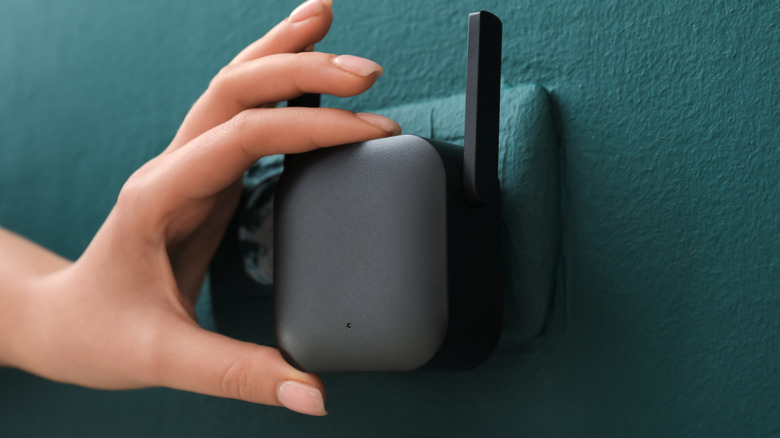
If you have a standard router and you're running into trouble with a dead spot in your home, a reliable way to fix it is to install a Wi-Fi extender. That will do what it says on the tin: It will "extend" the range of your Wi-Fi network, providing a signal boost to areas that have spotty coverage. You're supposed to install extenders near the problematic area, which then act as a bridge between your primary router and devices in the dead zone. Netgear and TP-Link have some capable Wi-Fi extenders worth buying, which can work wonders for small homes. However, what about larger, more complex properties, and what if you have multiple dead zones? Can you connect two or more Wi-Fi extenders to a single router?
Technically, yes, you can, and it would probably work as you're expecting. But not so fast: The chances of multiple extenders creating a reliable and effective network aren't as high as you might think. That's because wireless devices tend to interfere with one another. Multiple Wi-Fi extenders in close proximity could slow things down, especially if they're not operating on separate wireless channels. Moreover, with some Wi-Fi extenders, when you set them up, you have to create a new SSID for the network it broadcasts and possibly a unique password. That means each extender acts as a separate and new network. Imagine trying to manage passwords for all of those different access points, especially if you have guests!
The better solution is to swap out your router for a mesh system. Mesh networks work similarly to a router and extender setup, enhancing it greatly with a single main hub and multiple satellite routers in remote areas to facilitate and boost the signal.
Installing a mesh Wi-Fi network versus a range extender
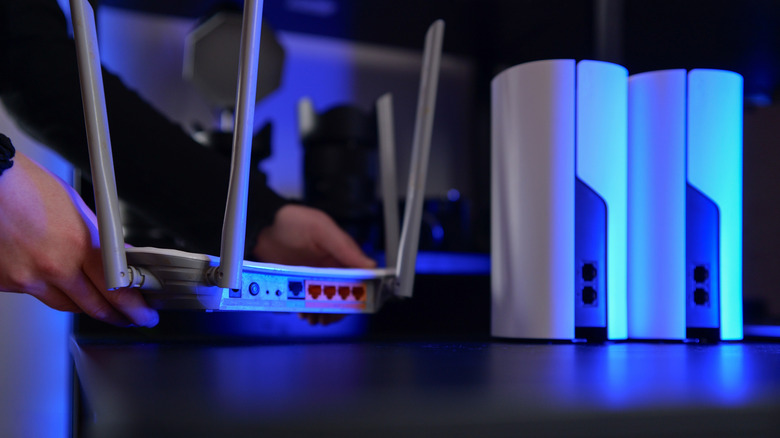
A head-to-head featuring Wi-Fi mesh networks versus range extenders has been addressed many times before. It boils down to one simple answer. Mesh networks, and mesh technologies, were inherently designed to solve the exact problem that range extenders do as they create a single, seamless network. Meanwhile, range extenders are more like a band-aid in comparison, used to quickly help fix the problem versus serving as a long-term solution.
The original technologies behind mesh routers are referred to as "packet radio networks" or "mobile ad hoc networks (MANET)" and were developed by the U.S. Defense Advanced Research Projects Agency (DARPA). The idea was to create a reliable network, shielded against things like nuclear threats, that wouldn't go down with a single node failure. Instead of relying on a central hub or broadcast source, like a traditional router serving a home network, mesh technologies are designed to be distributed over multiple nodes, or satellites, which also creates a seamless area of coverage — providing proper range and expansive capabilities for large military facilities.
The consumer version of mesh networks work in the same way, distributing a network over several nodes that you place throughout your home or property. Doing so both extends and supports the network's overall signal. Beyond the elimination of dead zones, mesh networks are easy to set up, have a single SSID and sign-on process, offer better speeds and reliability, and provide greater flexibility, as you can move the nodes at any time to adjust coverage.
What role do Wi-Fi extenders actually play?
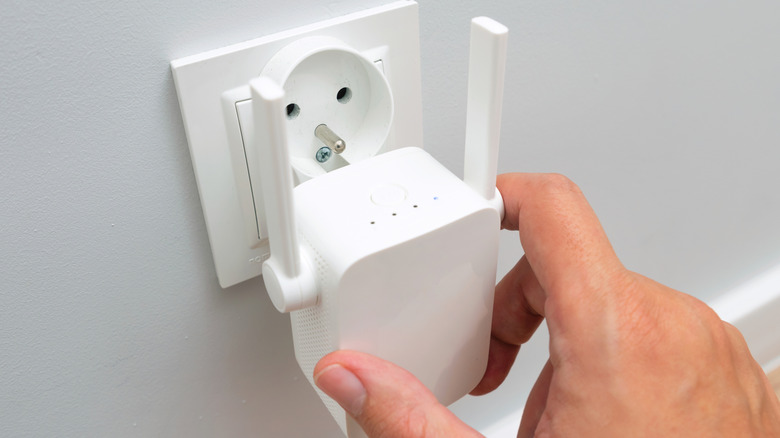
Every extender added to a network will slow down total wireless speeds or bandwidth for devices connected to them because of how they operate. To travel between access points, data must essentially make two or more wireless hops, first from the router, then to the extender, and then a final hop to the device, with each event cutting down on total bandwidth. You're basically trading away some Wi-Fi speed for extra range. This has no impact on the speeds coming in to the router from your ISP, but instead impacts the signal going out to client devices. Of course, there are other factors that could slow down speeds for the internal network, including wireless interference, traffic congestion, the primary router's speed caps or limited capabilities, and beyond.
Proper mesh networks don't have these problems. It means that, byte for byte, and in most situations, a mesh network is going to be the better performing and more reliable option — the best answer.
So, when is a Wi-Fi extender the right choice? Ultimately, when you don't have the budget, or the desire, to upgrade your entire network. Additionally, if the dead zone or problematic area is not a particularly sprawling coverage spot, and your property or home is manageable from a coverage standpoint, it can certainly help. Watch for the signs you should buy a Wi-Fi extender for your home, or upgrade to mesh if you can. Bear in mind the drawbacks of range extenders, that speeds may be affected for connected devices and you may or may not have a separate network access point to manage. Alternatively, there is a way to say goodbye to spotty Wi-Fi with a DIY fix that uses your old smartphone as a possible temporary solution.