

This Free Calculator App Is A Vault Hidden In Plain Sight
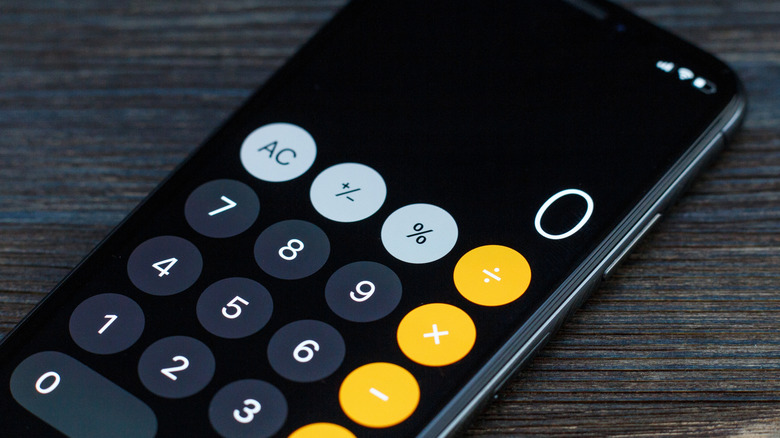
A new wave of apps is hitting the Google Play Store and Apple App Store, and while parents may soon come to despise them, those that need to hide valuable information are sure to appreciate them. There are plenty of tech gadgets that actually protect one's privacy, and both Android and Apple offer their own security features, as well (though which one is safer than the other is debatable). However, be aware that there are now apps that hide content while disguising themselves as something innocent.
Known as "locker apps" or "vault apps," they're essentially applications designed to look like something inconspicuous (in this case, the stock Calculator app on a device), but users can enter a passcode that gives them the ability to store and access a variety of information, including apps, photos, and more. If you don't know the code, the app will act just like the program it's imitating, and some even offer the ability to snap a photo of anyone who might be trying to break in.
Considering some of these apps have panic options that revert the vault to a plain state, these tools can be a nightmare for parents. Yet for adults, vault apps can be an incredible safeguard for those needing to protect sensitive information. Individuals in unsafe environments may benefit in particular from the ability to hide certain information. Whether you need one or need to be on the lookout for one, we've got the details below.
Why vault apps are a big deal
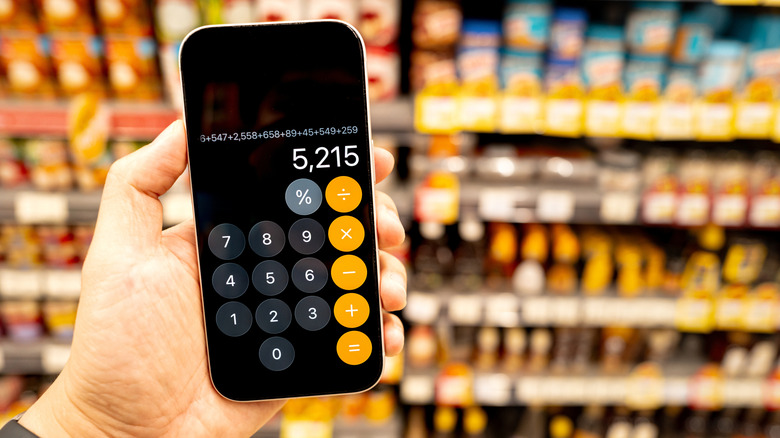
In the Google Play Store, Calculator Vault – App Hider is but one example of a vault app, whereas the Apple Store has at least one known as Calculator Lock – Secure Vault. Though they offer different features (and in-app purchases), both essentially serve the same function: hide content while posing as the stock Calculator app. Since they can act just like the program they're imitating, spotting them on a phone can be tricky, but there are signs.
For starters, look for multiple calculator apps on a device, as it may be suspicious that someone has downloaded a second one. On an Android, swipe up from the bottom of the Home screen to check the app drawer for anything suspicious. On an iPhone, swipe right on the Home screen until you reach the App Library to see all apps. You can also research anything suspicious online — such as the names of certain apps — to see what the internet has to say.
For adults who truly need a vault or locker, be sure to do some additional research on one before trusting it with important information. Make sure to check what other users say about how well the app functions — especially how well it actually hides the information. Bonus points if it can photograph intruders. Remember that you are trusting a third party with your information. If you truly have privacy, you may also want to look at these everyday apps that can track your activity.