

Why iMessage Sometimes Shows Three Blinking Dots Even When No One Is Typing

"This is one of my favorites, typing indications," Apple's former software engineer Scott Forstall said at WWDC 2011, as the company introduced its iMessage chat app. "You can tell now if someone starts typing and they're responding to you; you know you're about to get that message." More than a decade later, typing indicators — the three blinking dots that appear when someone else is typing in an iMessage conversation or group chat — are still there.
But in the years since Apple's original iMessage announcement, iPhone users may have gotten used to a side effect: The three blinking dots may appear even if the other person is no longer typing. This can be a confusing signal in an era where most people are connected and replies to instant messages tend to appear almost instantly. The explanation is quite simple. Contrary to Forstall's remarks, seeing the typing indicator doesn't mean "you're about to get that message." The other person in the chat may have triggered it by mistake, because they are typing a longer message, or because they have changed their mind.
Typing indicators are also present in most modern chat apps, including cross-platform services, such as Signal, WhatsApp, and RCS. Apple wasn't even the first company to introduce the feature, as others had developed similar functionality well before iMessage arrived on the iPhone as an alternative to SMS texting. The typing indicator was just one of the early features that Apple built into iMessage to set it apart from traditional SMS chats. Other notable features included delivery and read receipts, end-to-end encryption, multi-device support, internet-based texting, and the blue color of the chat bubbles.
Typing indicators can't be turned off
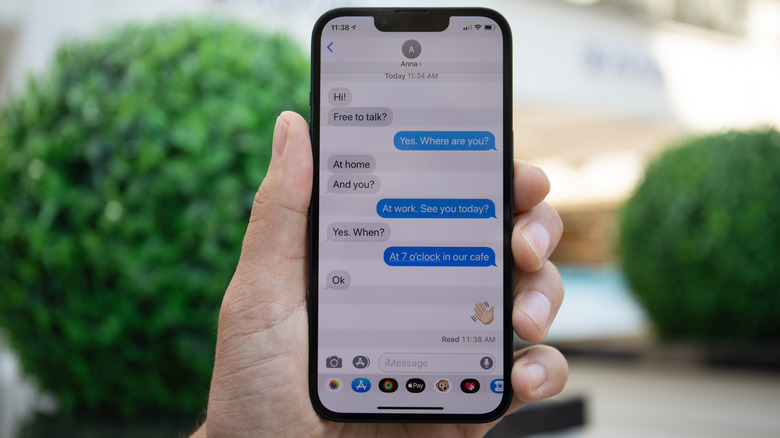
Seeing that a person is typing a response in an iMessage chat adds another dimension to instant messaging. It indicates that the person may be preparing a response, which can encourage you to stay in the app or check back soon. It can also suggest that you should stop typing another reply, as the other party is formulating a response to your previous texts.
However, typing indicators can also have a negative effect. They can induce anxiety when you see the indicator but no message arrives. Or, perhaps even worse, they were typing a reply, and then the blinking dots stopped blinking. Then the iMessage reply never came.
The typing indicator feature is built into Apple's Messages app. Unlike read receipts, which can be turned off, there's no setting in the app that allows users to disable typing indicators. As of this writing, Apple hasn't announced any plans to add such a feature to its operating systems. On the contrary, iOS 26 added typing indicator support for group chats in 2025. Other chat apps, like Signal, let users block typing indicators. When that happens, the feature will be turned off for both the sender and the receiver.
How to interpret the iMessage typing indicators

The typing indicator may be triggered when a person activates the text field and inputs text intentionally or accidentally. A longer reply can also make the three blinking dots linger. A person in the chat can't know exactly what the other person is doing. Maybe they were typing a message they wanted to send immediately, but they were interrupted by a different notification or real-life event. There's also the chance that they changed their mind, and they won't reply soon. Maybe someone's internet connection dropped, in which case the iMessage would not go through despite being sent.
In 2015, Slate set out to see how long the typing indicator would keep showing in iMessage, finding that the timeout was around 60 seconds for two scenarios. In one, the user typed a few characters and then stopped. In the other, they edited the message for the full 60 seconds. In both cases, the indicator disappeared after about a minute. In 2018, Gizmodo said the iMessage typing indicator would disappear within five seconds if the sender deleted the text field, and about 60 seconds if you stopped typing. A simple test BGR performed on two iPhone models running iOS 26 showed that the typing indicator would disappear immediately if the person typing deleted what they wrote. The indicator would stay for about 90 seconds even if the person typing stopped writing in the compose field after typing the first character.
Apple doesn't offer any figures regarding the typing indicator behavior. However, regardless of the time it takes for the typing indicator to disappear, iMessage users shouldn't read too much into seeing the three blinking dots without a message appearing immediately.