

Windows 11's June Update Added A Cool New Feature That Could Speed Up Your Old PC
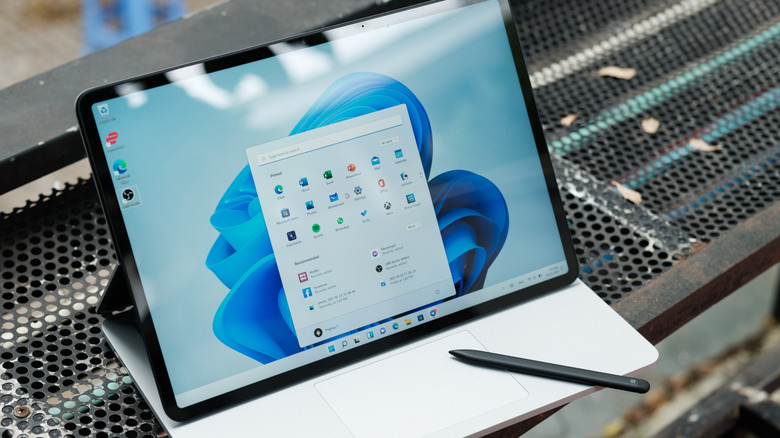
Microsoft admitted in January 2026 that Windows 11 has some problems, promising to fix the operating system and improve things going forward. Fast forward almost six months, and Windows users finally got a taste of Microsoft's performance changes in a new Windows 11 update that introduced a feature called Low Latency Profile.
Microsoft first provided a preview of what Low Latency Profile was meant to accomplish in May 2026, with the update being part of an optional update to Windows 11 on PCs running the 24H2 or 25H2 branches. However, the new release in June brings the feature to the mainstream branch of Windows 11, allowing the operating system to respond more quickly during certain actions — such as opening an app or pulling up the Start menu.
For the most part, reports suggest the feature will show the most noticeable difference on older hardware setups. So, if you have a higher-end PC, like one of the best desktops of 2026, then you might not notice much of a change at all. The feature works by boosting the CPU's clock speed for a brief 1-3 second interval. This allows the PC to load certain items more quickly. Considering all the complaints we have seen over the years about Windows 11 being slow — especially when using core functions such as File Explorer — the introduction of the Low Latency Profile will hopefully help mitigate some of that slowness while also delivering on Microsoft's promise to make Windows 11 better.
How to check if you have the Low Latency Profile update
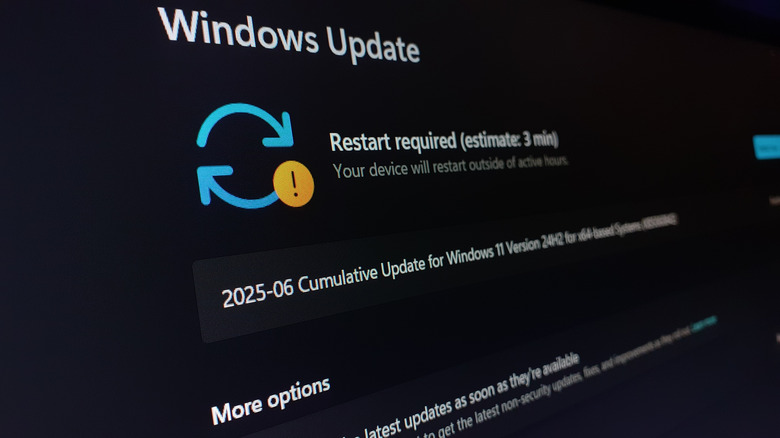
You can verify whether you have the Low Latency Profile update by heading into Settings > System > Windows Update and checking whether the KB5094126 update is available for download. If it is, installing it will automatically enable the functionality on your PC.
If you don't have the update listed as available, then it may still be rolling out. Windows updates tend to roll out slowly across the community, and some users may gain access quicker than others. You can also check your build number to see if it has already been installed. To do so, head to Settings > System > About, and if you are running build number 26200.8655 (for Windows 25H2) or build 26100.8655 (for Windows 24H2), then you already have it installed.
If you don't want to wait, you can always download the update and install it manually. Navigate to the Microsoft Update Catalog and grab the corresponding update for your system. You'll need to see what version of Windows you're running by checking the About page under System settings. Unfortunately, Low Latency Profile does not provide any visual indication that it is enabled or a setting you can toggle to ensure it is running.