

5 New Apple CarPlay Features Coming In iOS 27
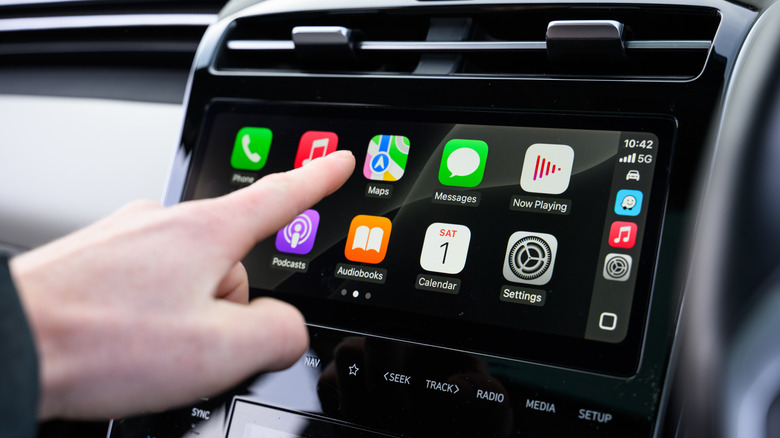
During the WWDC 2026 keynote, Apple introduced its plans for iOS 27 and other operating system updates. However, unlike previous years, when the company would switch from one software release to the next, Apple decided to focus on Apple Intelligence features, safety features for children, and general bug fixes. That said, the company didn't address the new features coming to Apple CarPlay, as it did in 2025 with iOS 26. This upcoming software update, still in beta, includes four new features that will make drivers' lives better: a new audio mini player, audio scrubbing, improved navigation, and more.
While Apple can always improve the CarPlay experience in the upcoming months with more unannounced features, it's still unclear what else the company might have in store. However, it's important to note that a major iOS 26 CarPlay feature might be greatly improved in iOS 27: Video in CarPlay. With this functionality, drivers can stream their favorite movies, TV shows, and more to the CarPlay display via AirPlay once the car is parked. While this has been a long-requested feature, Apple is now working to make it a lot more useful for everyday drivers.
Audio mini player in CarPlay
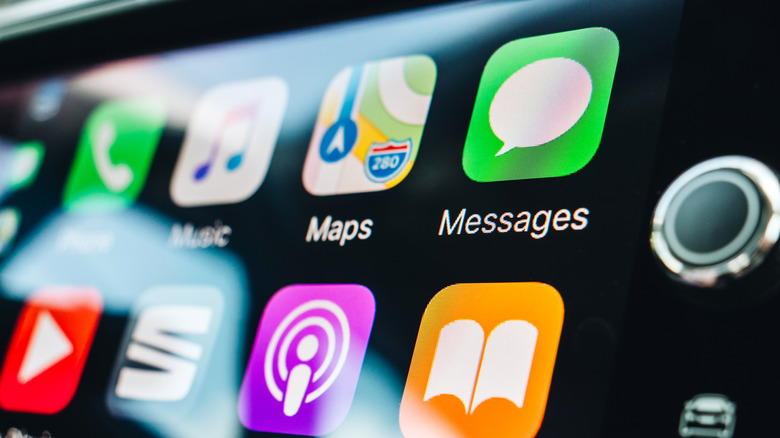
CarPlay is all about offering a straightforward and secure driving experience while keeping you connected to everything that matters to you, such as your friends, important messages from work and other notifications that might require attention in real time. With an upcoming audio mini player in iOS 27, CarPlay users will be able to easily control their media with a persistent, unobtrusive overlay that can live alongside their maps.
This way, even if you have an important turn to make, or you don't want to take a look away from the route you've known for years, someone in the passenger seat can easily access the mini player to switch the song, pause it, and more. The best part about the mini player is that it works with every audio app, meaning you'll always have access to the audio playing at a glance. This feature is expected to roll out once iOS 27 is available to users, and it's part of a set of quality-of-life experiences Apple has been preparing for CarPlay over the past few years, making the infotainment display more useful and safer for all drivers.
Audio scrubbing in CarPlay's Now Playing
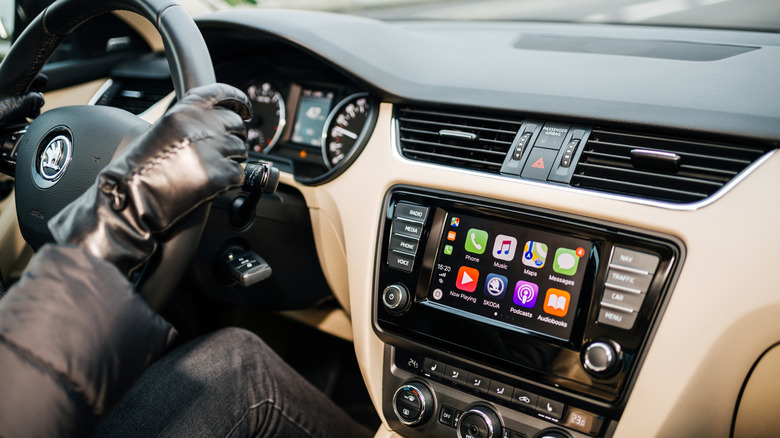
If you like to listen to long podcasts or audiobooks while commuting, then you probably realize how hard it can be to navigate through the audio while you're driving. With CarPlay in iOS 27, Apple will add Audio Scrubbing to the Now Playing screen. Up until now, drivers were limited to basic skip and previous buttons. Audio scrubbing introduces a functional, touch-friendly slider that lets drivers fast-forward or rewind the audio content they're enjoying with precision. This could be useful when they're trying to find a specific quote, skip past an ad read, or replay their favorite part of a song.
What's interesting about this feature is that it took Apple years to make the Now Playing tab more similar to the iPhone's counterpart. With this change, the company will help drivers avoid picking up their phones to find the correct timecode for what they're listening to, as they can now slide their finger along the infotainment display.
Improved heading and GPS accuracy
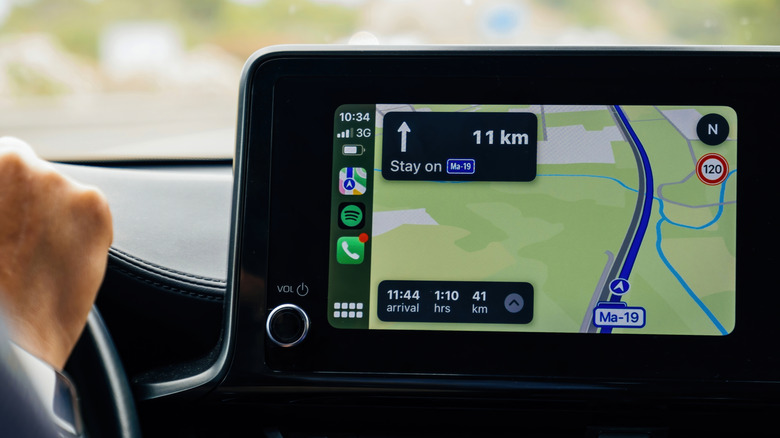
Apple is also planning to introduce improved heading and GPS accuracy with iOS 27. While this feature isn't as fancy as a new set of icons or other UI changes, it's an important step toward making the driving experience more reliable. This function is expected to improve performance in challenging environments, such as areas with tall skyscrapers, complex underground tunnels, or any other place where GPS signals can drift or freeze entirely.
With advanced algorithms and better integration with the iPhone's internal sensors, Apple will provide more stable, accurate readings of the vehicle's position, ensuring drivers never miss an upcoming turn or take the wrong street. In other words, whether the user is running Apple Maps, Google Maps, or Waze, they will have fewer missed turns, more accurate arrival times, and far fewer "recalculating" alerts. This is one of those quality-of-life improvements that drivers will definitely notice in their daily commutes once the new system is released.
Improved wireless CarPlay reliability
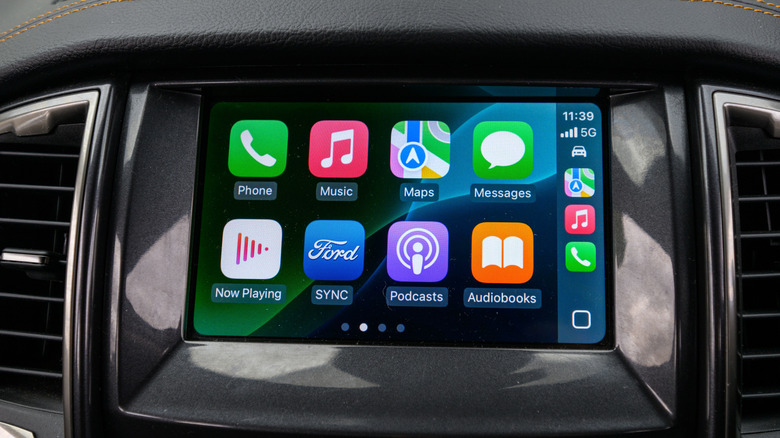
Even though we'll have to wait until an official version is released, one of the main complaints plaguing CarPlay users is the connectivity issues between the iPhone and the car. Every once in a while, Apple releases a software update that fixes these issues, whether with a new iPhone or due to a faulty previous update. With iOS 27, on the other hand, the company is taking the issues more seriously, as improved wireless CarPlay reliability is one of the main features coming to this update.
What's more likely is that Apple is overhauling backend connectivity protocols, improving Bluetooth connectivity, and stabilizing Wi-Fi connections. At this moment, the company hasn't been very vocal about how reliable the CarPlay experience might become. However, if we consider that iOS 27 is expected to improve Bluetooth connectivity, AirDrop transfers, app launch speed, and even photo download speed, it seems Apple has focused on improving the overall experience. Some of these improvements are coming to CarPlay. At the end of the day, this feature is more about making the experience between iPhone and the vehicle more seamless, especially now with the new CarPlay Ultra, which completely takes over the vehicle's system as the iPhone really becomes the brain of the car.
Video in CarPlay will get a lot better
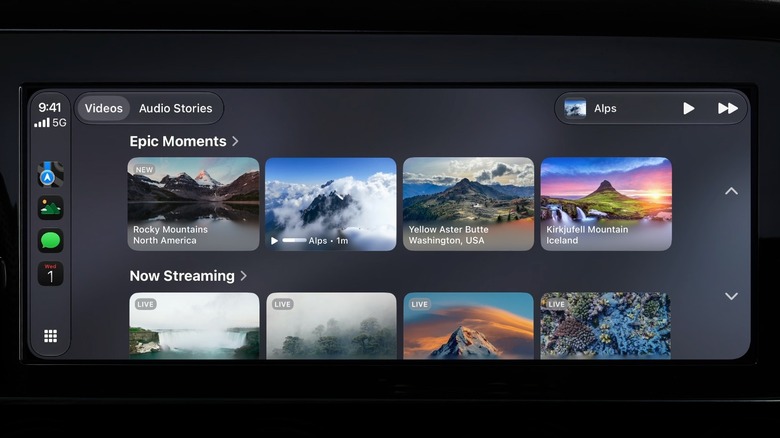
With iOS 26.4, Apple released Video in CarPlay functionality. However, it's still locked to using AirPlay to cast a video to the CarPlay display once the vehicle is parked. With iOS 27, Apple is greatly improving this experience, allowing developers to create apps that let users browse and play videos in cars that support this feature. According to Apple, iOS 27 will enable users to browse their favorite videos from the iPhone to the CarPlay display. With that, if you're waiting for your kid to finish school, you're taking a break during a big trip, or waiting for a friend at the airport, then you'll be able to enjoy the big display on your vehicle for your favorite TV shows, movies, short videos, and more.
If you start driving with the Video in CarPlay feature, Apple will cleverly turn off the video and switch to an audio-only experience. This is useful if you're watching a video cast or following a sports match, as you'll still be able to listen to what's going on and then resume the broadcast once you're parked again.