

Updated To Android 17? Some Google Apps May Stop Working On Wi-Fi
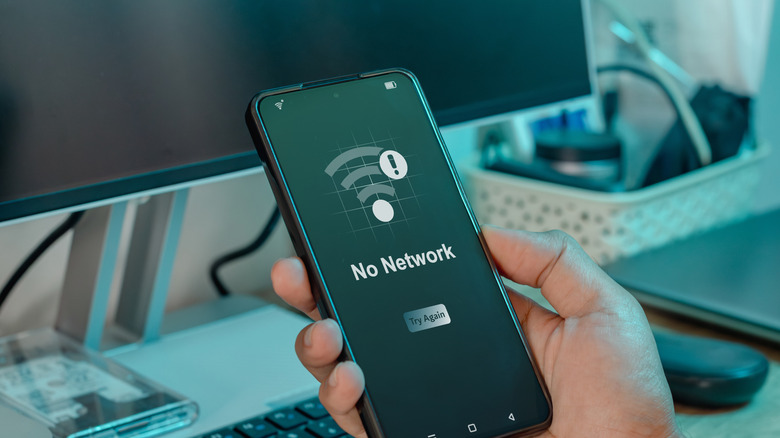
With the arrival of Android 17 on Pixel devices, many users now have access to even more features on their smartphones. Bubbles bring more multitasking to the device you carry in your pocket, and foldable smartphones have picked up a new gaming feature, too. However, not all is celebration and cheers, as it appears some Pixel users have encountered a few annoying issues along the way, including a new bug that causes certain applications to not recognize Wi-Fi connections (via Android Authority), instead forcing users to rely on their mobile data to use them.
There are a few reasons this kind of bug is annoying, beyond its inconvenience. Many smartphone plans these days include a limited amount of mobile data, which means people tend to rely on Wi-Fi as much as possible to help keep their costs down. Comments shared on Reddit note that Google apps appear to be the most affected by this weird bug, though some have reported that TikTok also won't open over Wi-Fi.
There may be a fix, but it isn't guaranteed
While Google hasn't shared an official fix just yet, some Reddit commenters appear to have had some success changing a setting on their routers to resolve the issue. In response to one of the posts talking about the Wi-Fi issue, the original poster later explained that when they enabled IPv6 connections in their router settings, the issue was resolved. This has led some to believe that the issue may be related to Google Services. However, when others tested the issue specifically by disabling IPv6 support on their router after installing Android 17, they didn't have the same problem. So, while the issue may be tied to IPv6 somehow, it does not appear to be the only thing affecting the connection that these apps have to users' Wi-Fi networks.
Android 17 has been in beta for several months, so to see a bug this large affecting so many users could be frustrating for some. Hopefully, Google will release a fix for it sooner rather than later, especially as other major bugs like disappearing widgets continue to plague Android 17 users who recently updated to the new release. If you're rocking a Pixel 10 or an older device with the new Android 17 update, and you encounter any of these issues, you can always submit a bug report to the Google Issue Tracker to help provide more information for the developers to look at.