

What Does 'Slow Charger' Mean On iPhone?
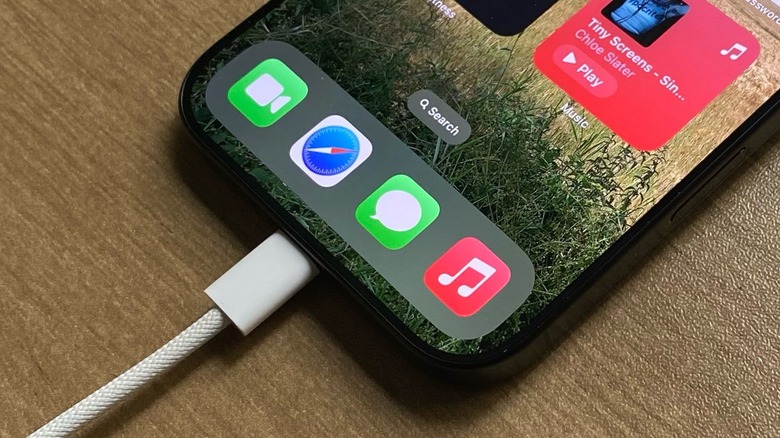
Released a couple of years ago, iOS 18 introduced several improvements and new features, including a completely revamped Lock Screen and Home Screen designs and Apple Intelligence. Among these visual changes, Apple also began informing users when they were experiencing a slow charge. Unlike what it might sound like, the Slow Charger message on the Lock Screen doesn't mean there's something wrong with your power brick, cable, or iPhone. As a matter of fact, it probably means your iPhone is getting too hot, and the system lowers the general charging speed until the temperature improves.
With iOS 26, Apple made it clearer to identify whether there's an issue with the charger: if iOS detects that the connected charger isn't properly charging your phone, users will see an "Incompatible Charger" message when opening the Settings app and going to Battery information.
The Slow Charger information usually appears when the ambient temperature is too high, when you're charging your phone through a power bank on a warm day, or when you have a charger that is delivering barely enough juice to your iPhone. That said, if you want to improve the charging speed of your iPhone, it depends on the model you have, the environment around you and the quality of your accessories, like original or reliable third-party power bricks and cables.
Improving charging speeds on your iPhone
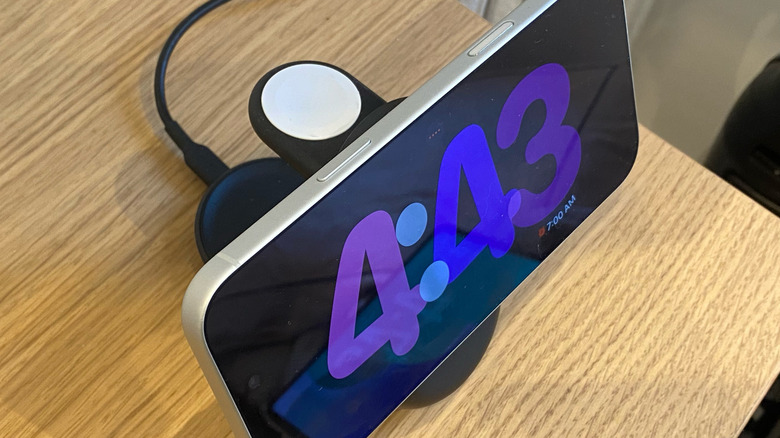
If you have an iPhone 16 or later, you can get up to 50 percent charge in 20 minutes with a 40W or higher adapter. With a 25W Qi2 charger, iPhone users can wirelessly charge their iPhone up to 50 percent in 30 minutes. However, depending on the ambient conditions, the estimated charging time can vary. For example, if you're wirelessly charging your iPhone but using USB-C EarPods or other accessories, charging speeds drop to 7.5W, so Apple recommends removing them to optimize the experience.
The charging speeds can also be reduced if you're using graphics-intensive apps or if an app is demanding a lot from your iPhone, such as a camera, gaming, or streaming apps. Besides that, the ambient temperature can also affect charging speeds. In extreme temperature conditions, if your phone is exposed to direct sunlight while charging or in similar situations, it will charge slowly or not charge at all.
This is why, once you're charging your iPhone, it should be left alone and free from interference from apps, accessories, or extreme heat. After all, it's natural for the phone to get slightly warmer while it charges, especially with a MagSafe connection, but if it gets too hot, it's just not going anywhere. Besides that, Apple recommends users have a 7.5W charger or stronger. If you try to use the company's legacy 5W charger, your iPhone will still charge, but it will be much slower than with a more modern option.