

Do Screen Protectors Work With Fingerprint Scanners On Samsung Galaxy Phones?
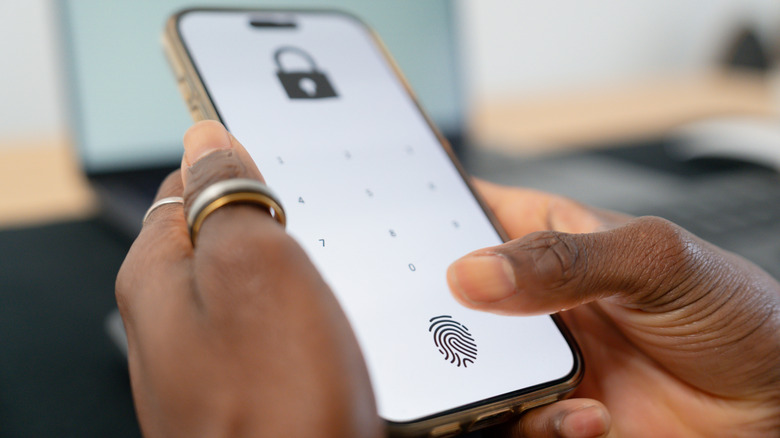
Since the launch of Samsung's Galaxy S10 series, the company has included an in-display fingerprint sensor that simplifies how users interact with their mobile devices via biometrics. Optical sensor tech was around longer — the Galaxy Note 9 had an in-display sensor at the bottom — but with the latest generations, you can scan your fingerprint to unlock a phone by pressing your finger to the screen, not the side or back of the device. It's convenient, works fairly well, and it's easy to set up. Even if you use a screen protector, the fingerprint scanner still works, but it also depends on the type of screen protector you install and the type of fingerprint sensor in your device.
Samsung's ultrasonic sensor is different from an optical one. Ultrasonic sensors experience more issues with thicker materials, while optical sensors can read fingerprints through almost any transparent material. Back when the S10 series launched, there were only a handful of viable screen protectors that also worked with the fingerprint sensor. Things have improved considerably since, with more compatible options for newer devices.
The easiest way to find a compatible protector is to look for a "fingerprint" protector for your individual model. Most fingerprint-ready options, glass or otherwise, have a thin section of material. My Galaxy S25 Ultra's screen protector contains a small circular area for the onscreen scanner. It's only visible from a side angle; in bright environments or direct sunlight, you'd never spot it. However, that thin area allows the scanner to read my print.
Identifying which type of fingerprint scanner your device has
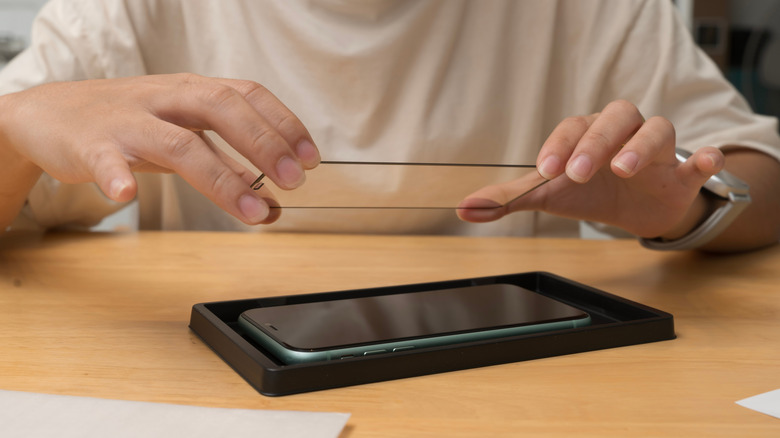
Not all in-display fingerprint sensors work the same. Samsung's high-end S series phones, like the Galaxy S26, are equipped with ultrasonic fingerprint scanners that work by reading and transmitting a sound pulse, which is first used to map the contours, pores, and ridges of your finger's surface. When you want in, the system sends out a pulse, which bounces back similar to echolocation, and if it recognizes your finger by matching it to the saved map, it will unlock.
Part of the reason why low to mid-grade Samsung phones are inexpensive, like the cheaper Galaxy A series, is because they contain less costly hardware, like optical fingerprint sensors versus the ultrasonic. The Galaxy A57 is a prime example, or the Galaxy S20 FE, both of which are more affordable and have optical scanners. Optical scanners work similarly to ultrasonic, but instead they reflect light off of your finger to map patterns, not sound, which is why most transparent protectors work fine. With optical scanners, the phone will also light up when you touch the activation area.
Since ultrasonic scanners use sound pulses, not light, you'll notice devices with these types of sensors do not need to light up to scan or work properly. A Galaxy S25 or S26 device will unlock almost immediately when you place your finger on the onscreen sensor, even with the display off.
Understanding the types of screen protectors
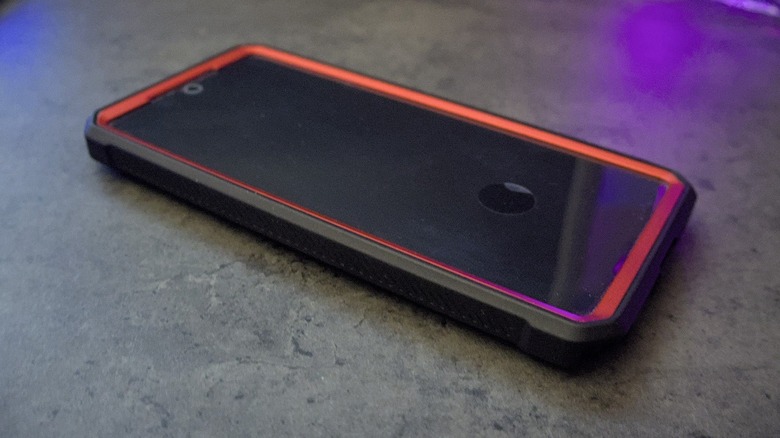
There are two types of screen protectors: tempered glass or film (plastic). Film protectors are made of TPU or PET plastic, and come in a range of properties from rigid to more film-like. However, they tend to come in thinner formats overall, which makes them excellent candidates for devices with ultrasonic scanners. Film protectors are not as physically strong as a tempered glass option, but pose few problems for the fingerprint scanner. Almost all plastic or film protectors are compatible with both types of scanners because light and sound can penetrate them.
Tempered glass is usually thicker, which means you'll have to pay attention to the properties of the protector if you want to make sure it works with your device. Usually, anything thicker than 0.33mm will cause interference with an ultrasonic scanner. Though there are some that have a thinner fingerprint-friendly area. Moreover, it's not always true that glass is thicker.
There are some premium glass protectors that have ultra-thin designs. You simply have to be mindful of these properties when choosing a protector for your device, taking into account the type of sensor your Samsung Galaxy has installed, too. Privacy screen protectors may cause issues with both types of sensors because they block light to narrow the viewing angle and may reduce sensitivity for the ultrasonic pulses. Though it's hit or miss with ultrasonic, as sometimes they work fine. It's always best to rescan your fingerprints after you've applied a screen protector.