

What The LED Colors On Your Amazon Echo Speaker Actually Mean
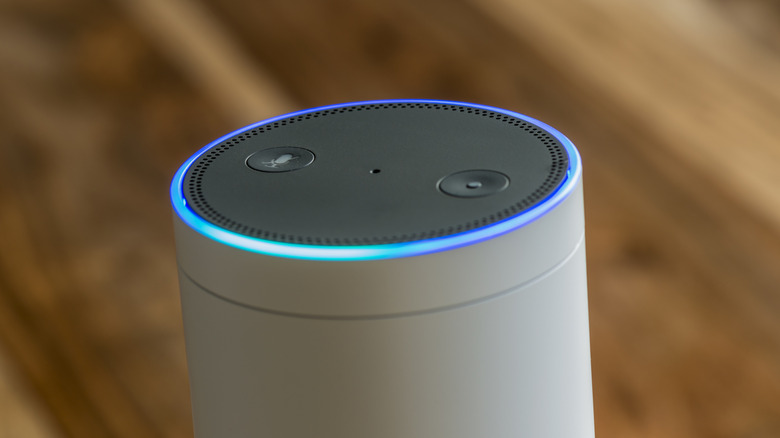
Your Amazon Echo speaker is trying to talk to you, and it's not just Alexa. Having an Echo device can be great for playing music or asking the assistant to complete a variety of tasks (sometimes performing them better than a Google Home), but be aware that the LED lights on these devices can be more than just for show. If you see lights on your smart speaker and you're not sure what they mean, we can help.
Amazon Echo devices have nine LED light colors to communicate messages to users, but these only apply to the original Alexa and Alexa+. These light messages can include how and when you communicate with the device, how it's functioning, and other important notifications. Where you'll see this light depends on the type of Echo you own, though more often than not, the light is located at the top or bottom of the device.
Like knowing certain essential voice assistant commands, knowing what the Echo's LED lights mean can be foundational for proper use. Remember that Do Not Disturb is available to silence some of the lights. Open the Alexa app on your phone, tap Settings, and then choose Device Settings. Select your Echo, choose Do Not Disturb, and enable it. You may still see some warning lights, such as a bad-internet-connection indicator. Disabling notifications is also an option. Open the Alexa app, select More, and tap Settings. Tap Notifications, and then choose which services to disable. Now let's hit the lights.
What each Echo LED light means
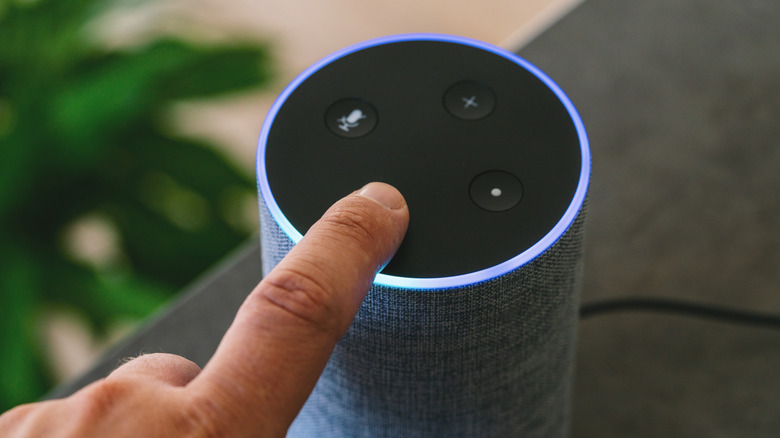
Going through the colors, let's start with communication. A teal-blue light means Alexa is ready for your commands without needing a wake word, whereas a blue ring with cyan glimmering for a moment means Alexa is processing your request (though a blue glimmering light also indicates the device is undergoing a software update). If you see a solid red light, the device's microphone is not connected. Turn the mic on again by pressing the microphone button. For Echos with Cameras, a red light means video isn't being shared.
If you see a teal-and-blue spinning light, the Echo is starting up (or restarting after an update). This light turns orange to indicate it's ready to be set up if it hasn't already. An orange light also indicates that your device is in setup mode or attempting to connect to the internet. For device notifications, a slow-moving burst of yellow means Alexa has a notification or reminder for you. Remember, you can ask Alexa to check your notifications.
Additionally, a pulsing green light means a phone call is incoming, and if the green light spins, the device is actively on a call or in a Drop In. When using Do Not Disturb, you'll briefly see a purple light when making requests to the device, but purple may also indicate Wi-Fi issues during initial setup. Finally, a white light shows the device's volume level during adjustments. Of course, remember that an Alexa device also has an emergency assist feature that comes in handy.