

What Does The Shield In The Battery Icon Mean On A Samsung Phone?
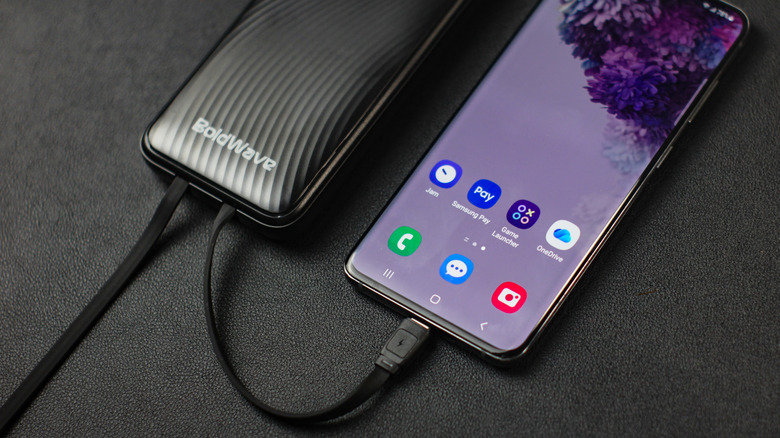
Overcharging your smartphone used to be a widespread fear among users. Many believed that charging your smartphone overnight was detrimental. But that's simply not true anymore, as smartphones have become more resilient with built-in protection.
Smartphones depend on built-in mechanisms to protect themselves so they don't keep charging past the cap, which is usually set by the charger and the phone's hardware and software. For example, iPhones have an 80% charging limit found inside the Battery and Charging settings. But many other phones, including Android devices, have something similar. Plus, depending on the model, you can even see a visual indicator that your device is protecting itself from charging beyond its limit.
On Samsung phones, starting with One UI 7, when you enable battery protection with maximum charging, you see a shield icon indicating your device is protected from overcharging. This also means that your Samsung phone stops charging at the set max and will only continue if it drops below the limit (a lightning bolt replaces the shield).
The battery percentage on your smartphone can also show a leaf icon. When you see the leaf icon, it indicates that power-saving mode is on. Turning it off will make the leaf disappear.
Choosing the right battery protection settings
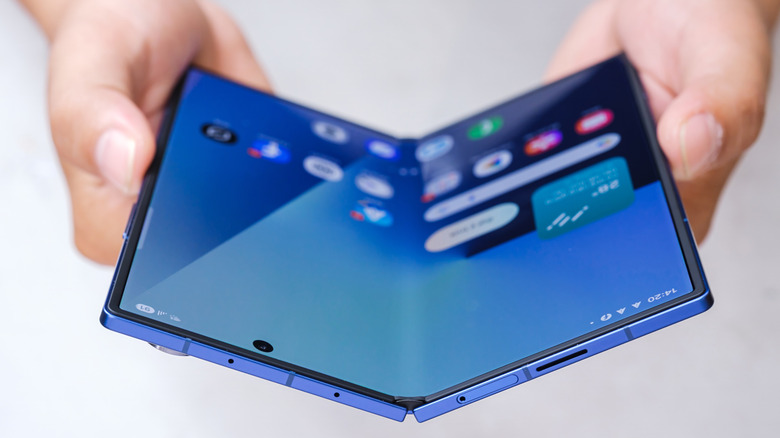
Samsung Galaxy phones have battery protection settings that help streamline your options. On newer One UI devices, you will find two options: Basic and Maximum. Adaptive used to be a third option, but it was changed to Sleep time protection under Basic options in an update.
Basic is what it should default to unless you change it to Maximum. For One UI 7 devices and later, you will see a slider under Maximum to indicate an exact percentage: 80%, 85%, 90%, and 95%. With Basic, your phone will go all the way to 100%, stop charging, and then resume once it reaches 95%. Usually, 100% is the default choice — why cap the charge lower if you are going to use your device all the time? But doing that won't solve the battery longevity issue.
It turns out that your smartphone battery, especially a lithium-ion one, doesn't do well under excessive chemical stress. This is all based on battery science: in the electrochemical reaction, the ions traveling from the cathode to the anode in the cell — the last bit of charge — are actually the most stressful on the system, as when you are topping off your phone from 80% to 100%. So the whole point of not letting your device go above 80% is to maintain thermal stability during its charging cycle. But of course, there are still external factors that can affect a phone's battery health, like the temperatures your device is exposed to during the process (bulky phone cases can dissipate heat poorly) and the type of charger you use. For this reason, using an unsupported charger is one of the things you should never do with a Samsung phone.