

Why Do LED Lights Flicker On Camera?
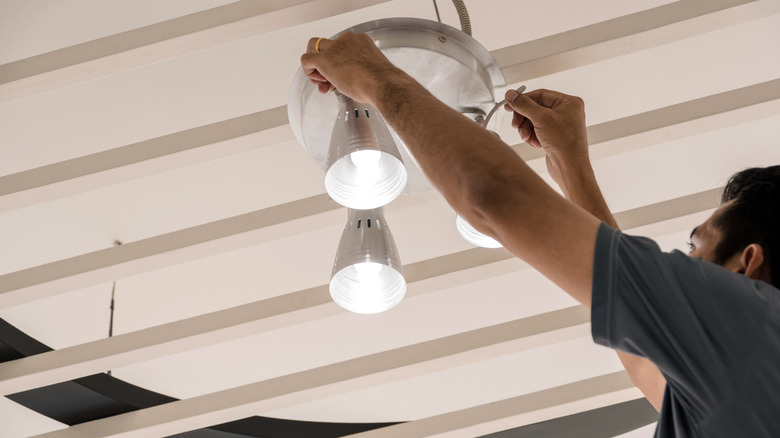
Have you ever shot some video on your phone or camera in a bright LED-lit room, checked the results, and noticed the screen is flickering like crazy? LED lights cause something referred to as the stroboscopic effect. LED lights turn on and off rapidly all the time, but our eyes are too slow to perceive it. To you, the light is a continuous thing, but cameras operate differently. A video might seem fluid, but it's nothing more than a collection of individual photos in a sequence captured at a higher frame rate, such as 24 frames per second (FPS).
More precisely, LED flickering happens when the FPS your camera captures is misaligned with the electricity's frequency. It gets even more pronounced if you're shooting slow-motion video (recorded at 120 or 240 FPS on iPhones, for example). Fortunately, there is a solution for this. Adjusting the FPS of the recording may get rid of the annoying effect, as could changing the shutter speed or — in some cases – replacing the light bulbs themselves.
The science behind the flickering
At the core of the flickering is the alternating current (AC). With it, electrons surge through the current in cycles. One cycle per second is measured in hertz (Hz). Hypothetically, in one Hz or a single cycle, the current changes direction once, so the bulb flashes twice as electrons move back and forth.
Electricity in the U.S. has a frequency of 60 Hz. That means that in a single second, the light bulb has technically turned off and on 120 times. The human eye (and our glorious brains) perceives events continuously. In other words, we don't process the environment as a series of stills. Once the flickering goes above a certain speed, our brain simply doesn't register the flashing.
Cameras are different. When recording video, the camera shutter opens and closes much faster than the LED light pulses. In other words, the black flicker you captured happened exactly as the LED light shut off during its regular cycle. So, when a camera and lights are out of sync, or when the shutter speed doesn't match the flickering of the LEDs, your video will clearly capture the dreaded strobe effect. While that makes sense for cameras with a physical shutter, what about phones? They use an electronic rolling shutter that exposes the sensor line by line, so this flickering can be seen on those devices, too. You can also tweak settings to avoid mistakes that can make your footage look worse.
How to eliminate LED flickering on videos?
If you notice that LED lights flicker on your camera, your first line of defense is adjusting the FPS and shutter speed. Here's where some professional film standards come in handy — particularly the 180-degree rule. If you set the FPS at 30, your shutter speed should be double that amount, or 1/60. Set your FPS to 60 and the shutter speed should be at 1/120, and so on.
It's helpful to keep this setting on the lower side, if possible. Since power in the U.S. is 60 Hz, the light pulses 120 times per second. Setting your shutter speed to anything that matches that rate is a good idea. A shutter speed of 1/60 will work fine, but you can also double it to 1/120. As long as the shutter speed is divisible by 60, you're good. Just keep in mind that regular phone cameras, for the most part, don't have shutter speed control for video. Though you can get more "professional" control by using third-party apps, dedicated video cameras, such as camcorders, still reign supreme in terms of manual control.
If all else fails, replacing the bulbs themselves could get rid of the flickering. One online user posted about the LED lights flickering when using the slow motion feature on the iPhone. To get past this conundrum, they replaced their existing bulbs with non-flickering variants from Amazon, and surprisingly, the footage cleared up. Setting up some non-flickering LED lights of your own could get rid of the flickering issue without any need to adjust your camera's settings.