

Over 5 Billion iPhones And Android Devices Are Vulnerable To This Massive New Threat
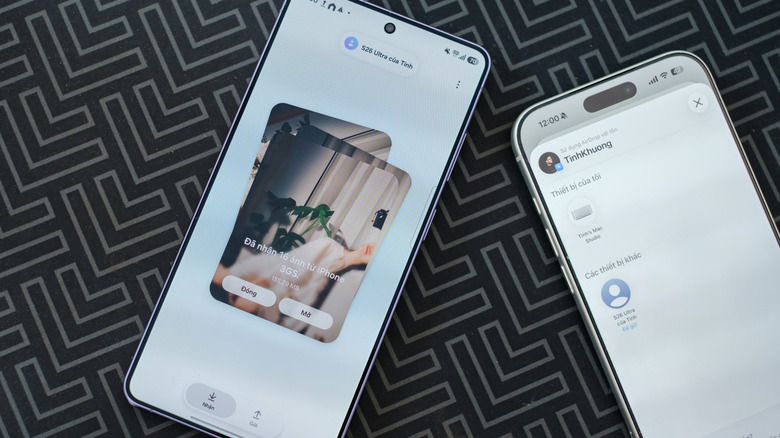
AirDrop and Quick Share both let you send photos and files to a nearby device in seconds without the need to sign into a Wi-Fi network, pair with another device, or even set up an account. And since Google brought AirDrop support to Android devices, this ease of sharing has become even more useful. That seamlessness comes from background services that wake up and talk to nearby devices the moment they're in range, without requiring the user to approve anything. While it's convenient, security researchers at the CISPA Helmholtz Center for Information Security just showed how much that level of trust can actually leave users' devices open to exploitation.
According to reports (via Help Net Security) on the research, the issues come down to six potential vulnerabilities that can affect iOS, Android, macOS, and even Windows devices. Three have been tied to AirDrop, with the primary issue being focused on sharingd, the daemon that both macOS and iOS use to power features like AirPlay, Universal Clipboard, Continuity Camera, and Handoff. The other three are tied to Quick Share and the system that Windows uses to allow continuity features between Android and PC.
The good news is that each of these vulnerabilities has already been reported to Apple and Google. Additionally, two of the vulnerabilities have already had fixes released, and the other four are currently in discovery pending the resolution of official fixes. Additionally, you can protect yourself by changing how your device connects to other devices using AirDrop and Quick Share.
How security researchers broke AirDrop and Quick Share
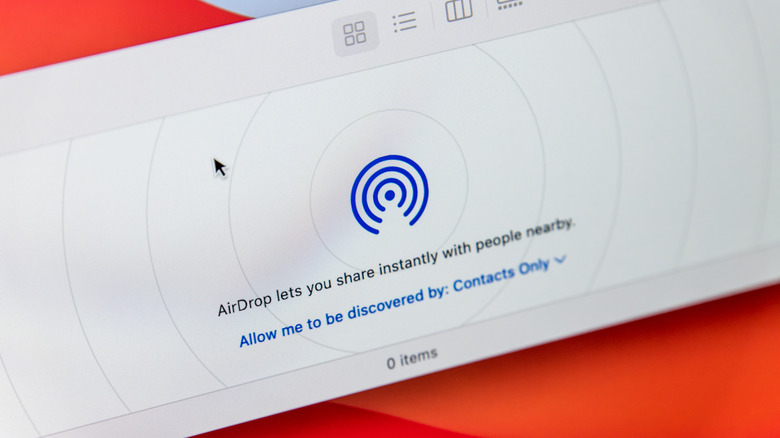
What makes these vulnerabilities especially troubling is the way that AirDrop and Quick Share are designed to work. They're meant to feel seamless, and to accomplish this, both systems run privileged services in the background that constantly "listen" for incoming data from other devices. That means these services need to pick up and process data from unknown sources before requiring any kind of user intervention. Because of how these systems work, the researchers note that attackers only need a laptop with Wi-Fi and a spot within 10 to 30 meters of any devices with AirDrop and Quick Share set to the "Everyone" discoverability option.
From there, all it takes is issuing commands to the services. In AirDrop's case, the commands essentially create an overload of the system, causing the sharingd process to crash completely. This shuts down AirDrop, Continuity Camera, and other services that work off the background process on any affected device. Things are sketchier for Quick Share and Windows users, as the commands issued there can bypass security checks due to how the system is designed.
Instead of opening with a security key exchange, Quick Share allows for three data frames to be read and answered before the initial security exchange. Afterward, even if the exchange is shut down, the session keys continue to exist. This allows bad actors to reopen the session, as those three original frames are sent as unencrypted content. This also affects Windows, creating what the researchers call a "use-after-free" error.
How to protect yourself
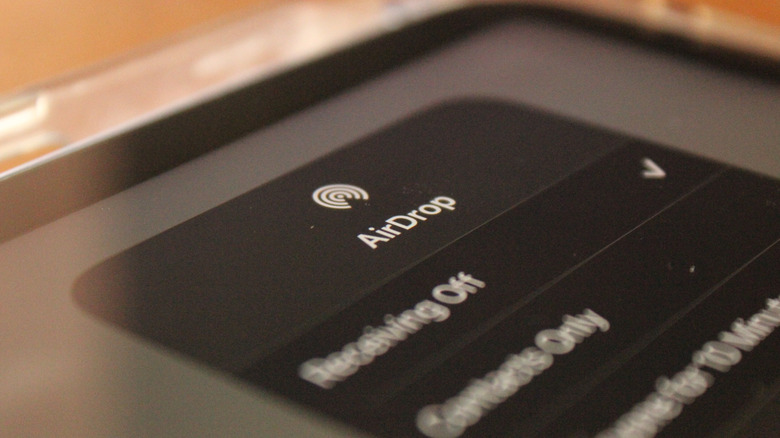
As noted above, the best news about all of this — aside from the companies already being aware of and working on solutions — is the fact that you can help protect yourself and your device from falling prey to any of these issues. When you use AirDrop or Quick Share, you have the ability to choose to allow sharing with everyone, just your contacts, or nobody at all. Turning it to the nobody (it may be named differently depending on device and system) setting is a good way to control any inbound connections, as you'll need to turn on AirDrop or Quick Share when you want to use them.
This can be inconvenient, especially if you plan to share a lot of photos or files with your loved ones, which is where the contacts only option comes in handy as well. While walking around with Everyone enabled might seem convenient, it also opens you up to connections from people you don't know and trust, and with vulnerabilities like these currently active, you'll want to avoid doing that to help protect your device and your privacy. Sure, Apple is working to improve privacy in AirDrop, but it's always best to be prepared. Because while none of these actually allow for data retrieval, it is always possible for bad actors to find a new vulnerability sometime in the future.