

4 Reasons Why Alexa+ Is Actually Worth Paying For In 2026

First rolled out to select devices (in early access) in March 2025, before getting a full U.S. rollout in February 2026, Alexa+ is an upgraded version of Amazon's Alexa personal assistant. Powered by Amazon's Nova and Anthropic large language generative AI models, Alexa+ offers a more personalized, conversational, and smarter overall experience than its predecessor, plus a bunch of cool Alexa+ specific features, like the ability to order takeaway or discuss the news.
However, Alexa+ isn't flawless. Users have reported several issues with the AI personal assistant, including factual inaccuracies, becoming frustrated with its overly chatty responses, and device lag, while others simply miss the old Alexa's functions — leading some to revert to the original version of Alexa. Though some of these issues were reported during the early access period.
While Alexa+ is included for free with Prime membership, for everyone else, it costs $19.99 per month, with non-Prime members able to try out the Alexa+ chat experience on the web as part of the free tier. But considering its drawbacks, is it actually worth paying for Alexa+ in 2026? Below, we break down five reasons why it is.
Conversations are more natural

While some Alexa+ users aren't a fan of the AI assistant's chattiness, others appreciate how it speaks more like a human than its more robotic predecessor. You can have free-flowing conversations with Alexa+ about topics you find interesting, ask it to provide real-time information and news (pulled from publications like Reuters and The Washington Post), with some users praising how it can break down even complex subjects and have detailed conversations about them.
In addition, unlike normal Alexa, Alexa+ understands context and can remember prior information and conversations. This means that if, for example, you ask it to set a reminder for you for a certain time, but you get that time wrong, you can simply say "change that to [time]" and it will change the time without you having to delete the previous reminder and set it again. However, some users report the reminder function is temperamental and can get the date or time wrong, so it's worth checking that it's definitely right on the app after you've set it.
Improved smart home management
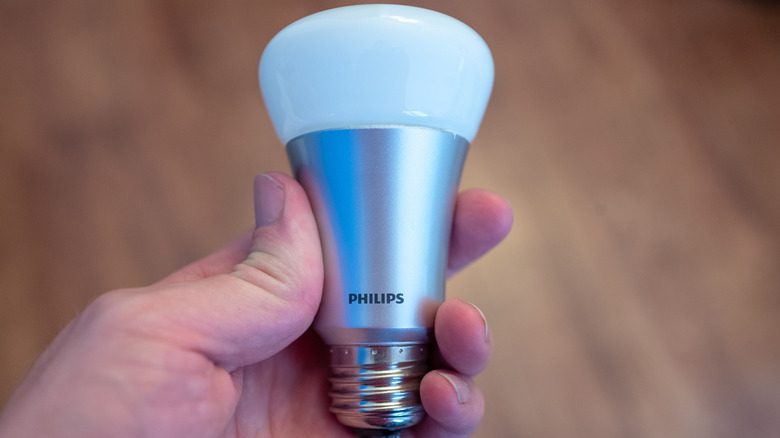
While the original Alexa lets you set up and manage personalized routines, more complex routines usually require the app, as only one voice command can be set at a time. Alexa+'s improved understanding of context and upgraded smart home integration make this more straightforward, as the AI assistant understands more complex routine voice requests.
This means you can ask it to set a routine with several commands in one go. For example, you can say, "Alexa, at 8am, turn on the coffee pot, play my wake-up playlist, and turn on the bedroom lights" and it should understand you. Or, you can say "the living room is too dark" and it will know you want the lighting in that room turned up. Alexa+ can also set weather-based routines, so you can ask it to turn on the heating, for example, when it starts to snow.
However, some users have reported bugs with Alexa+'s automations, with the AI assistant not recognizing certain compatible smart devices in their home or turning on the wrong smart device, like the bedroom lights instead of the living room lights.
Understands kids better
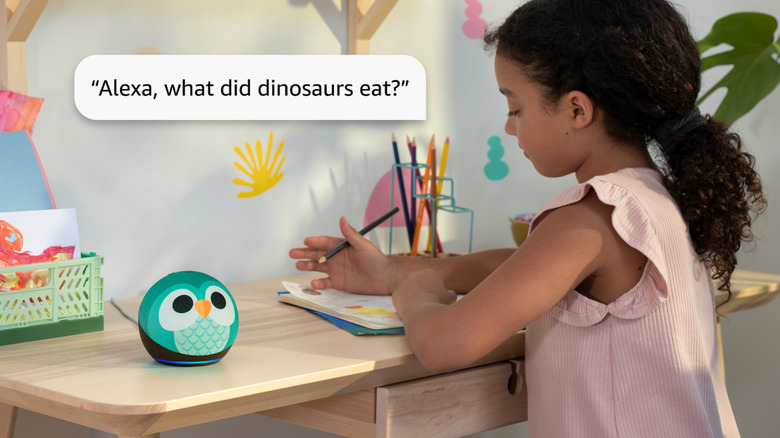
Younger kids often don't ask questions clearly; Instead they stutter, mispronounce their words, and jump from subject to subject. While many voice technology services struggle with understanding children — as AI devices are often made with adults in mind — Alexa+'s improved speech recognition means it understands children better, leading to less frustration.
To ensure their children aren't accessing adult material, parents can create a child's profile on Alexa+. The AI assistant will be able to identify your child's voice and enable the Alexa+ Kids mode when a question or command comes from that child, filtering out songs with explicit lyrics, preventing voice purchasing, and providing age-appropriate responses. However, some features, like interactive learning and games, require an Amazon Kids+ subscription, which costs $5.99 for Prime members or $7.99 without.
If you do allow your child to use Alexa+, experts recommend monitoring their usage, putting your Alexa device somewhere you can hear it, making sure your child treats the device with respect as it would a person, and discussing as a family the answers it gives so they don't just take its responses (which can be wrong) at face value.
Fire TV integration
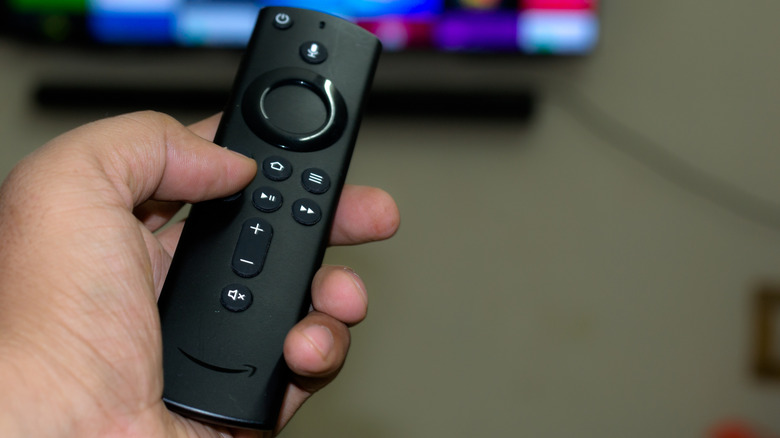
Alexa+ is now available for compatible Amazon Fire TV devices, offering a range of visual features — some of which aren't available for Echo devices. The coolest is the scene-skipping feature, which allows you to skip to a specific scene in a Prime Video movie simply by describing the scene with details such as the actor's name, character name, or a quote from the film.
So, if you said, for example, "jump to the 'life is a box of chocolates' monologue in 'Forrest Gump'," your Fire TV would jump to that scene in the film, or if you said "What's the film where dinosaurs escape a park? Jump to the scene when the glass of water ripples," it would skip to that scene in "Jurassic Park." This can be useful if you need to quickly skip back and forth, have lost your place in a film, or are trying to remember which film a scene was actually in.
You can also ask Alexa+ questions about a film or TV show as it's playing, like "who is that actor?" or "what song is playing?" offering a more conversational alternative to Prime Video's X-Ray feature. Once you've finished a series or film, you can then ask Alexa+ to recommend what to watch next, like "What's a good comedy film?" or "What's a TV show like 'Stranger Things'?" and your Fire TV will bring up personalized suggestions from across a variety of streaming services.