

How To Easily Free Up Space On Your Samsung Galaxy Without Losing Photos
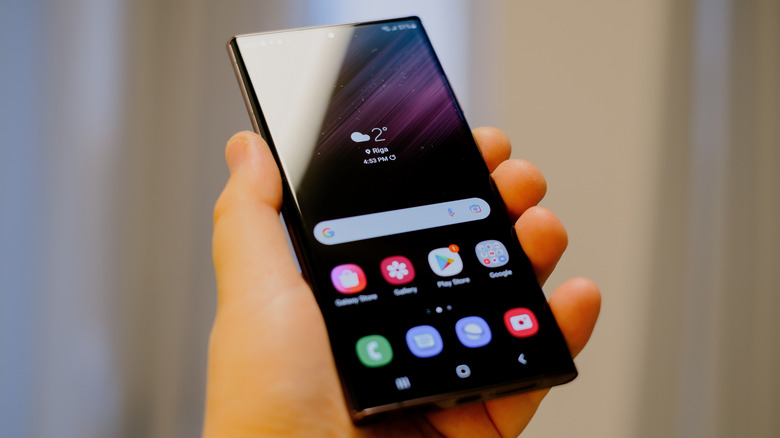
Smartphones' maximum storage capacity has increased with time, and some Samsung models offer up to 1TB of internal storage. However, the average smartphone user typically picks the 128GB or 256GB model. If your phone memory is nearly full and you don't want to delete the existing media, you have multiple options to make some room. Before starting a cleanup session, you must check the total memory used by images stored on your phone.
Samsung's My Files app can tell you all the storage statistics and even sorts the files into different categories. Launch the app and tap on the Images icon in the top section. It'll list the images on your phone with the total occupied size at the top-right corner. Removing unused apps is a great starting point because it cleans up your app drawer and home screen. Tap and hold on the app icon and select Uninstall. Go for the rarely used apps like preinstalled Samsung apps, games, and other social apps, and borderline-adware tools.
Social media apps and games store huge app caches for faster loading, sometimes in multiple gigabytes, and cleaning them can free space to some extent. The app will slowly rebuild it, and you have to repeat the process in a few weeks. Long-press the app icon, select App info. Then, tap on Storage and select the Clear cache option.
Focus on large files, duplicates, recycle bin, and streaming app downloads
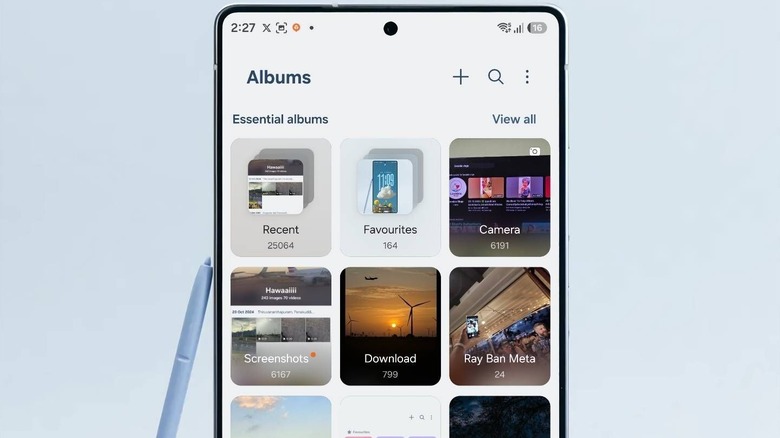
The recycle bin is a fail-safe feature to preserve accidentally deleted files. Even when you bulk delete items, the app keeps them in the trash for 30 days, which still occupies storage space. Before hastily deleting more photos, you should empty the recycle bin first. Repeat the following steps:
- Open the My Files app.
- Tap on the Recycle bin option.
- Tap the vertical ellipsis button on the top right.
- Select Empty.
- Tap Delete to clean the trash.
The Gallery app shows a Recycle bin option as well, but that only shows media files that you put in the trash. Clearing up items Recycle bin is enough.
Next, remove the large files and duplicates on your phone. They'll mostly be video files, screen recordings, or documents that you repeatedly share or download. Here's how to do it:
- Open the My Files app.
- Tap Manage storage and select Large files.
- Manually select the files (over 500MB) and tap Delete.
- Tap Delete again.
- Go back and tap on Duplicate files.
- Select all items and tap Delete all.
The Manage storage tool also shows a few suggestions. Review the files, and delete the ones you don't need. As well, you might have downloaded multiple movies and shows in streaming apps like Netflix, and never bothered to delete them. These high-quality video files take up huge space, and also don't show up in the My Files app storage calculator. Streaming apps encrypt them to prevent piracy, and you must manually open each app's download folder and wipe it clean.
Move files to a storage drive or a cloud storage service
If all the above methods fail to free a major chunk of storage space on your Samsung phone, it's time to move the important files elsewhere. You can connect a USB drive via an OTG adapter, or relocate the files to an SD card. Connecting the phone to a PC and copying the large files is also an option. All these methods promote local data storage, but aren't very convenient. SD cards in smartphones are rare now, and USB storage is a temporary option, as you have to physically connect and transfer files after a few weeks of consistent use.
Instead, you can use a cloud storage provider like Google Drive or Dropbox to back up your important files. The free tier can store your important files, and you can use the PC transfer option when space runs out. You can also purchase a cloud storage subscription with ample storage space, like Google One, which offers up to 5TB storage capacity. Picking a cloud storage service ensures that your files sync automatically, and you can access your them whenever necessary. Cloud storage services use hardened security measures to protect your files, ensure redundancy by maintaining multiple copies of the data, and don't need any upkeep from your end.