

You Can Use A GameCube Controller On Your PC - Here's How
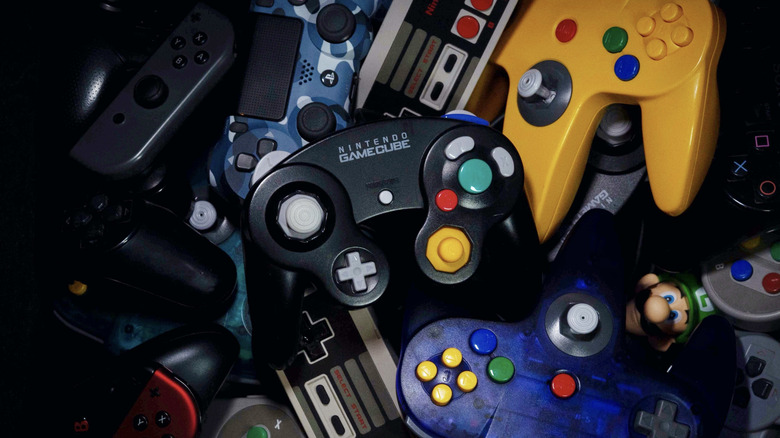
The GameCube controller was one of the most iconic controllers Nintendo ever created, largely because of its design. When you hold it, the main analog stick fits your hand, and the huge A button stands out, making it one of the best ways to play platformers and fighting games. For that reason, even years after the console's original launch, it remains the best option for many titles, especially from the "Super Smash Bros." franchise.
The good news is that even though it is an old controller made for the GameCube, you can still use it on PC today. And even though you can do this with an original version, you do not need to buy a used one, since several of the best controller brands offer USB-cable versions. Nintendo itself also joined this trend: with the launch of the Switch 2, it released an official controller version that Windows can recognize via a cable or Bluetooth, using a PC app. On the other hand, the original controller requires an external adapter because it lacks a USB connection, making it the biggest challenge to find the right adapter and drivers.
You need the right adapter to use an original GameCube controller on PC
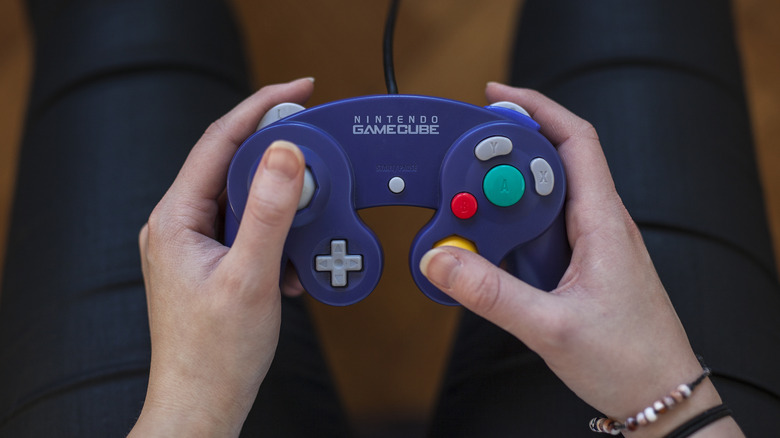
Most recent GameCube-style controllers, such as the Switch 2 model or third-party options, can work as plug-and-play devices through a USB cable. The original controller, however, is a little different. To use it on a PC, you first need an adapter, since it cannot connect directly to a computer. The most common options are the official adapter released for the Wii U or Mayflash models, both of which are gadgets that make retro gaming feel modern and usually have a switch to alternate between different use modes.
The correct mode depends on what you plan to play. GameCube emulated games on PC should ideally be played with the adapter in Wii U or Switch mode, because that is how the emulator natively recognizes the controller and its button layout, since Nintendo's button layout is different from Xbox's. After that, connect the accessory to the PC and install the driver. Then open Dolphin's controller settings and select the GameCube Controller Adapter option.
Do GameCube controllers work on Steam?
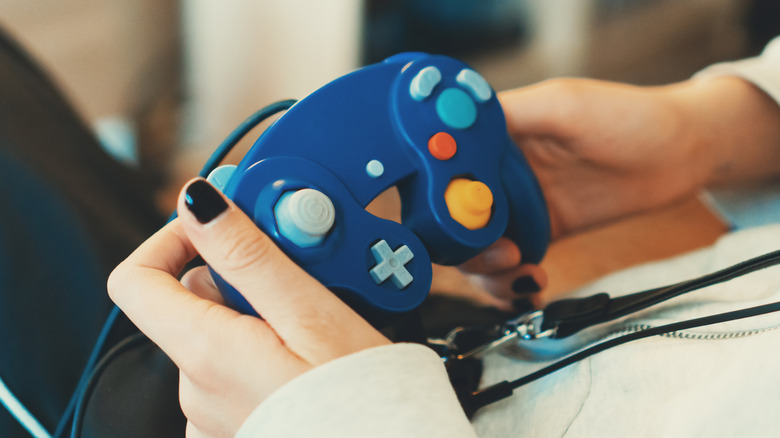
Since late 2025, Steam has natively recognized GameCube controllers and even offered rumble support, cementing its place as an essential app for retro gamers on PC. This applies both to original options that use an adapter in Wii U mode on Windows and to third-party options that use the GameCube controller layout but connect via a USB cable to the PC.
The GameCube controller made for the Switch 2 is also recognized by Steam, since around that time, the Steam client received an update to support Nintendo's newest controllers. So, if you're using an adapter in the correct mode, plug in the USB controller, and make sure Steam itself is updated before opening the game. You can still make some adjustments to commands with Steam Input to ensure the experience fits your needs.
However, it is worth remembering that although the GameCube controller is more traditional than the Nintendo 64 controller, such as having two analog sticks, it is not recommended for every title. It works best for games designed for it, like "Super Smash Bros." itself or similar GameCube-era titles, while modern games may not deliver the best possible experience, even with external software such as reWASD.