

11 Essential Apps Every Retro Gamer Needs On Their Phone
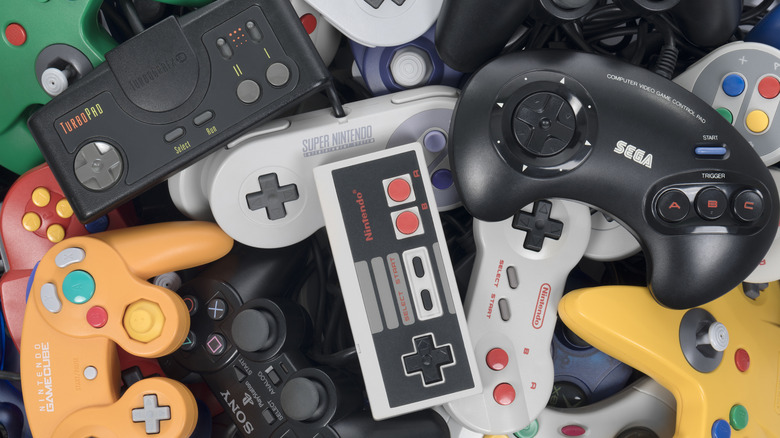
Retro gaming is having a big moment. Aging cartridges are hotter than ever, classic titles are being re-released on modern hardware, and emulation has made it possible to play your collection just about anywhere. Even your phone is now home to a plethora of apps for retro gamers, with Android quickly becoming one of the best platforms to relive the glory years of gaming.
But getting started isn't always straightforward. There are countless options, but most of them will have you digging through GitHub pages and sketchy downloads to find the right one. Thankfully, there are also great options readily available on the Google Play Store, and as long as you bring your own games, most of them are completely free.
Whether you're looking to revisit point-and-click adventures, join a larger community, or just keep track of your growing physical collection, these are the apps every retro gamer needs to install on their Android phones.
RetroArch
If there's one app that defines retro game emulation on Android, it's RetroArch. This all-in-one emulator can run games from virtually every classic platform from your childhood, from the NES and Game Boy era all the way up to the PlayStation 2 and Nintendo 3DS. Each system runs on an individual emulation engine, called a core, and all of them are open-source. It does not include the game ROMs themselves, which you'll need to provide from your own collection.
RetroArch offers an astonishing level of customization. Depending on the system, you can expand games to fill your screen with widescreen hacks, make games look more authentic with CRT shaders, or even track unique in-game challenges with RetroAchievements. It also supports save states, rewinding, and online multiplayer for supported games and platforms. All of this can be customized at the console level, or even at the game level, to suit your retro gaming preferences. Overall, it's a more robust solution to playing retro games than using an HMDI scaler.
However, all of that power gives RetroArch a notoriously steep learning curve. The default XMB-inspired interface might look familiar to fans of Sony consoles, but first-timers will likely feel lost. There's also no hand-holding during setup, so your best option is to look for a guide online. RetroArch is free to download on the Google Play Store, although the difficult setup has brought its rating down to 3.8 stars. Still, once you figure everything out, it's a one-stop shop for all your emulation needs.
RA Tracker
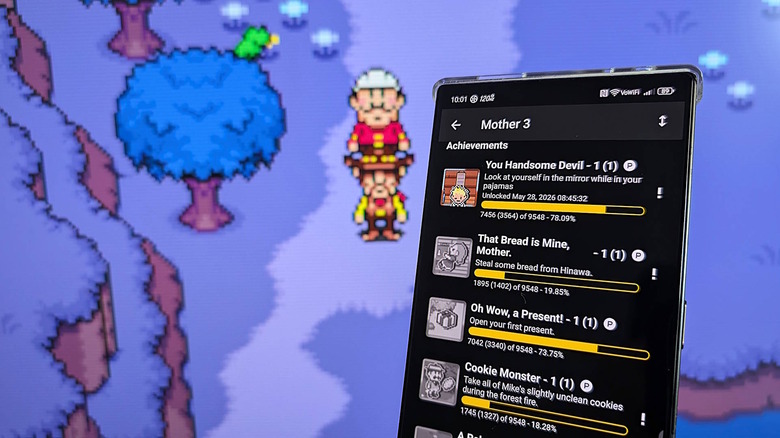
RetroAchievements has become one of the most beloved additions to the modern emulation scene, adding Xbox- or Steam-like achievement and trophy systems to your favorite retro games. This can turn a simple playthrough of a classic game into a true challenge, with unlockable badges for difficult in-game feats, speed challenges, or hidden secrets you might have missed as a kid. It really can breathe new life into games that otherwise haven't changed in 30 years or more.
The only problem is that it isn't easy to keep tabs on your progress. Some emulators like RetroArch make it easy to log in to your account and track your achievements as you unlock them, but you can't browse sets for other games or compare your achievements with your friends. That's where the RA Tracker app comes in. The unofficial companion app connects to your account via the public API and gives you a dedicated way to browse leaderboards or look up achievement sets to plan future sessions around specific challenges. You can also do this in a browser, but the app makes it far more convenient on a smartphone.
RA Tracker is free to download from the Google Play Store, with an aggregated 4.5-star rating. Like the wider RetroAchievements ecosystem, it's a community-led effort rather than a big-budget app, so it's focused, if a little barebones. Still, it's a must-have for all dedicated "cheevo" hunters.
PPSSPP
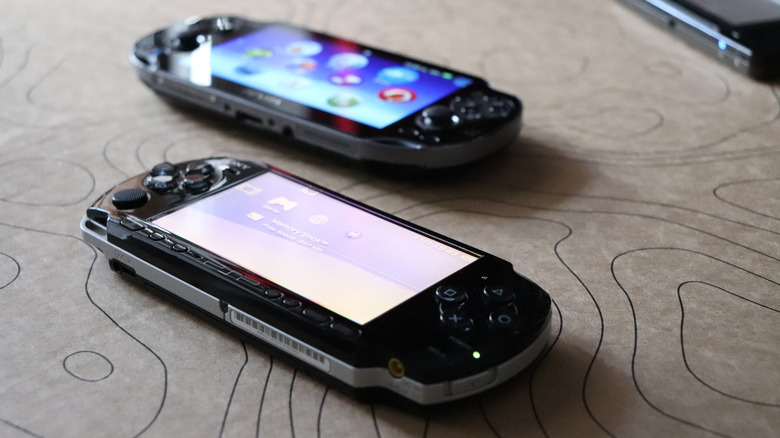
The PSP helped usher in the current handheld gaming craze, standardizing the widescreen candy bar format that the Nintendo Switch 2 still uses to this day. Despite its modern design, Sony's hit handheld came to U.S. shores way back in 2005. That makes it just over the twenty-year hurdle most gamers hold for official retro status, no matter how old it might make you feel.
Thankfully, most PSP games have aged very well, and the PPSSPP emulator makes it incredibly easy to play them on your phone. Created by Dolphin co-founder Henrik Rydgård, PPSSPP is one of the most mature emulators on the market, regardless of system. In fact, it was first released while the PSP was still in circulation, back in November 2012. Over the years, it's been highly optimized and ported to every platform from Android and iOS to the Nintendo Wii U and Switch. It even allows you to connect to community multiplayer servers long after Sony shut down the official program.
There are two versions of PPSSPP on the Google Play Store, starting with the free base version, currently holding a 4.5-star rating. The paid PPSSPP Gold version is identical to the base version, but it's an easy way to pay the developer for his hard work. Both versions are still in active development, but you'll have to rip your own .ISO or .CSO files to play.
Dolphin
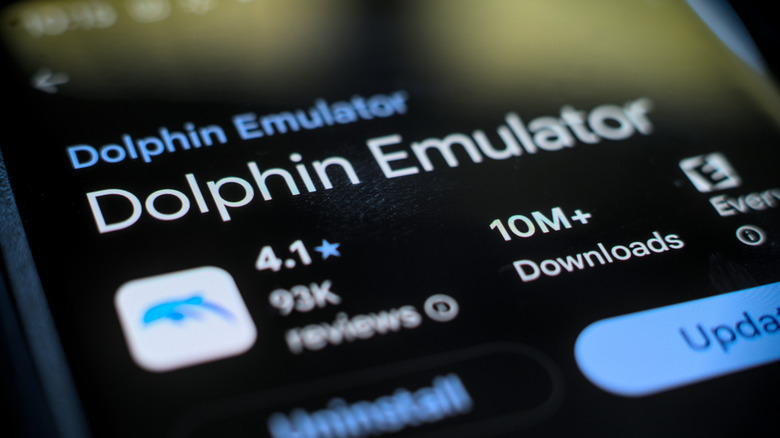
Nintendo has taken baby steps toward making GameCube games playable on modern hardware with support via Nintendo Classics on the Switch, but it's actually surprisingly easy to play your collection on your phone thanks to the Dolphin emulator. It's been under development for more than two decades, and at this point, it can run the entire GameCube catalog on any relatively modern phone. After all, many gaming phones are now more powerful than a Nintendo Switch. With the right widescreen hacks and a few neat tricks to improve framerates and resolution, games can look even better than they did on the original hardware.
But Dolphin doesn't only run GameCube games. It also runs Nintendo Wii games thanks to the remarkable similarities between the two consoles. Wii support was added in 2008, and last year it finally achieved full compatibility with the Wii catalog. Some of these games are playable with on-screen touch controls or a standard controller, but the emulator also supports Wii Remotes via Bluetooth. Just be aware that you may need a secondary app or device.
Dolphin is free to download from the Google Play Store, with a 4.1-star rating after more than 10 million downloads. Like most emulators, it does not come with any games, so you'll need to provide your own game files.
Discord
Retro gaming might be about old hardware and decades-old games, but the community around it is very much alive and modern. There are forums and subreddits dedicated to retro games, emulation, and more, but the most active discussions are happening on Discord. What started as a chat app for PC gamers has blossomed into the de facto gathering place for everything from emulation developers and enthusiasts to ROM hacking and decompilation communities.
Every major emulator has its own Discord server, and for good reason. These servers are where developers can hear directly from users about issues and new feature requests, and where users can hear about exciting updates and beta builds before they hit the Google Play Store. They're also the best way to get truly involved, whether as a developer, a tester, or just an active meme poster. If you're new to the emulation hobby, it's also a great way to troubleshoot bugs in real time or get tips on shader presets and controller configurations.
Discord is free to download from the Google Play Store, with a 4.3-star rating and more than 500 million downloads. The ratings took a hit when the app began requiring IDs or a facial scan to confirm your age for some communities. You'll need to create an account and hunt down server invites for relevant communities, but it's by far the best way to get truly plugged into the retro gaming scene.
Azahar
The Nintendo 3DS is one of the most unique handhelds of all time, but 3DS emulation has had a rocky road. For years, Citra was the go-to option, with impressive performance across platforms. Then, it was suddenly shut down in 2024 due to Nintendo's legal pressure. It was caught in the crossfire of the company's lawsuit against its parent company, which also developed the Nintendo Switch emulator Yuzu. The last version of Citra was workable, but the app quickly forked into competing projects with competing goals.
Azahar stepped in to fill that gap. It built upon Citra's open-source base, combining the two leading forks, Lime3DS and PabloMK7's Citra fork. The result is even better support for a broad library of 3DS games, including beloved titles like "Pokémon", "Fire Emblem", and "Animal Crossing". Performance-wise, it benefits from years of optimizations on top of Citra's strong foundation. It's still a work in progress, but most games should run well on mid-range phones, and thanks to upscaling and texture packs, games often feel like full remasters. Granted, you'll have to give up the original hardware's titular stereoscopic 3D effect.
It's free to download from the Google Play Store, where it holds a middling 3.5-star rating. The low rating is largely a result of the developer's decision to drop support for the .3DS file type, which was reversed earlier this year. As always, you will need to bring your own games.
Daijisho
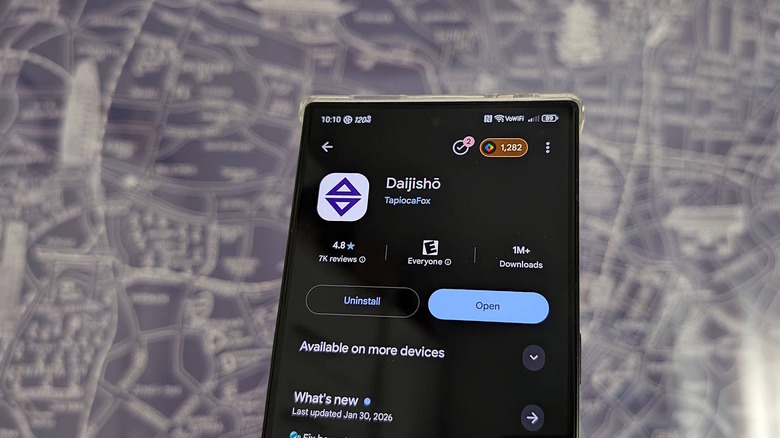
Getting your retro games onto your phone and running is one thing, but making them easy to browse is another. A cottage industry of apps that organize your ROM collection, called frontends, has popped up over the last few years to turn a messy list of files into a more console-like experience. There are excessively beautiful apps like iiSU, highly customizable options like ES-DE, or up-and-comers like NeoStation, but one of the easiest to set up and use for beginners is Daijisho.
Daijisho is one of the older frontends on Android, and that extra time in the oven translates into a much more full-featured app. It works great with both touch inputs and telescopic or Bluetooth controllers. It integrates with emulators such as RetroArch, Dolphin, and PPSSPP. It allows you to pull box art and metadata from the internet. Setup takes a bit of effort, but the result is an attractive, browsable library of games from your childhood.
Daijisho is available for free on the Google Play Store, with a 4.8-star average after more than a million downloads. As always, it doesn't include any ROM files, and you'll need to download and set up emulators separately beforehand. Treat this as the last step toward making your phone into the ultimate portable retro gaming machine.
ScummVM
Retro gamers over a certain age likely have fond memories of the point-and-click adventures from the '90s. The genre dominated PC gaming for nearly a decade before largely fading from the mainstream. Thankfully, ScummVM makes it easy to revisit classics like "Maniac Mansion", "Grim Fandango", the "Sam & Max" series, and more than 300 others. If you don't already own those games, there are also 11 freeware games and many demos available for download on the official website to try.
ScummVM pre-dates Android, with work starting back in 2001. It's a little different from traditional emulators, since the goal is to recreate the original game engines for these games, then execute high-level code. The result is a very lightweight program that should run on just about any phone released in the last decade. What's more, it adds plenty of niceties to enhance the experience, chief among them save states to pick up and set down games whenever you have a free moment in your busy adult life.
It's available for free on the Google Play Store with a 4.1-star rating. Unsurprisingly, point-and-click games lent themselves well to modern touchscreens, with a simple one-finger setup for moving the cursor and clicking. Still, you'll likely want to check the detailed guide to get things working the first time.
Picpic
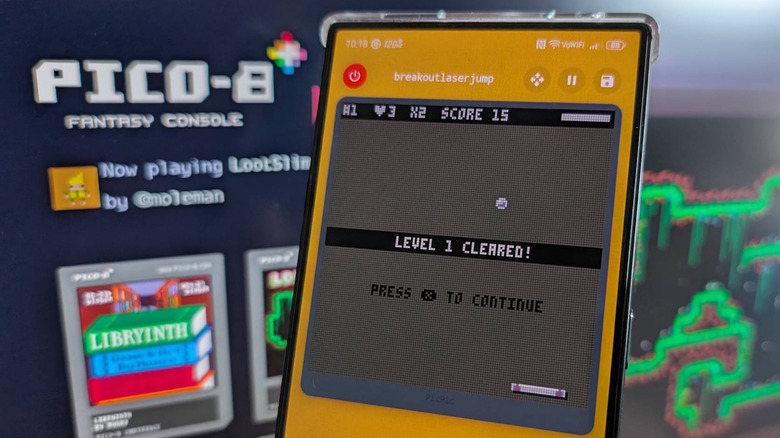
Retro-style games are back in vogue and more popular than ever, with huge hits like "Celeste" reviving pixel art. But what you might not know is that "Celeste" was originally developed for a new fantasy console called Pico-8, which mimics the 8-bit style of games from the '80s. The result is a rich library of simple pixelated platformers, addictive puzzle games, and even a "DOOM" demake.
There isn't an official Pico-8 emulator for Android, but the unofficial Picpic app is the next best thing. It can run native Pico-8 games at full speed, with a small catalog of built-in games and an easy importer to bring new cartridges from files or Chrome. The app's aesthetic matches its 8-bit inspiration, with touch controls and external controller support.
Picpic is free to download from the Google Play Store. It's a relatively new addition with only a few thousand reviews, but it holds a 4.7-star rating as of writing. The base version is free, with an optional in-app purchase to unlock additional customization options. Unlike most other Pico-8 emulators, it's still in active development.
Gameye
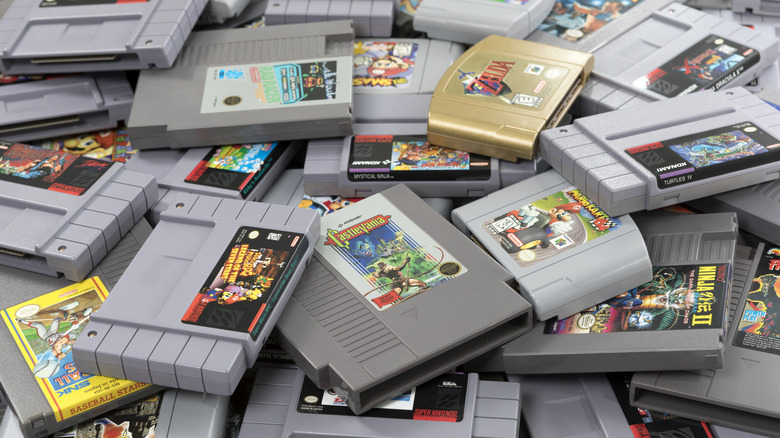
For many retro gamers, the fun isn't just in playing the games from their youth, but also collecting them. Digital collections can be managed with frontends like Daijisho, but you'll need a separate app to keep track of your physical collection. Gameye is built to solve that problem, providing a full tracking app to catalog your games, guides, and accessories like Amiibo figures in one place. Even if you have hundreds of games, the process of scanning barcodes is relatively painless.
Beyond simple cataloging, Gameye also lets you track details like the game's condition, or even personal ratings and completion status. It has features for all kinds of collectors, including investors. You can track the price you paid for each game and the current market price to get an in-depth look at what your collection is worth. This can also be useful if you're browsing games at estate sales or second-hand game shops to identify good deals.
Gameye is free to download on the Google Play Store and has a 4.9-star average rating based on more than 100,000 downloads. It's entirely free and community-supported, with new features dropping regularly. Creating an account also allows you to sync your collection across devices on the newly redesigned website.
Native ports
While emulation remains the best way to play most retro games on your phone, it comes with some significant downsides. Emulators are a pain to set up, aspect ratios don't match up with modern displays, and control schemes are clearly not designed with touchscreens in mind. The good news is that a surprising number of beloved titles have official native ports available directly on the Play Store. They're built specifically to run on phones and tablets, and often they have updated content and a slightly modernized experience.
Square Enix has been particularly active here, with mobile ports of "Chrono Trigger", "Final Fantasy III", and several other entries in the"Final Fantasy" series available as paid downloads. Many feature updated graphics, redesigned touch controls, and quality-of-life improvements such as adjustable difficulty or faster grinding. "Castlevania: Symphony of the Night" is another standout that perfectly captures the essence of the PlayStation classic.
If you have a Netflix subscription, you can get access to even more great native retro games. The Netflix mobile game library includes full versions of "GTA: The Trilogy", retro-style games like "Teenage Mutant Ninja Turtles: Shredder's Revenge", and more. They're included at no extra cost with any Netflix subscription.