

What To Do When Alexa Starts Flashing Yellow
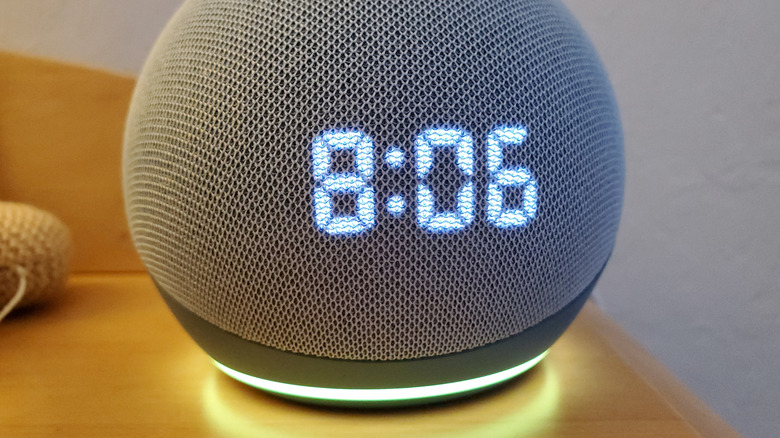
The Amazon Echo lineup of smart speakers and smart displays continues to be one of the most convenient and intuitive ways to automate your home. Powered by Alexa, products like the Echo Dot and Echo Show 5 can control smart home gadgets, stream music, set alarms, timers, and reminders, and even track your Amazon deliveries. Speaking of which, if you've ever noticed a yellow light circling the base of your Echo Dot or a yellow bar along the bottom of your Echo Show screen, this usually means that you have a notification or message from an Alexa contact waiting to be addressed.
When this happens, all you have to do is say "Alexa, what are my notifications?" or "Alexa, what messages do I have?" The assistant should then read out whatever alerts are pending, including delivery updates, shopping reminders, and any messages received via Alexa Calling and Messaging. After Alexa reviews your alerts, the yellow light/bar should disappear on its own, but if the yellow indicator remains, that means there are notifications and/or messages you still haven't addressed. Alternatively, you can just say "Alexa, clear my notifications" and the yellow light/bar should go away.
Yellow isn't the only communicative color Alexa dabbles in
If you'd prefer not to receive notification alerts in the future, you can change these settings in the Alexa app. Just tap More > Settings > Notifications, and then toggle off notifications for every feature or service you want to ignore. Once updated, Alexa should no longer show a yellow light/bar when there's an Amazon order update, a shopping suggestion, or a message.
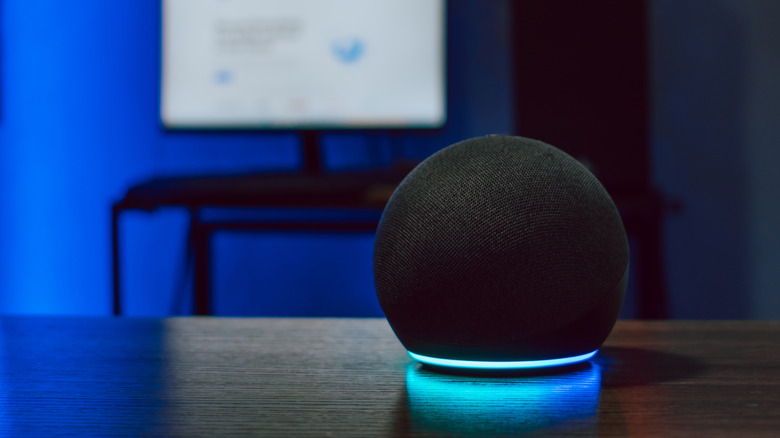
Yellow isn't the only LED color on Echo devices used to communicate with you. You'll see cyan blue when Alexa is listening to a voice command, teal blue when Alexa is waiting for a command, and red to indicate the device's microphone is muted. If you own an Echo device with a built-in camera, red also indicates that your video feed won't be shared. Learning what all the colors represent isn't totally necessary, but they're a big part of the Echo experience.
We should also mention that you won't see any of these color indicators on non-Echo speakers, even if the products have Alexa built in. If you own a third-party, Alexa-powered speaker, we recommend using your Alexa app to stay on top of notifications and messages. Or, if you have a hunch that you missed something (and you didn't disable notifications), you can just ask Alexa what your notifications are, and the assistant should read anything you missed.