

3 Common Problems With New Kindles, According To Owners

With Amazon officially discontinuing support for several older Kindle models, many users have found themselves pushed toward picking up a newer model. However, not everything is bright and cheery in the land of new Kindle devices, as despite being newer and still supported, users have reported their fair share of issues with the more up-to-date models. These issues can range from things as simple as faster than expected battery drain to more annoying but ultimately minor issues such as fonts changing randomly.
If you've recently found yourself having to move to a newer Kindle, then knowing about these possible issues can help mitigate your own frustrations. However, it is important to note that while users have reported several issues, not everyone has reported a fix for them. Some of them appear to be potentially tied to updates that Amazon released across its Kindle ecosystem, and as such, some of the problems we outline today may still be ongoing for some users.
Issues reading PDFs

This particular issue isn't going to affect everyone, but if you're someone who often loads PDFs to your Kindle for easy reading, then you might find yourself dealing with this problem. According to comments on Reddit, some users have reported issues being able to open PDF copies of books that have worked perfectly fine in the past. One post on the matter shared an error message, which simply states that there was an application error and elaborates that "The selected application could not be started. Please try again."
One of the latest posts on the matter was posted in May 2026, with the user noting that they encountered the issue after updating to version 5.19.3.0.1, and that before that they were able to open PDFs without issue. A similar issue was reported by a Kindle Paperwhite user a couple of years ago, with that user noting that one file in particular seemed to have corrupted, and that whenever they had restarted their Kindle and not opened that file they were able to open PDFs. After deleting the corrupted file, the user was then able to open any PDF on their device without issue. However, it's unclear if this solution will help with the recently reported issues that some users are seeing.
Increased battery drain
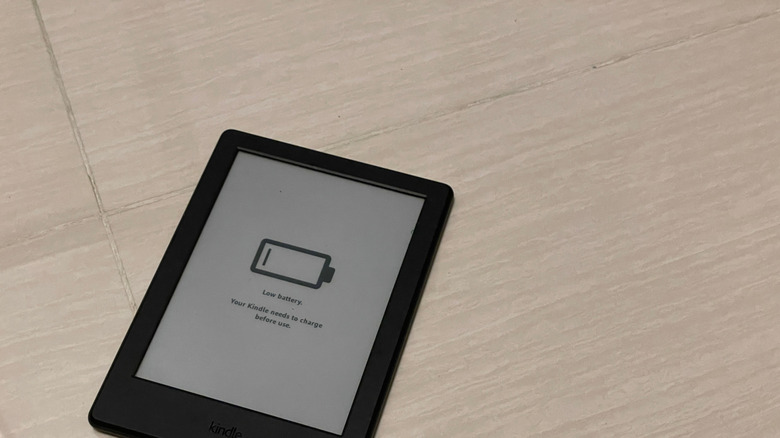
One of the biggest draws of using an e-reader like the Kindle is the long-lasting battery life. Amazon claims that Kindles can last up to 12 weeks on a single charge, and while this next issue doesn't appear to break that claim entirely, it does have some users scratching their heads and trying to figure out where things went wrong. According to one Redditor, after updating to the 5.19.2 update, their Kindle Paperwhite 12th Generation has started to drop battery percentages quickly, sometimes losing as much as 6% in the span of 10-15 minutes of reading.
High battery drain isn't abnormal, especially if you're using your Kindle for several minutes each day. However, the user says what makes this particular issue concerning is that the battery percentage isn't dropping slowly. Instead, it's dropping in chunks after opening and closing the Kindle. Other users reported significant battery drain after updating to that version of the Kindle OS, and there do not appear to be any reports of the newest update fixing these issues just yet.
There have been many conversations about exactly how long the Kindle's battery lasts, though some in-depth tests have shown that a newer device can last up to five days on a single charge if you're using it daily. Of course, a lot can affect this, including what brightness settings you're running, as well as how long you are reading each day. Still, seeing large chunks drop at a time is very concerning.
Font changes randomly
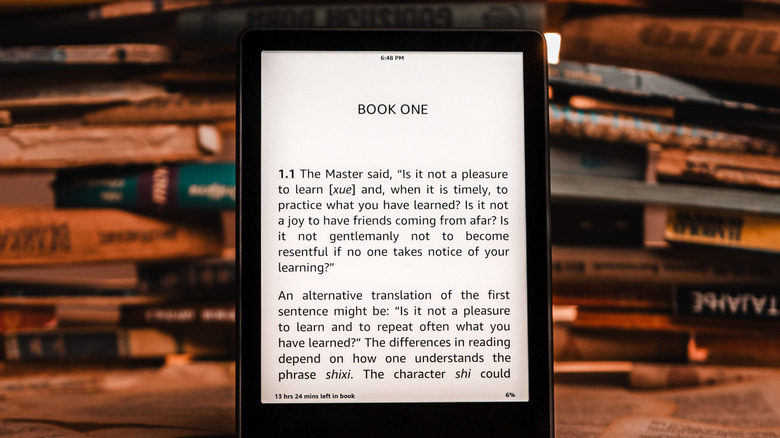
Another potential issue to be aware of on newer Kindles is a possible font change when reading. None of those reporting the change appear to be sure what caused it, but they say that when reading, the font for a book would randomly change on their Kindle when running version 5.19.2. While later updates appear to have resolved the issue for some models, it is always possible that it could pop up again, and it's just beneficial to be aware of when things like this might happen.
As for what font it was changing to, one comment mentions it was just a generic Amazon font that Kindle offers. The issue itself appeared to be tied to the Kindle's ability to read publisher-embedded fonts, with the device often just forcing the system font into effect in many cases rather than respecting the font that the publisher had set. One user says that you used to be able to control the font changes more closely, but that those controls have since been removed, leaving things feeling more inconsistent overall. While not exactly a deal-breaking bug, it could be annoying to deal with, especially if the book you're reading ends up changed to a font that is more difficult to read.
While annoying, issues like this and the others listed above are only inconveniences. They also don't discount the fact that the Kindle remains one of the best e-readers available on Amazon, according to many customers.