

5 Easy Ways To Move Files Between Devices Without A USB Stick
When the ubiquitous USB thumb drive first hit the scene all the way back in 1999, it completely revolutionized how people stored and shared their digital lives. For years, it seemed like everyone had at least one flash drive attached to their keychain or shoved haphazardly into a desk drawer. However, the tech landscape has dramatically changed since then, and there are other, cheap alternatives to replace USB drives that you can (and probably should) use.
Modern devices have evolved since then, too. Ultra-thin laptops and tablets have long since ditched bulky rectangular USB-A ports that were the thumb drive bus standard for years. And while there are sleeker USB-C drives that'll work with current gadgets, physical flash drives aren't really desirable for storage at this point, thanks to the security risks they present. They are incredibly easy to lose, leaving your precious photos and documents vulnerable to anyone who might find them.
While it's possible to put a password on most flash drives, that isn't a standard option the average Joe knows about. Nowadays you live in an era of seamless connectivity and more advanced storage solutions. Whether you need to send a massive video project across the country or just quickly push a PDF document from your phone to your computer to print, there are many fast, secure, and hassle-free alternative ways to send files without a USB drive.
Set up direct transfers to and from any device with Blip
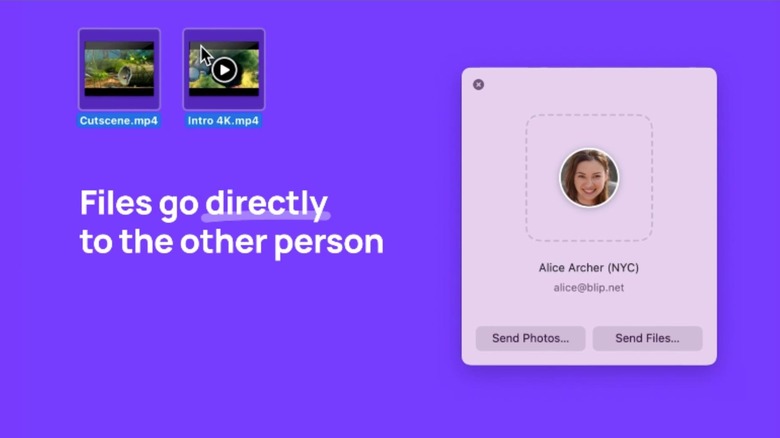
If you frequently need to move files across different operating systems, especially massive files, a dedicated transfer app like Blip is a total game changer. Blip is a lightweight, private, and totally free app designed to send files fast, even across the globe. Unlike cloud storage, which makes you upload a file to a server before the recipient can access and download it, Blip uses a direct peer-to-peer connection, so the file goes straight from your computer or phone to the receiving device in mere seconds. It's one of many essential apps you should be using on your Android or any other device.
Because Blip doesn't store data on a server, there are absolutely zero file size limits. You can send a 50GB video folder just as easily as a small text document. The app is available for Windows, Mac, iOS, and Android, bridging the often-frustrating gap between differing ecosystems. One of Blip's most impressive features is its LAN Direct Connect capability.
If both devices are on the same Wi-Fi network, Blip sends your files locally, utilizing your router's maximum bandwidth. This allows for ultra-fast transfers that bypass any internet connection speed limits. For creatives, professionals, or anyone tired of waiting on sluggish progress bars, Blip is the most efficient way to move files, and it leaves any other option in the dust.
Cloud storage offers easy file access for the always online
For most people, cloud storage is already the default method for managing and moving data. Platforms like Google Drive, Dropbox, Microsoft OneDrive, and Apple's iCloud automatically sync your files and folders across all your connected devices. The beauty of cloud storage is its easy universal accessibility. As long as you have an internet connection, you can access your files. This means you don't have to remember to lug your USB drive around with you. Plus, sharing the files with colleagues or friends is as simple as sending a link. Most cloud options offer a generous tier of free storage, which is usually more than enough for handling everyday documents and other files for work or school.
However, the cloud does have its limitations. For one, you're entirely dependent on the speed and stability of your internet connection; uploading a giant video file over a flimsy cellular network can take hours. Beyond that, if you max out your free storage limit, you'll need to pay a monthly subscription fee to get more storage and keep using the service. Despite these drawbacks, the cloud remains the most seamless ecosystem for everyday file management for anyone with steady internet.
Slim SSD storage is great for heavy-duty file lifting
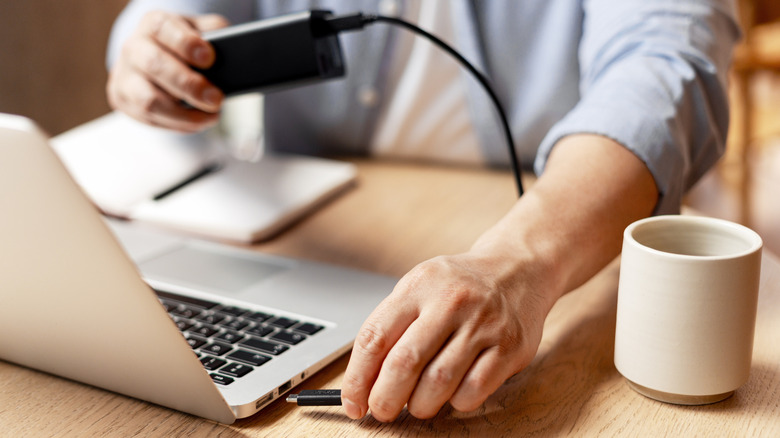
While wireless transfers are inarguably convenient, there are times when you absolutely need physical storage. This is especially a must-have when dealing with huge file archives, system backups, or locations without reliable internet access where cloud storage just wouldn't work. This is where the portable Solid-State Drive (SSD) steps in, offering a huge upgrade over the traditional thumb drive.
Portable SSDs use flash memory without the cheap, fragile moving parts or slow controllers found within basic USB sticks. The primary advantage here is raw speed. A high-quality external SSD can offer read and write speeds that are exponentially faster than a standard flash drive, letting you move gigabytes of high-res video footage for your vlogs in a matter of seconds, not minutes. Furthermore, SSDs have enormous storage capacities, usually starting at about half a terabyte and going over 30TB, all contained within a rugged shell that's about the size of a deck of cards.
In contrast, the biggest USB drive you can buy today offers much less. And because SSDs utilize USB-C connectors, they can plug right into newer laptops, desktop towers, tablets, and smartphones without a dongle. While they're slightly higher in cost compared to USB drives and older external hard disk drives (though less than they used to be), their superior speed, massive capacities, and rugged durability make portable SSDs the ultimate physical tool for heavy-duty file transfers.
Versatile SD and MicroSD cards are actually ultra-portable
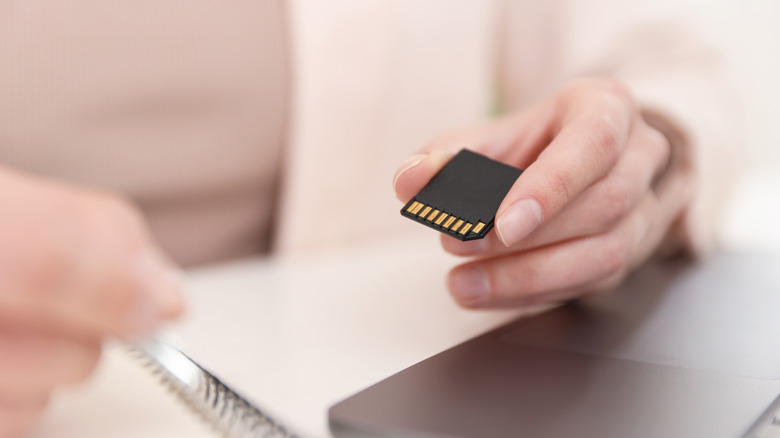
Often overlooked as just an accessory for digital cameras, SD and MicroSD cards have quietly remained one of the most versatile and cost-effective ways to move files between devices. These tiny storage wafers offer decent storage capacity (commonly from about 8GB up to 2TB), depending on which type you get, in a form factor that's about the size of a postage stamp. Many modern laptops, particularly those aimed at creative professionals, still sport built-in SD card readers. And for devices that don't, an inexpensive card reader hub easily bridges that gap.
MicroSD cards are especially useful because they work well with a wider variety of hardware, like smartphones and handheld gaming consoles, and even in aerial drones and action cams. This flexibility makes it easy to create and store a solid variety of files. Plus, both SD and microSD cards are cheap to buy, easy to transport, and offer faster read and write speeds than those of cheap thumb drives.
Share instantly with Apple AirDrop or Android Quick Share
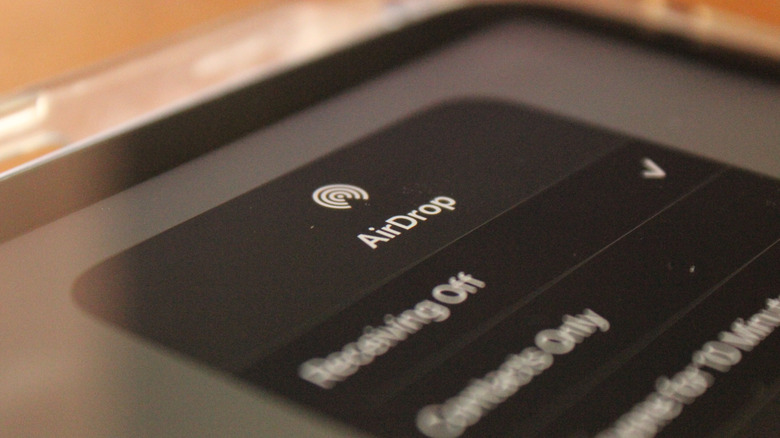
If you just need to instantly move a few photos or a work document to a device in the exact same room, built-in wireless transfer protocols are the undisputed champions of convenience. For those heavily invested in the Apple ecosystem, AirDrop is nothing short of magic, letting you seamlessly beam files between an iPhone, iPad, or Mac in seconds. Essentially, it utilizes Bluetooth to locate the receiving device and then creates a secure, peer-to-peer Wi-Fi Direct connection to transfer the actual data. This means you don't even have to have an active internet connection for it to work, and it can send files of any size.
Android and Windows users have an equally powerful equivalent called Quick Share (formerly called Nearby Share). Jointly developed by Google and Samsung, Quick Share functions on the exact same premise, allowing seamless, high-speed wireless transfers between Android phones, tablets, Windows PCs, and Chromebooks. The beauty of these native protocols is that they require absolutely no third-party app installations or account sign-ups. This feature is baked directly into each OS's sharing menu, making it incredibly easy to use for simple transfers.