

4 GameCube Features That Could Save Modern Consoles
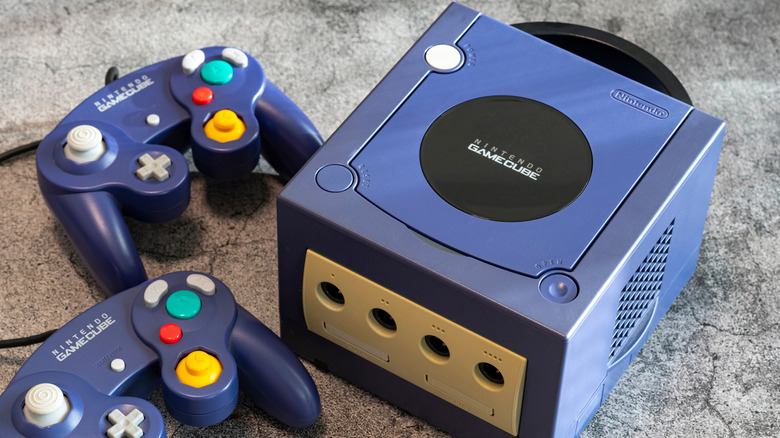
While the Nintendo GameCube did not sell well in its era, there are plenty of takeaways from this console that competitors and even modern consoles should consider or follow. For example, the GameCube had miniDVDs that contained the complete title and didn't require any storage or installation on the system. Everything was basic plug-and-play, with no need to worry about game patches or license activation. Its method of playing games with its proprietary memory cards to store saves is also simple; thus, expanding storage is considered more cost-effective than buying SSD expansions used in a PlayStation 5.
Looking back at it retrospectively, the GameCube was a great example of why you don't need too many bells and whistles to enjoy decent games like "Super Smash Bros. Melee" and "Legend of Zelda: The Wind Waker." While some of the titles and features might appear outdated today, to some, it's still a gold mine, given where newer consoles are headed.
Complete offline play for kids' safety
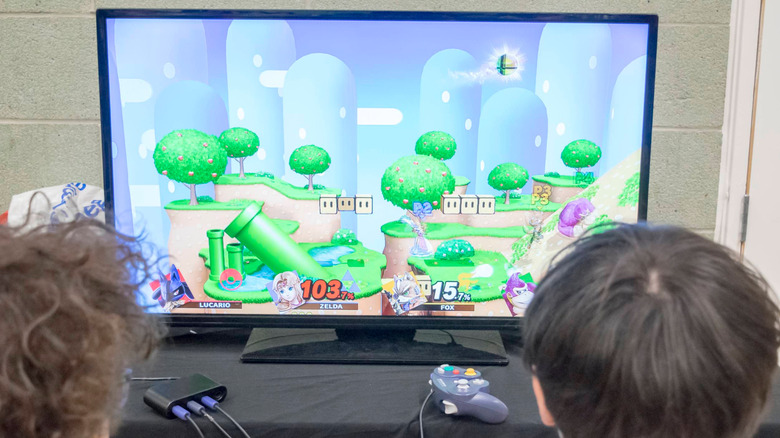
While the competing Xbox and, later, PlayStation included hardware for online play, Nintendo avoided it altogether. This meant that the only means for playing with other people was local multiplayer. Still, it wasn't perfect, since those online features, included in the original Xbox and PlayStation 2, contributed to the GameCube's downfall. Looking back at it, though, it can serve as a double-edged sword given Nintendo's primary target audience: children.
The GameCube was a console aimed at kids. Sadly, it's not always realistic to supervise exactly what your child is always doing and what they are being exposed to when they are online. That's part of the special magic that the GameCube brings: it's a simple plug-and-play machine, unlike anything you see today. Even with today's Nintendo Switch 2, the focus shifts a little more, since it now has a heavier focus on online play with its built-in GameChat. Unfortunately, it still isn't realistic to consider an offline console in the modern day, but at the very least, it would be nice to have a family-friendly system that can be operated without needing to go online.
Using and owning hard disk media
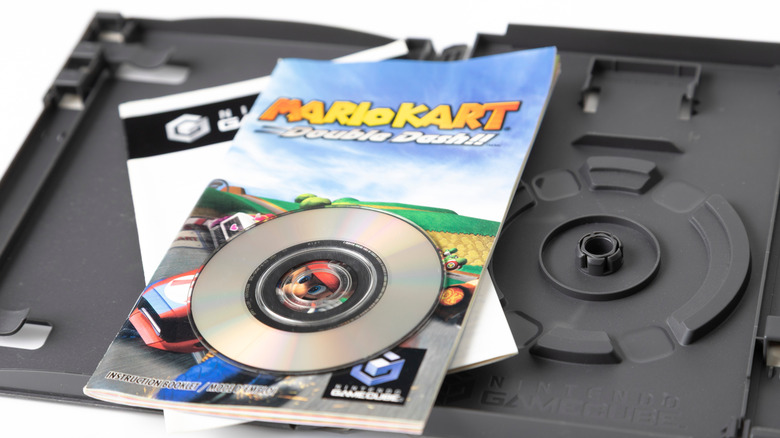
Nintendo still hangs onto cartridges for the Nintendo Switch 1 and 2, but there have been a few instances where some boxed copies only include the game-key card, which doesn't actually include the full game from load-up; instead, it only has a copy of the digital license to allow access to the full digital game. GameCube did not have this nonsense; you bought the disc and fully owned it, and it did not cost any additional storage space to play those titles.
Technically, with a digital download, you are at the mercy of the company that lets you keep accessing them — this is also partly why a digital-only future with Sony PlayStation is being criticized, since you buy a license that can be revoked at any time. Thankfully, this was never an issue with the GameCube, since it was never online and there were no online storefronts to make those games available digitally. Essentially, the titles you owned on the GameCube were games you owned for life.
The GameCube used proprietary flash-based memory cards
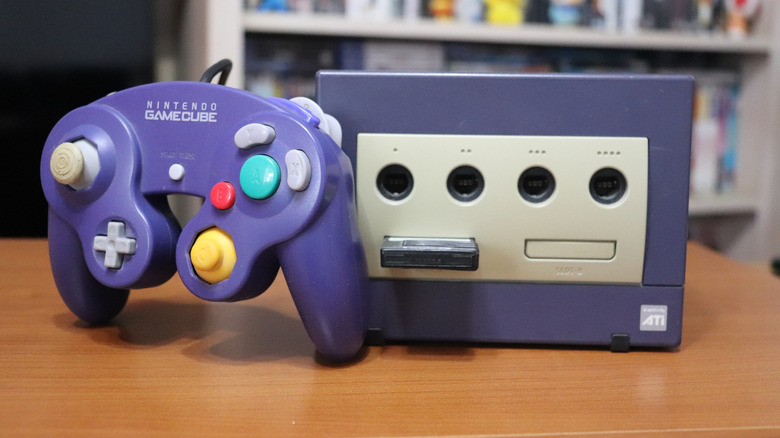
Juggling memory cards was certainly not the most riveting activity if you were playing a lot of games on your PlayStation 1 and 2, since those memory cards varied from only 128KB (PlayStation 1) to 8MB (PlayStation 2). GameCube memory cards were 512KB to 8MB in size, but were a lot easier to manage since they were proprietary-based; if you bought an unverified third-party one for your PlayStation, you could risk data corruption.
The downside to using PlayStation memory cards, along with GameCube's, was that they used flash-based technology to read/write your saves, so they had a finite number of times you could use them — but still, buying a replacement shouldn't ever run you over $100 compared to the costs of what it takes to get a new hard drive. Fast forward to modern options, there aren't any memory cards that store the game save — you need to count on internal storage options or the cloud to keep them.
So if you want to transfer a save to another console, you'll need to either sign into your personal profile online onto that system or bring it with you to add it, and that's not as convenient as bringing in a small pocket-sized memory card and the game disc with you. Then, of course, dealing with internal storage constraints when installing the game isn't that great either, since some titles can range from 50GB to over 150GB on a modern console.
The GameCube used an attached peripheral for hardware support
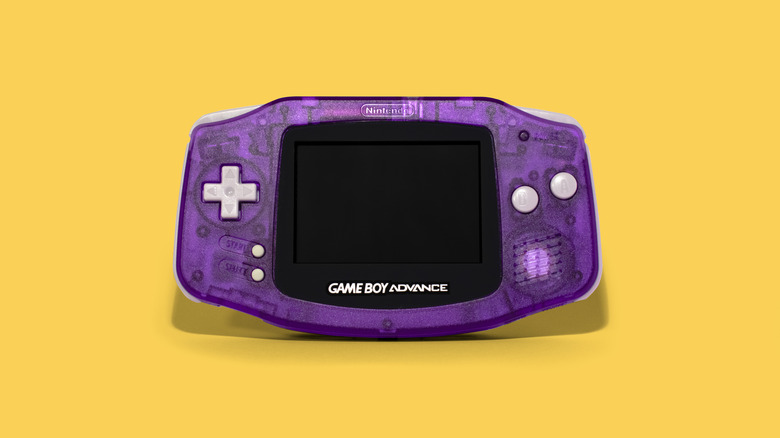
One awesome feature that Nintendo has mostly stuck with is connecting its portable setup to its console. Microsoft never developed a handheld, and Sony gave up the PlayStation Portable and PlayStation Vita — the PlayStation Portal is dedicated hardware for playing PlayStation 5 games (and compatible cloud-streamed titles) remotely. Though the GameCube had it right. Instead of consumers having to choose which generation of titles gets their attention, they had a single place to play them if they wanted to (you didn't even need to own a Game Boy Advance since it had built-in hardware).
One of the best choices that Sony and Microsoft have made in their current cycle is to retain backward compatibility of older titles, meaning upgrading to the new hardware isn't as stressful since you don't have to let go over your five to eight year old system to move onto something completely brand-new. Other consoles should add an attachment, similar to what Sony sold for the PlayStation 5 Slim and PlayStation 5 Pro for older titles, especially if companies really want to do away with discs completely. The GameCube had the flexibility to add cartridges through the Game Boy Player, a feature that more consoles should adopt to retain their older player base.