

How To Get Siri AI In The iOS 27 Public Beta
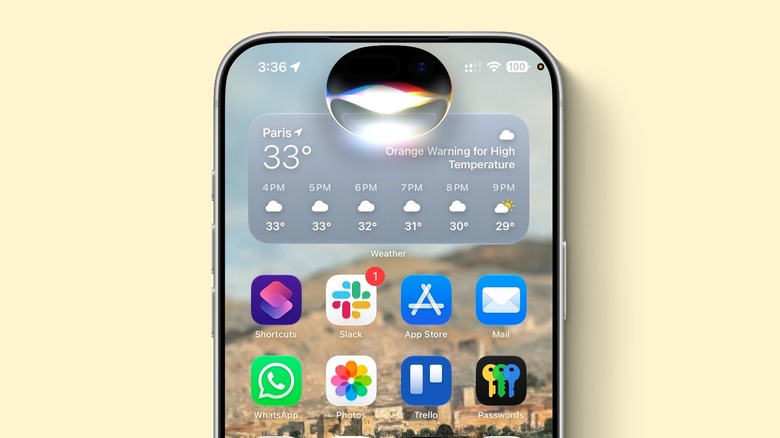
With iOS 27 public beta out, you might be wondering where the new Siri AI is, as you'll still get the "old" Apple Intelligence interface when you press the Side Button. If you want to upgrade from the glowing borders to the Dynamic Island Siri, it's actually pretty simple. Just go into the iPhone Settings, choose the new Siri tab, and join the waitlist. The process is similar to what the company did with the first batch of Apple Intelligence features in iOS 18, which means beta testers might need to be patient to get the revamped personal assistant.
For the developer beta, most who received it were able to download iOS 27 beta 1 within the first 30 minutes. Those who couldn't download the build that fast actually waited a couple of days, or up to 72 hours. That said, there's no way to skip the line, and the sooner you join, the sooner you can get the new Siri AI. In addition to the new UI, iPhone owners will also see the new Siri app available.
For me, I was able to download the first developer beta only a week after it had been released, which meant I waited up to 72 hours to get the new Siri AI interface. Still, there are a few limitations you should know that could be preventing you from getting the new experience.
Requirements for the new Siri AI
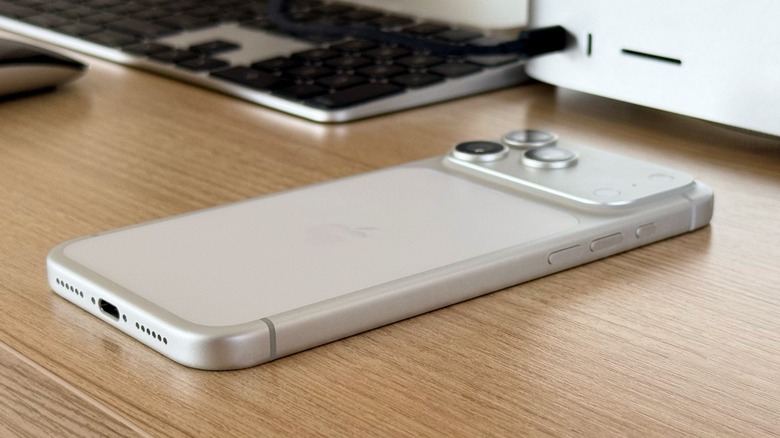
To try the new Siri AI before everybody else, you need to ensure you have a compatible device. Apple limits the experience for users with an iPhone 15 Pro or newer, as it is the most "basic" device to get Apple Intelligence. However, to take advantage of all the features, including the Expressive Voices Preview announced during the WWDC 2026 keynote, you need an iPhone 17 Pro or another device with more than 12GB of RAM to run Siri's new voice models.
After you check if you have a compatible iPhone, you need to join the public beta test program. By signing up for the Apple Beta Software Program with your Apple Account, you can go to your iPhone Settings > General > Software Update, tap the "i" icon next to beta updates, and select "iOS 27 Public Beta." As long as you keep it on, you'll be enrolled as a tester, which means you'll receive new beta software updates whenever they're available.
That said, if you have a compatible iPhone and are enrolled in the beta program, there's only one more requirement: You can't have an Apple Account in the European Union. In early June, Apple said it wouldn't be able to ship Siri AI due to the Digital Markets Act. While the company is in talks with the European Union, Apple is trying to pressure the region not to share proprietary technology with third-party developers and competitors.