

15 Best iOS 27 Features Coming To Your iPhone This Fall
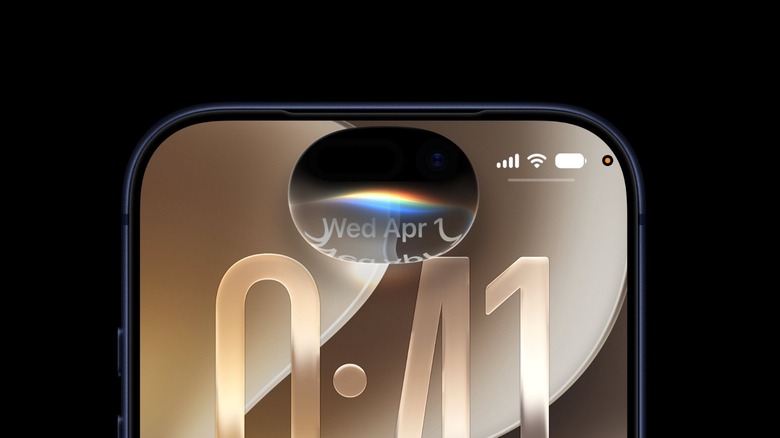
Apple finally previewed iOS 27 to iPhone users at this year's WWDC. This upcoming software update, which will be available to iPhone 11 or later, will be released later this fall. While iOS 26 was responsible for introducing the all-new Liquid Glass design, which the company called the biggest design update to the iPhone UI since iOS 7, iOS 27 is all about improving the interface, Apple Intelligence features with an all-new Siri, new editing tools for the Photos app, and a lot more. Apple's senior VP of Software Engineering, Craig Federighi, said iOS 27 delivers the long promises made during WWDC 2024 with a new Apple Intelligence push.
His exact words were, "We're delivering the next generation of Apple Intelligence across our platforms; introducing Siri AI, a profoundly more intelligent, knowledgeable, and capable Siri; expanding child safety features with intuitive new tools for families; and making our software platforms faster, more reliable, and more delightful than ever before." That being said, iOS 27 developer's beta starts now, with a public beta coming in July. While these first few versions are focused on the ones readying their apps for the new software, these are some of the best features coming to iPhone this fall that Apple is already previewing.
The all-new Siri is (almost) here
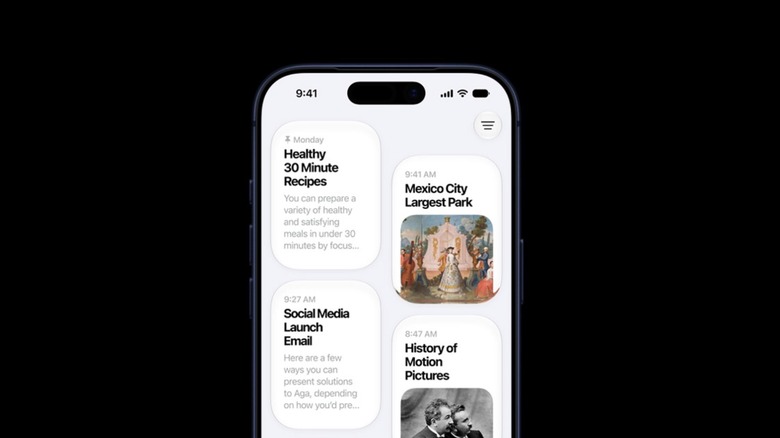
After two years of delays, Apple finally unveiled the promised next-gen Siri. The personal assistant now lives in the iPhone's Dynamic Island and is more proactive than ever. More than a UI tweak, this new Siri is powered by custom Google Gemini models that use Apple's Private Cloud Compute. With that, the personal assistant can finally tap into user data by checking apps like Messages, Calendar, Mail, Phone, Podcasts, Music, and more. This way, if you want to be reminded about "that song" a friend showed you a few weeks ago, Siri can proactively go through your messages and find that Apple Music shared with you.
Apple is calling this next generation of Siri Siri AI, and it makes apps smarter and more useful. Using Apple Foundation Models, which are now deeply integrated with Google Gemini, Apple Intelligence and Siri can understand text, voice, images, and more. For example, among the improvements, Siri has higher accuracy during dictation, better language understanding, and an all-new Siri app that works like a ChatGPT-like app where you can access previous and current conversations, change how the personal assistant talks to you in English, and more.
Apple says this new Siri will be ready for developers to try now, and it will launch in beta for customers later this year, meaning that the company will continue to explore its AI efforts as a beta product, instead of calling it a final offering.
Photos app gets three powerful editing tools
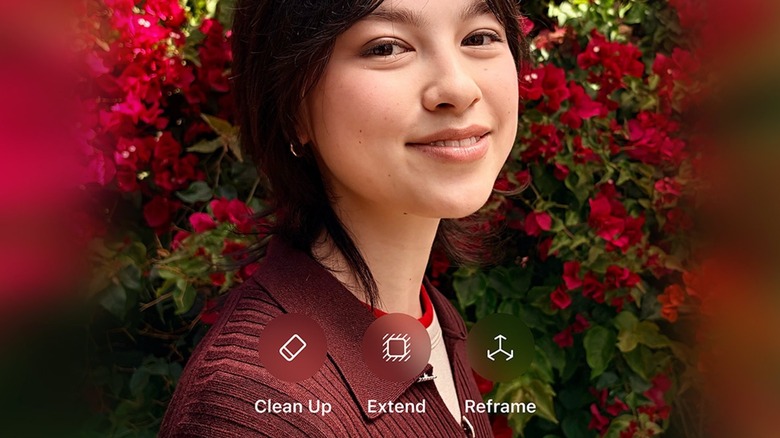
Still talking about Apple Intelligence, Apple boosted the Photos app with improved and new features, including Clean Up, Expand, and Spatial Reframing. With iOS 27, users will see a new Tools toggle when editing a photo, which is powered by a new generation of its image models. For example, Clean Up is a lot better at dealing with more challenging objects in the background, making it easier to spot what you want to remove from the photo without greatly altering what it looks like.
Not only that, but the new Expand and Spatial Reframing also go a step further on what the company previously said about using AI to change the images. With Expand, as the name suggests, users can expand the background, so they can make a portrait photo look like it was taken in landscape. This feature is also important with the new Spatial Reframing.
Using the technology introduced with Apple Vision Pro, users can reframe the picture by slightly tweaking the angle at which the photo was taken. With that, the photo can be centered, realigned, and then users can take advantage of the "Expand" feature to recreate the background of the original photo, and, as Apple described, feel like the user "went back in time" to adjust the shot.
Liquid Glass gets improved and overall performance is better
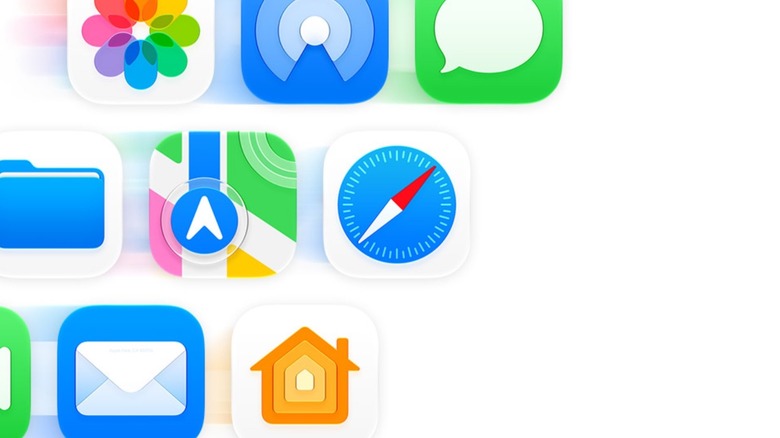
Following the big release of Liquid Glass in 2025, Apple is now making its first big change with iOS 27. This tweaked version gets better readability across the platforms as it features "more uniform refraction and improved contrast." In general, Apple improved contrast, made app icons sharper, and even added an extra layer of details in some of them, like the Apple Maps app. To ensure everybody has a nicer experience, Apple is adding a new slider where users can decide if the experience should be clearer, tinted, or in-between. This has been a long-time feature request, and it's coming later this fall.
Besides that, the sixth most important update of iOS 27, which continues to support the same iPhone models of iOS 26, is that everything feels smoother in general. While newer models might get more noticeable, Apple says it's making iOS faster as apps can launch 30% faster, new photos load up to 70% faster, and AirDrop transfers can be up to 80% faster. Apple says it was able to improve the CPU Scheduler, which is a system component that makes older iPhones more responsive, so owners of the latest devices will feel like their iPhones are flying faster, but even owners of older models will still enjoy a nice bump in performance.
Visual Intelligence improvements and more
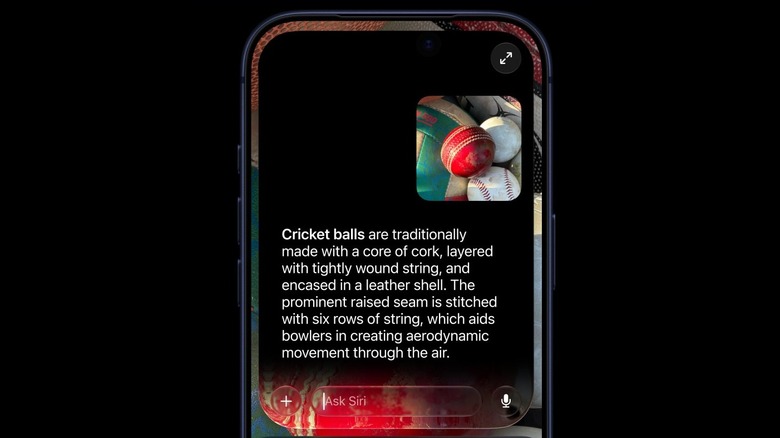
The seventh improvement available with iOS 27 is in Visual Intelligence. As the new Siri gets a lot more hands-on, Visual Intelligence gets several new tweaks with a new "Siri Mode In Camera." According to Apple, you can use this new tool to understand the nutritional score of a food, what it's made of, intelligently split the bill by selecting what you had, and even select and add multiple events to your calendar from a flyer. Another great feature announced is that it will be easier to switch between Cellular and Wi-Fi networks, and iOS will intelligently switch to the strongest connection.
Moreover, a subsequent improvement feature from iOS 27 worth listing is that when you're messaging your friends a bunch of photos or videos, but your internet connection is not good, your conversation won't be delayed to send, as the text messages will be prioritized, while the rest goes through. Other important tweaks include that Shared Albums now support full resolution sharing, and AirPods now bring a custom EQ, so users can personalize the frequencies of their earbuds to make the sound a lot closer to what they enjoy better.
Safari, Shortcuts, Passwords, and Home apps are even better
Safari is finally organizing pages by topics. This feature has been available in several browsers, like Opera One, and Apple claims everything is done locally. Among the Safari improvements, you can also ask Siri to monitor a page with a new "Notify You." For example, you can keep an eye on a sold out product, concert tickets, or even flight ticket changes, as Safari will let you know when something changes on that page.
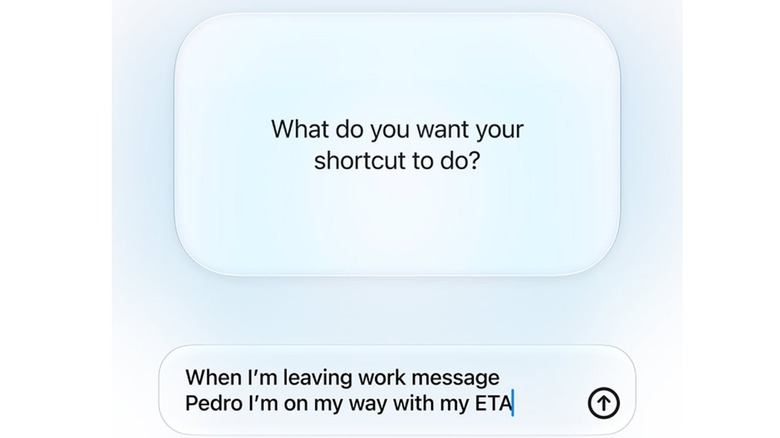
If you ever wanted to create several shortcuts, but the Shortcuts app always felt too demanding, the new Siri also lets you describe, with natural speech, what you want the shortcut to do. For example, you can say that you want to send your estimated time of arrival to a family member every time you leave work. Instead of going through complex steps, the Shortcuts app will get everything done for you. And now the Passwords app can finally update your compromised passwords.
While it won't work with every app, at least Apple is addressing those annoying notifications that an account might be compromised by actually doing the hard work of logging in for you, switching, and updating the password. Last but not least, the Home app also now lets you record footage in 4K in select home security cameras. It also saves clips that might be interesting for you, and brings real-time updates regarding someone moving around your place, but without sending the same notification over and over again.