

5 Disadvantages Of Using USB Microphones For Recording
We may receive a commission on purchases made from links.
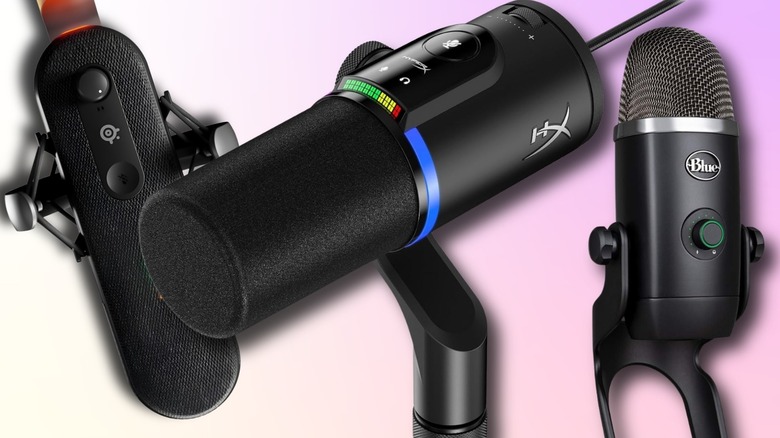
It's easy to see why a creator would want an all-USB microphone setup for their podcasts, streaming, voiceover work, or music recording from the outside looking in. They're incredibly popular, cheap, and easy to use thanks to their plug-and-play functionality. You can find a decent USB mic from brands like Amazon Basics for as low as $25. The fact that USB mics don't need an external audio interface to function is a big sell for beginners and creators on a budget. Just plug a microphone into a free USB port, select it in the software of your choice, and you are ready to capture audio.
But relying solely on a basic USB connection comes with significant drawbacks that can ultimately hinder overall production value as a creator's editing and mixing skills grow. The built-in components that make USB microphones are very user-friendly and of good quality for the most part, but they also limit professional capabilities in ways that aren't immediately obvious to users.
Before committing to a specific hardware setup, it's always wise to understand exactly what the drawbacks are with USB mics. There are plenty of clever uses for them, but setting up a home or full studio setup with them is going to limit production value and mixing depth back down the road. They're certainly great for multiplayer games and the odd streaming session, but it's no secret that professional content creators usually choose XLR mics over USB mics, and here's why.
Limited sound quality
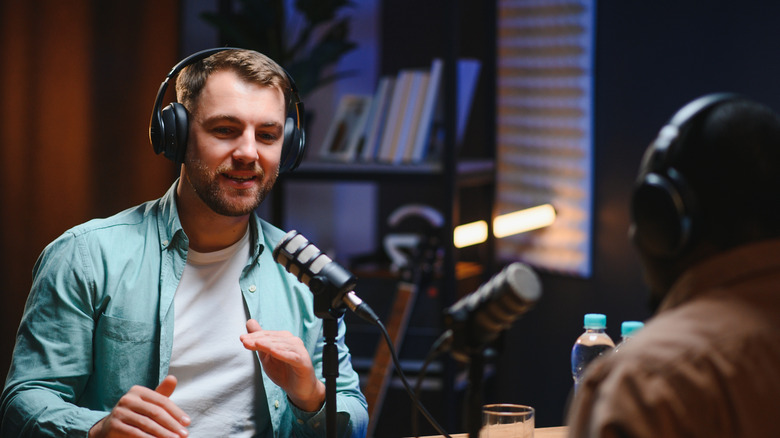
USB microphones don't compare to the quality offered by XLR microphones paired with top-tier external hardware, such as preamps and digital to analog converters. When using a USB microphone, the analog-to-digital conversion happens entirely within the microphone itself. Because manufacturers have to fit a preamp and converter into a single compact shell, internal components aren't usually as powerful or nuanced as dedicated external alternatives. Having external hardware like the aforementioned is the secret sauce behind XLR quality. Additionally, there's more room inside the microphone itself for bigger and better components to provide that broadcasting-quality audio content creators strive for. It also gives users more control over power, gain, and overall audio quality.
These limitations usually result in a lack of warmth, depth, and clarity in recordings that listeners expect from professional audiobooks and high-end broadcasts. Even top-tier USB models struggle to capture the level of clarity and intricate detail required for professional studio sound. For beginners, this difference might not be immediately obvious, but as a user's ear catches on to audio quality, they'll likely notice that their voice sounds thin or compressed. This can be partially mitigated by using foam microphone covers for better clarity and less background noise, but it's not going to fix the core hardware limitations.
No hardware upgrades
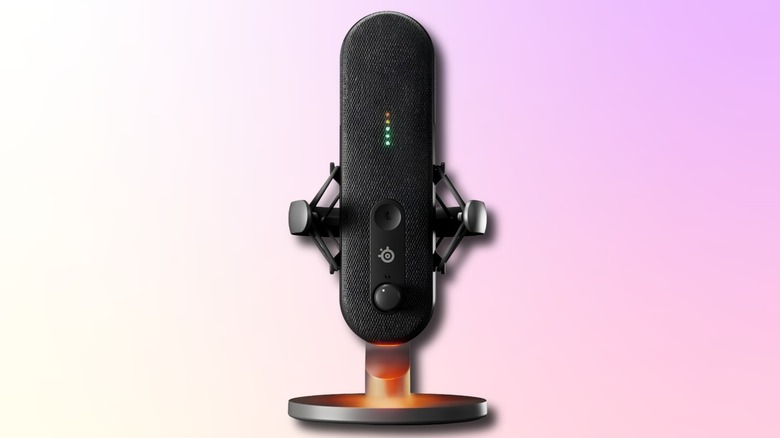
One of the biggest selling points of a USB microphone is that it functions as a highly portable, all-in-one device. But this is a double-edged sword due to these units operating as completely standalone devices that prevent users from swapping out individual components like preamps or audio interfaces. With a traditional XLR setup, users can experiment with different audio interfaces, swap in a specialized preamp, or upgrade the microphone capsule while keeping a user's core setup and equipment the way they like. For example, the Behringer ADA8200 is an eight-channel preamp beast for under $200, which can power multiple XLR microphones from a podcasting studio to recording a full drum kit.
With a USB microphone, users are permanently stuck with the specific preamp and digital converter that the manufacturer packed into the capsule at the factory. These microphones eventually need to be switched out when users want to take their production quality to the next level. Unfortunately, it's not a case of just trying a different preamp or digital converter; the only option is to save the USB microphone for a rainy day and invest in a full XLR setup. For serious content creators and musicians, it's worth investing in a solid XLR microphone to kick things off and then slowly upgrade their setup with external hardware as they grow their platform.
Syncing issues with multiple inputs
If a user's new platform involves co-hosting a podcast or live stream, conducting in-person interviews, or recording a multi-cast audiobook, a USB microphone can make life incredibly difficult. These microphones are explicitly designed for single-user scenarios, which means they prove to be a highly inefficient solution for users needing to record multiple hosts or guests on a single PC. Because each individual USB microphone requires its own dedicated USB port, PCs have to process multiple distinct digital audio streams simultaneously rather than having an audio interface or preamp to offload the work onto before being processed by a DAW or streaming software such as OBS.
Using multiple USB microphones will frequently introduce synchronization issues within editing software and live streams because each device demands its own power draw and audio transfer bandwidth from each dedicated USB port in use. Adding to the headaches, balancing volume levels of multiple USB microphones is incredibly tedious compared to using a centralized audio interface. Users can use the three-to-one rule for audio placement to reduce sound bleed between microphones, but the major technical hurdle of managing multiple USB inputs often requires software workarounds that can easily cause stability issues on users' PCs during long sessions.
Latency and processing issues

When speaking into a microphone, users expect to hear their voice in monitoring headphones instantly, which is incredibly useful when overdubbing audio or narrating a long, complex script. Sadly, many budget USB microphone models introduce a slight but highly disruptive amount of latency during the recording process, especially for those using older computers. Even running multiple USB microphones through a PC or laptop with a powerful processor such as a Maingear Rush with an AMD Ryzen 9 9950X3D or Maingear Ultima 18 with an Intel Core Ultra 9 275HX will show processing delays with a microphone setup running through its USB ports.
This reliance on internal computer power can force the audio signal to travel into a USB port for processing before returning to a user's headphones, introducing a frustrating delay. Just a shift of a few milliseconds is incredibly distracting and can completely ruin a user's flow during a recording session. For those relying on older PC hardware, users are even more likely to experience performance drops, audio artifacts, or full software crashes. Even if users are buying the best USB-powered microphones available, dealing with delayed audio feedback is enough to ruin a great vocal take.
More background noise
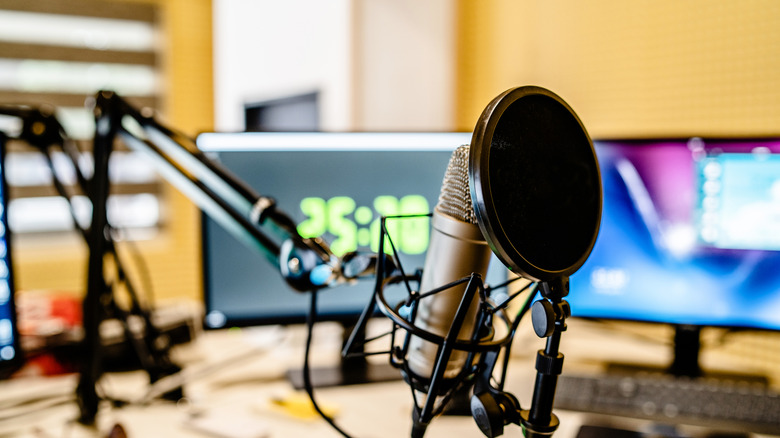
Unlike professional XLR cables, which are intentionally designed to reject outside electrical interference, USB mics don't benefit from this balanced signal transmission. USB microphones can be more prone to picking up unwanted electrical interference and background noises. Users will be far more likely to capture the hum of a computer monitor or the buzz from nearby power cords. On the other hand, using the proper equipment with an XLR microphone, including dedicated audio interfaces, will provide a far cleaner signal for that professional edge.
Many popular USB microphones use highly sensitive condenser capsules and effortlessly pick up ambient sounds like air conditioning or household hums and bangs. This high sensitivity is great for capturing vocal nuances in a perfectly sound-dampened studio, but it acts as a detriment in a home office. If users frequently record in a noisy environment, they should opt for a dynamic USB or XLR microphone instead.