

It's Not Just You – Samsung Confirms Some Galaxy S26 Ultra Screens Are Turning Red
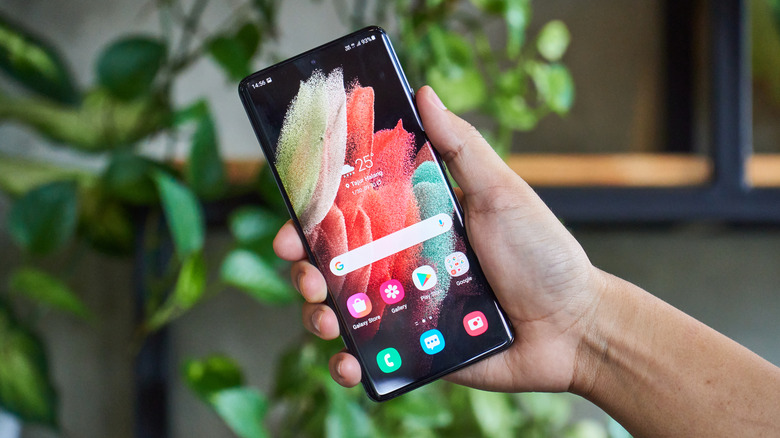
Touting itself as having the world's first Privacy Display built directly into a smartphone, the Samsung Galaxy S26's 6.9-inch Dynamic AMOLED 2X screen packs some serious specs along with keeping preying eyes at bay. However, some users are experiencing problems due to this hardware feature. Along with the release of the device seeing returns due to visibility issues and eye strain, some users are now reporting that their S26 Ultra's screen has a new problem.
Reports from users on Reddit, along with Naver, a Korean social media platform, indicate that many are experiencing a peculiar reddish tint on their S26 Ultra's display. It seems that certain Ultra devices are slowly developing this defect over time, as these reports have been ongoing since at least March of this year. Samsung has confirmed (via Android Authority) that the problem may be happening, and even in-store display models are suffering from the issue.
While there currently isn't a solution available directly from the manufacturer, users across Reddit have come up with a temporary fix involving adjusting the colors of the display. Though there are plenty of cool features in the Samsung S26 Ultra that are worth giving a try, making the screen a reddish tint isn't intentionally one of them. Considering Samsung plans on adding the Privacy Display to more devices in the future, it will hopefully resolve this issue sooner rather than later.
Samsung Galaxy S26 Ultra users report reddish tint issue
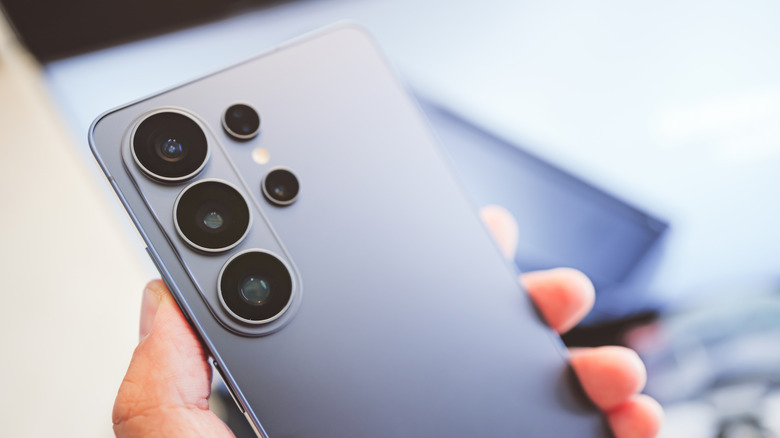
Many users are likely just seeing a faint hue of pink on their screen rather than a major splash of red. For others, it can be subtle enough that it's not even noticeable. To complicate matters, it isn't clear yet whether the issue is due to a hardware defect or something occurring within the Android operating system. For those experiencing the problem on their device, there are some temporary solutions, including adjusting the vividness and white balance options within the device's settings. You can try the following:
-
Open the Settings app.
-
Tap Display.
-
Select Screen Mode.
-
Change the white balance to Cool.
-
Go to Advanced settings.
-
Select Vividness and set it to the highest setting.
Users should also remember that the Galaxy S26 Ultra has a color correction feature that may provide some help. Just open settings, look for Accessibility, and then tap Vision enhancements. Navigate to Color correction, enable it, and scroll through the color preferences options to see if any help with your screen (remember that green is the opposite of red with complementary colors). You can disable the setting if you find that it doesn't help. Until the issue is fully resolved, those looking for a new phone may want to consider some cheaper Android options.