

How Does A Liquid Cooled PC Actually Work?
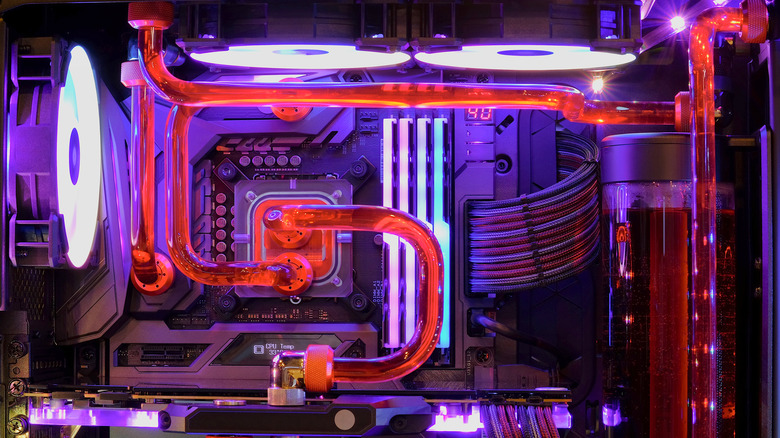
Moving away from fans in your next PC build is a smart idea. Granted, liquid cooling being "mandatory" is one of the most pervasive PC building myths, but it's undeniable that it will help you maximize the performance of your machine. How does a liquid-cooled PC actually work, though?
If you're even remotely familiar with how an HVAC unit works, you've got the gist. Both are similar in that they use a pump to circulate coolant and to absorb heat from a particular space. Then they move it elsewhere to dissipate heat (an exterior unit for HVAC, a radiator for PC cooling). Once the heat is no more, the fluid circulates back into the system, and the entire process repeats. In a way, it's like an air conditioner operating on a smaller scale, where, instead of a refrigerant (freon), a liquid-cooled PC uses just plain old water.
It gets a bit more complicated once you get into the nitty-gritty of individual cooling components required in this type of system. Apart from the price, this is a massive contributor to the disadvantages of liquid cooling – it's significantly harder to install. Arguably, while the complexity is a valid pitfall, it's a worthy sacrifice for much more efficient cooling performance.
What are the key components in a liquid cooled PC?
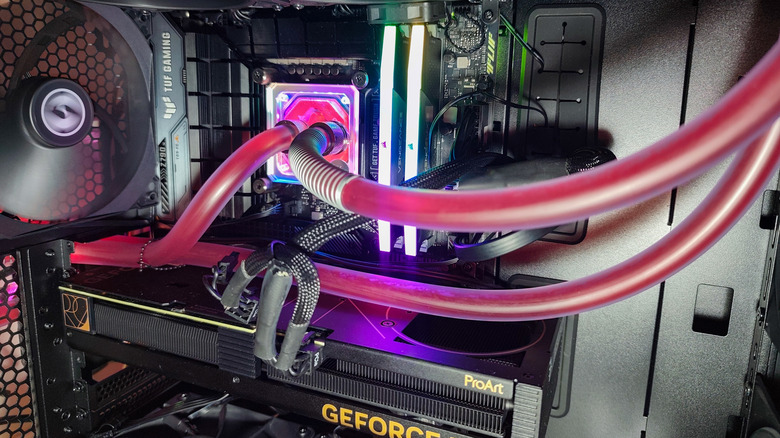
How does the water circulate throughout the PC? A centrifugal pump pushes the liquid from a small reservoir (generally positioned where CD-ROM bays used to be) through a series of tubes and blocks (heat-conductive metal components resting on top of chips), with a radiator at the other end. The radiator dispels the heat from the liquid before the pump pushes it back into circulation. This is why some systems also employ a fan on the radiator that helps speed up the process.
Then, you have the tubing itself. In one of the simpler types of systems, a single tube connects the pump to the inlet of one of the blocks over the GPU or CPU. From there, a tube leads from the water block outlet to the radiator, and another from the reservoir to the pump. Of course, things can get fairly complex once you involve another water block, meaning you'll also have to do a bunch of daisy-chaining.
Important reminder. While the biggest joy in building your own PC is customizing everything yourself, getting individual components, and building something unique, there's absolutely no shame in using a kit. Make sure it fits in your case, and that's about it. You'll get all the parts required for liquid cooling, along with detailed instructions on how to connect them. You'll likely be stuck with all the stock pumps and whatnot, but you'll avoid quite a bit of analysis paralysis and the legwork.
Is a liquid cooled PC worth it?
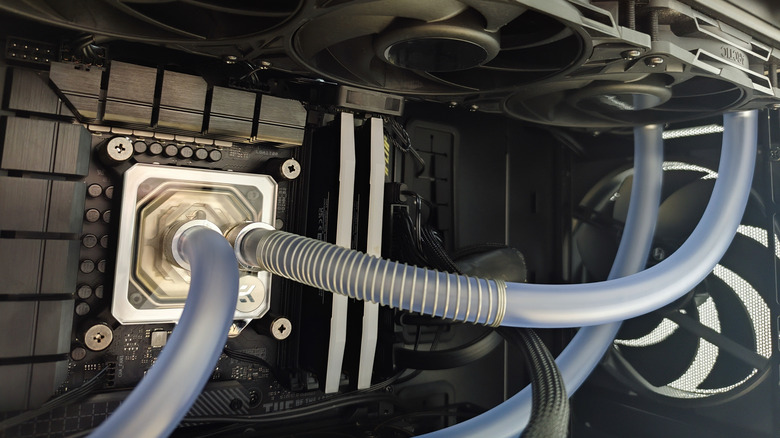
Totally. If you're into gaming or doing any type of processor-intensive work (which, as you know, produces a lot of heat), liquid cooling will drastically lower your PC's temperature. The cooler internal temperature will result in better performance; think more FPS and a more efficient processor. It's also quieter than a bunch of spinning fans, and since you aren't using air, dust buildup won't be a worry.
That said, you don't need to use water exactly. Another liquid that some people use to cool their PC is mineral oil. This system is somewhat more streamlined, as you basically submerge almost all the interior components in oil (no tubing required). This niche method generally looks cooler, though the physics of it aren't. Mineral oil sadly doesn't improve PC performance as much as a water-cooled system, and it's also a lot more expensive.
If dipping your toes (excuse the pun) into a liquid-cooled PC isn't your thing, an air cooler can still work. They're easier to install, and if you go for the premium models, you may even get a similar performance to a liquid cooling loop at a lower price point. Sure, you'll have to tolerate the extra noise when your game puts the GPU under heavy load, but you'll pay less money and have an overall simpler system – it's all up to how much you're willing to tolerate.