

9 Outdated Myths About Building Your Own PC You Should Stop Believing
We may receive a commission on purchases made from links.
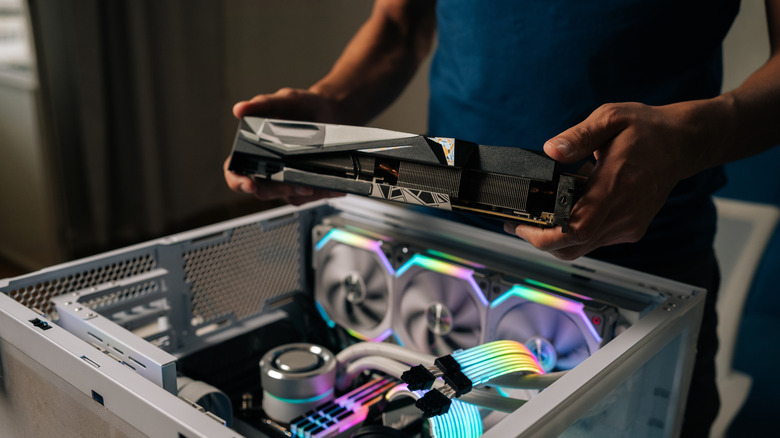
If you want to get in on PC gaming today, you have three broad choices: buy a handheld gaming PC, a gaming laptop, or a desktop gaming PC. Gaming laptops and handheld PCs are pre-built by nature, but with desktops, you have the option of buying the parts and completing the build all by yourself.
Some people are of the opinion that there's no need to build your own computer anymore, especially because the cost of doing so has been inflated by surging component prices. However, cost savings or convenience generally aren't the main reasons why people build their own PCs in the first place. Having complete control of component choices, maximizing performance based on budget, building a future upgrade pathway, and many other factors make it a satisfying pursuit in and of itself.
However, if you want to build your own PC but haven't done it before, you may feel it's too hard or intimidating. You might be inclined to stay away from the PC platform entirely based on preconceptions that simply aren't true. Building a PC may not be everyone's cup of tea, but if one or more of the following myths were ever holding you back from doing it, it may be time for you to start drawing up a parts list.
Building a PC is only for tech experts
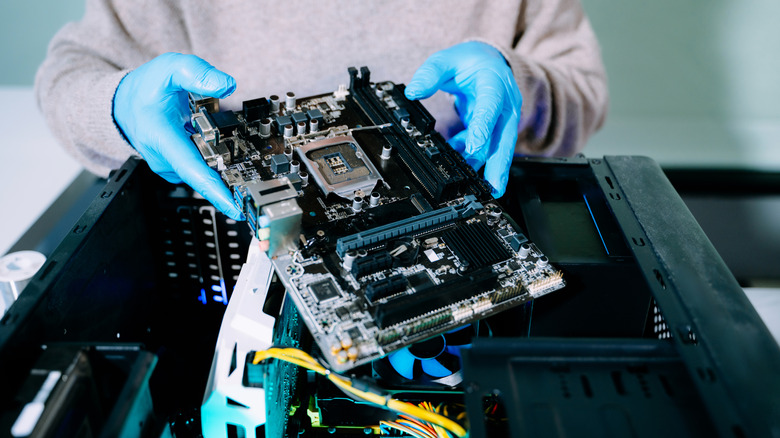
Looking at a pile of PC parts, or watching someone on YouTube assemble a PC from start to finish, can create the impression that building a PC is a complicated process. Granted, the further back in PC history you go, the more true this becomes. In the early days of the IBM PC, the game-changing invention that modern PCs descend from, doing something as simple as upgrading a CPU or swapping out RAM involved flipping DIP switches and consulting all sorts of documentation.
Today, that's not how it works. In general, if one component can physically plug into another, chances are the connection won't brick your machine. There's also little risk that the mere act of plugging something in will cause damage to your parts, since standardized connectors only fit one way. The main exceptions to this are the PSU-side connectors of modular power supply cables. These aren't standardized, so you should never use modular cables meant for one model of PSU on another.
As with most projects, PC building should be handled one step at a time. If you look at a few credible PC building guides, you'll soon realize that the same basic steps are largely consistent across builds. The assembly itself is easy enough for anyone to do, provided they can follow instructions and handle some basic tools.
You can easily destroy components with static electricity

ESD, or electrostatic discharge, is one of the big boogiemen of PC building. Under the right conditions, you can build up thousands of volts' worth of static electricity. If that happens, and you touch a component like a GPU or a RAM module, the little spark that may leap from your finger can fry the part, permanently destroying it.
This is absolutely a thing that happens, and it's a real danger to be aware of. However, it's also easy to prevent and avoid. The most basic way to avoid ESD is to ground yourself. Don't undertake your PC building project while standing on a carpet or wearing a fuzzy sweater. Before handling any components — and with the PSU plugged in but turned off, assuming it's already installed in your computer case — touch a metal part of your computer case to ground yourself.
If you don't want to take any chances, though, you should invest in an ESD wrist strap. You can even buy special grounding kits that include both a mat and a wrist strap for grounding yourself to an earthed object. This is a one-time purchase that'll help you ensure you don't zap expensive electronic components, whether you're working on a computer or something else entirely.
Liquid cooling is mandatory for high-end PCs
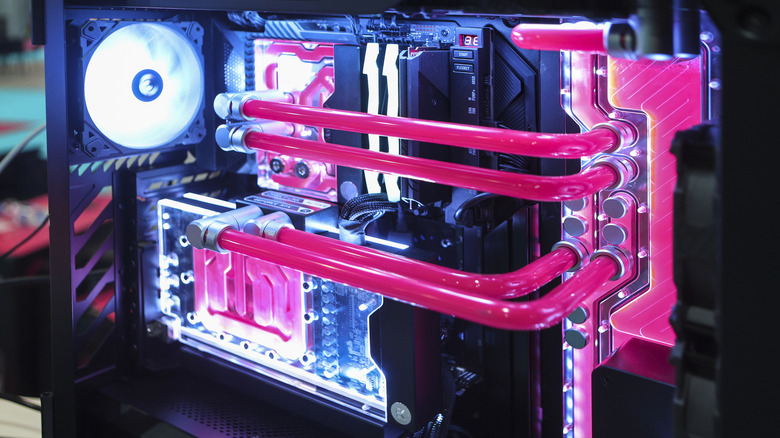
You've probably seen gaming PCs that showcase liquid cooling. Cooling system design has become an art unto itself, with custom tubes that circulate colorful liquid to cool CPUs and GPUs. These cooling loops are expensive and complicated to design and install, although there are AIO (all-in-one) liquid coolers that aren't much more difficult to install than a typical air cooler. However, there are several disadvantages of liquid cooling, not the least of which being the ever-present risk of liquid leaking into your compute, doing irreversible damage to hundreds (or thousands) of dollars' worth of components. But it's worth it for the superior cooling power, right?
Well, that used to be true, but air cooling technology certainly hasn't been standing still over the years. Take the Noctua NH-D15 G2 Chromax.Black, for instance. Equipped with two separate 140-mm fans, this beast of an air cooler can move nearly 156 cubic meters of air per hour (per fan!) to help handle significant heat loads, making it competitive with liquid cooling. For this cooler and any other, just be sure to check whether you have enough clearance inside your case for it to fit, as well as whether it's compatible with your CPU socket.
The myth isn't that liquid cooling systems are advisable for gaming PCs. Instead, the myth is the idea that only liquid cooling can handle high-end gaming rigs. As long as your CPU or GPU can reach its max clock speed and stay below the throttling temperature threshold, any additional cooling is redundant. In that scenario, even if a liquid cooler would get your components running a few degrees lower, the performance difference would be negligible.
You need an expensive motherboard to get good performance
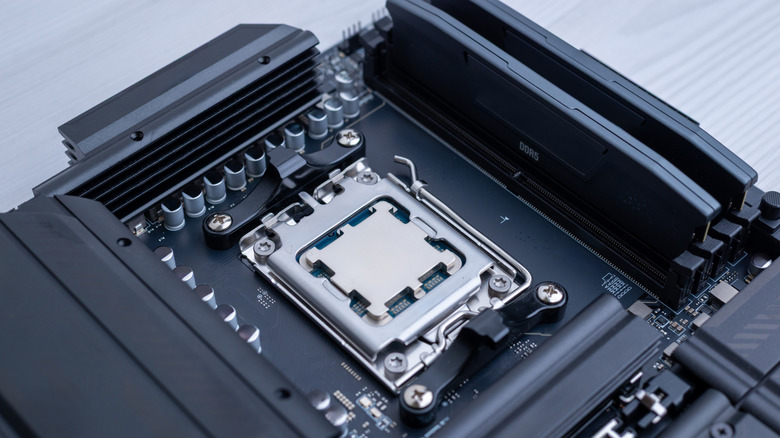
The motherboard is the component of your PC that literally ties everything together. It's the device that allows your CPU, GPU, RAM, drives, and other components to talk to each other. When you're putting together a gaming PC, you'll likely come across gaming-specific motherboards that sell for a pretty penny. The thing is, while you might think you're paying for extra performance by splurging on more expensive gaming motherboards, higher-end motherboards usually don't make much of a performance difference.
A cheap motherboard, whether it's marketed for gaming or not, can provide the same basic performance that an expensive one can, all things being equal. In other words, if two motherboards can support the same CPU, RAM, GPU, and SSDs at the same speeds, then they will run at those speeds. So, what are you actually paying for when you buy a more expensive motherboard?
For one, expensive gaming boards might have faster dual-Ethernet ports, which is something online gamers tend to like. They might also offer more M.2 SSD slots, more RAM slots, fancy BIOS recovery tools, active cooling on the hottest bits of the board, and so on. But unless you're overclocking your CPU or GPU, or unless you genuinely need those extra component slots, it makes more sense to save your money and spend the difference on higher-quality components. If you can save $100 by opting for a cheaper, more run-of-the-mill board, you can go up an entire GPU or CPU tier. On a per-dollar basis, that's going to have a far greater impact on your PC build's performance.
You have to upgrade components constantly to keep up
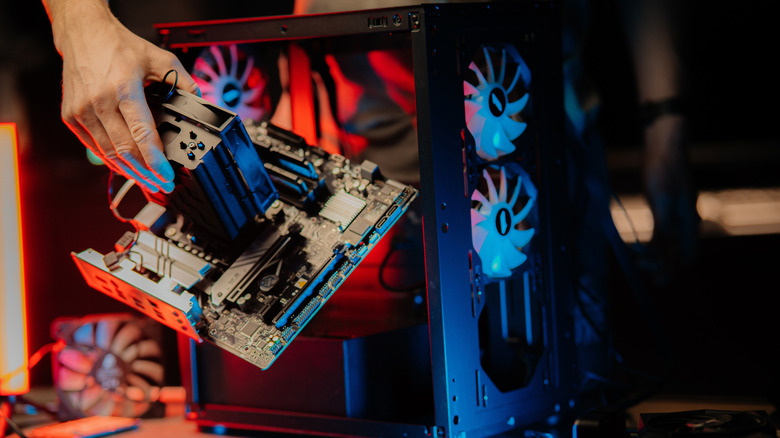
If you've come from the console side of the gaming fence, you may have run into the idea that gaming PCs become obsolete quickly. Typically, when you buy a console, it gives you roughly half a decade's worth of gaming enjoyment until the next generation comes out. Conversely, it may seem as though PC gamers have to buy new GPUs and CPUs every year just to play the latest titles.
This particular myth doesn't hold water. Think about it for a moment: if you build a computer that rivals the power of a PlayStation 5, then you'll realistically be able to play the PC version of any game a PlayStation 5 can, especially at similar graphics settings. The only "caveat" is that you'll eventually end up having to play new titles on "medium" or "low" settings, even though you might have been able to run new games on "high" or "ultra" previously. Ultimately, though, these quality distinctions are just labels — they don't denote specific performance benchmarks in and of themselves. In other words, the "low" preset on a game made five years from now may very well look just as good as the "high" presets of games made today.
Hardcore PC enthusiasts do tend to upgrade their computers more often to experience greater graphical fidelity on new titles as they come out, as well as amp up the performance of older games. Doing so is entirely optional, though, and you only "need" to upgrade your computer once it's unable to meet minimum or recommended requirements to run games.
You have to match PC component brands
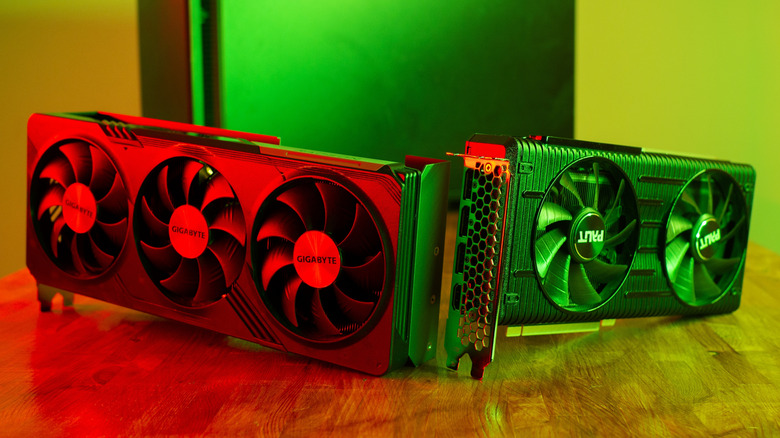
Can you pair an NVIDIA GPU with an AMD CPU? That's the sort of question you hear often among PC building initiates, but don't feel silly if you've ever wondered such a thing. After all, it's true that certain components aren't compatible with one another. For example, you can't use an AMD CPU in a motherboard meant for Intel CPUs, and that's solely because CPU builds don't follow a universal standard. They don't have the same sockets, and they don't use the same chipsets. However, this is also true within the same brand. You can't just drop any Intel CPU into any Intel motherboard — it has to be a CPU of the correct generation with the correct socket type, too.
Most other components you'd buy for a gaming PC follow the same connectivity and form factor standards. For example, any PCIe GPU will work with a corresponding PCIe slot on most motherboards, although some slots have fewer lanes than the standard x16 slots do, which may have performance impacts. That said, you still need to ensure you're matching the same common standards where applicable. For example, if a motherboard only takes DDR5 RAM, then you can't use DDR4 RAM instead. Additionally, some older power supplies may not have the capacity or connections required to work with newer CPUs and GPUs.
One thing's for certain: your computer really doesn't care if you mix and match component brands. As long as your chosen parts conform to the same shared standard and physically fit in your case, you can freely build a system based on the CPU and GPU combo you want, regardless of the brand and no matter what your budget is.
You need a giant, full-sized case to build a powerful PC

It seems many people think "bigger is better" when it comes to gaming desktop PC towers. Perhaps, years ago, it was true that you'd want a case with lots of room in it to fit all your components. But in the age of slim SSD storage that sits flush on a motherboard, we don't need quite as much space inside our gaming PC chassis as we once did. There are plenty of mini gaming PCs out there that don't even compromise on performance.
The biggest space hogs are likely to be your GPU and your CPU's cooling system. You need a case that's long enough and has enough rear panel slot space for the GPU you're looking to buy. Likewise, if you want to use a tall, powerful air cooler for your CPU, you'll need a case with enough headroom. As long as your components are kept cool enough and receive the power they need, they don't care whether you're using an itty-bitty mini-ITX case or a hulking tower that has to sit on the floor, lest it collapses your desk.
If you do want a smaller build, it makes sense to first select a chassis that tickles your fancy, then base your component selection around the tower dimensions. That way, you can verify whether all the parts you want will physically fit inside your rig. Small builds are also where AIO liquid coolers shine, since they don't need much interior space to move heat out of your computer.
You should always avoid used parts
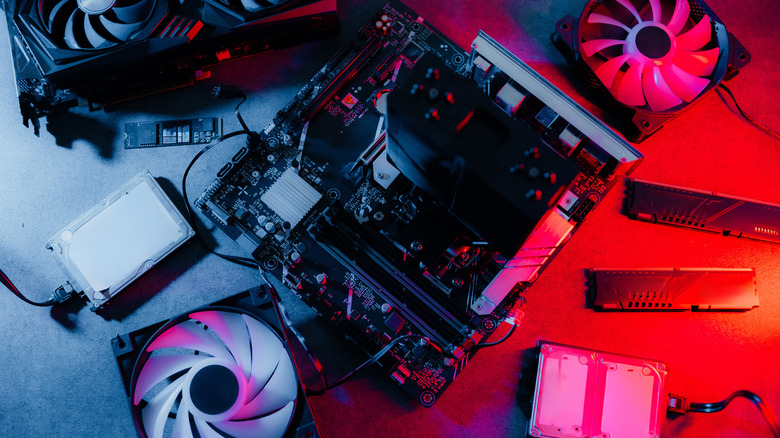
The myth here is the "always" part, although there are some PC parts you should never buy used. Buying used tech, namely in private sales, comes with inherent risk. If your new-to-you gear fails and you don't have a warranty, you've got little recourse for a replacement. That said, if you can verify that a CPU or a GPU works before you buy it, chances are that it's going to keep working for a while. Solid-state components are usually safer to buy used because they contain no delicate moving parts, so if their connectors are healthy, chances of failure are low.
Those enthusiasts who like to upgrade their builds every year or two tend to be a wonderful source for used components, and many of them are happy to part ways with old gear at a fair price. The most important thing, though, is ensuring you've got the opportunity to test any components that you buy used. If you can't, we suggest buying used only from platforms that offer buyer protection. Refurbished PC parts can really help you on the budget front, especially since refurbished component sellers typically offer warranties or allow returns for dead-on-arrival parts.
Whether you go with a reputable retailer or a trustworthy private seller that lets you test your gear, buying used computer parts is a great way to save money on your build. In fact, there are a few types of components that some would argue you should always buy used, but ultimately, the choice is yours.
You should wait because better hardware is always coming soon

While there have been major leaps in PC component technology over the years — some of which have irked certain unlucky PC builders who had just bought the generation being replaced — it's almost never worth postponing your PC build or upgrade because you're waiting for the next innovative GPU technology to come along. Unless you know a new CPU or GPU generation will come out imminently, don't worry about the next release. Major upgrade cycles are probably longer than you expect them to be, and nowadays, performance improvements from one generation of PC components to the next are relatively modest. So, instead of waiting months to build your PC in hopes that the next great GPU will soon come out, just build the best computer you can with the budget you've got today. Enjoy it.
This does, however, raise the question of when it makes sense to upgrade. Like we mentioned earlier, you can use the minimum requirements of the games you want to play as a benchmark, but a more empirical approach is to calculate the performance percentage increase you'd see from your prospective purchase. This metric is calculated by how many extra frames per second the new part would add to your games compared to the old one. For example, if your game were to jump from 100 to 120 frames per second, that'd be a 20% performance increase.
There's no hard rule on when you "should" upgrade, but many PC builders feel that buying new components (especially CPUs and GPUs) is most worthwhile when performance can be boosted by at least 50%. PC hardware experts sometimes talk about "FPS per dollar" as a metric worth considering. This calculation answers the question of how much you'd be paying for every extra frame you'd get from the upgrade. A performance increase from a new component might not be worthwhile for you when you do the math and realize you're paying (for example) 60% more per frame for only a 30% performance bump.