

5 Disadvantages Of Liquid Cooling You Need To Know About
We may receive a commission on purchases made from links.
Electrical devices get hot, which is why every computer needs ample cooling to function properly. This is one of the reasons why people are so concerned about AI data centers doing harm to the environment by using too many resources. Fortunately, traditional air-cooling fans are enough for most at-home setups, but there are times when you'll need something more.
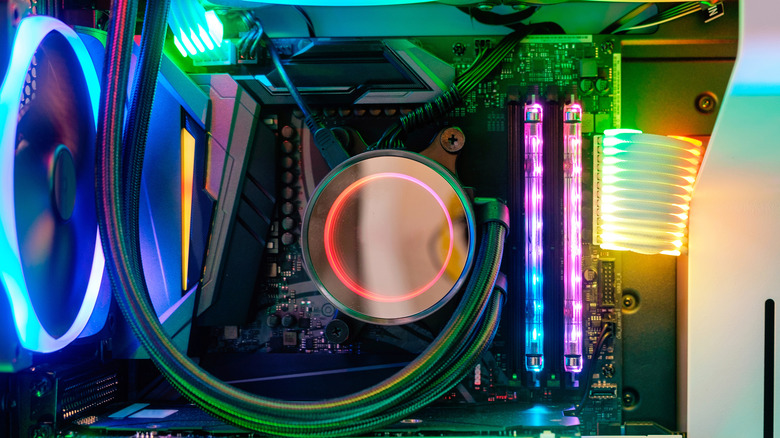
That's where liquid cooling comes in. Water has a much higher heat capacity than air, which means it can absorb and displace more heat. As such, liquid cooling offers much better heat dispersion for setups that can get extremely hot, alongside sleeker designs, less noise, and other advantages.
Not everything is good, however, as there are many disadvantages of liquid cooling and All-In-One (AIO) coolers — which include a liquid cooling mechanism and related components – that you need to know about before deciding whether you should get an air or a liquid cooler. These include higher prices, more complications, and just a general lack of need for most users.
1. Liquid coolers are much more expensive

Liquid coolers are more expensive than air coolers most of the time, but that makes sense. They're more complex and more expensive to produce, but that also means you're getting more performance by paying more, right? Not exactly. The reason liquid coolers are better at dispersing heat is that water has a higher heat capacity. This means that, at the highest end, any water cooler will be better than what the best air coolers can achieve. Most people don't have computers that need this level of cooling, though, and in practice, you often end up paying twice or even three times as much for something that will do the same exact job.
To evaluate this, we can refer to a test done by YouTube channel Tech Notice comparing various PC coolers. In the test, the roughly $75 Deepcool AK620 Zero Dark performed better than the $250 NZXT Kraken Elite, although barely. Liquid AIO coolers do offer better cooling, but the difference isn't too great, and the big difference in price makes it even less worth it if you only prioritize cooling. For most people, getting a better air cooler instead of an expensive AIO is one of the cheapest ways to upgrade their PC.
2. Air coolers can be quieter
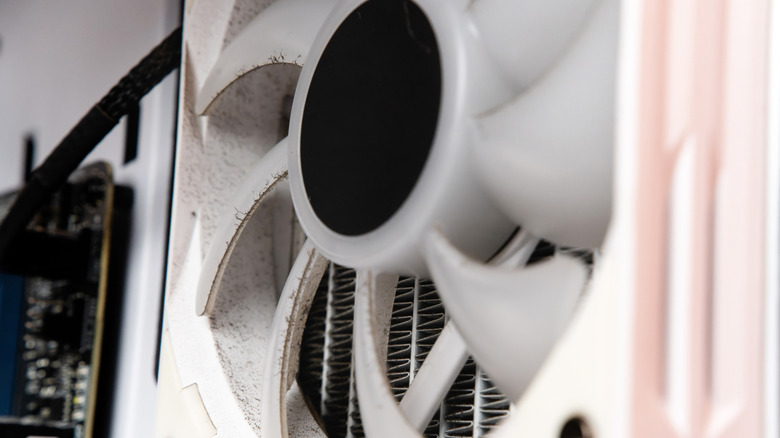
Liquid cooling has the potential for much better cooling, but that's not the only reason people opt for it. Pretty much any high-quality air cooler can provide sufficient cooling for even the most intensive of setups. What's much more of a benefit to most users is the lower noise levels that liquid coolers provide when compared to air coolers. This, however, isn't always true either.
The faster a fan moves, the more heat it will disperse, and the louder it will be. The inverse is true as well; a slower fan might dissipate less heat, but it will also be quieter. If you're dealing with low heat loads, you can lower your fans' RPM to where they're nearly silent — at around the 300-RPM (revolutions per minute) mark — and even lower if you need to. The same isn't true with liquid cooling.
A water pump produces a certain level of sound from pumping the liquid coolant through the AIO tubes. Unlike with fan speeds, you can't simply reduce the power of the pump to reduce the sound it makes. This leads to a situation where air coolers can be much quieter than air cooling when you're doing basic office work, and sometimes even when you're putting your computer under heavy load.
3. Less straightforward installation
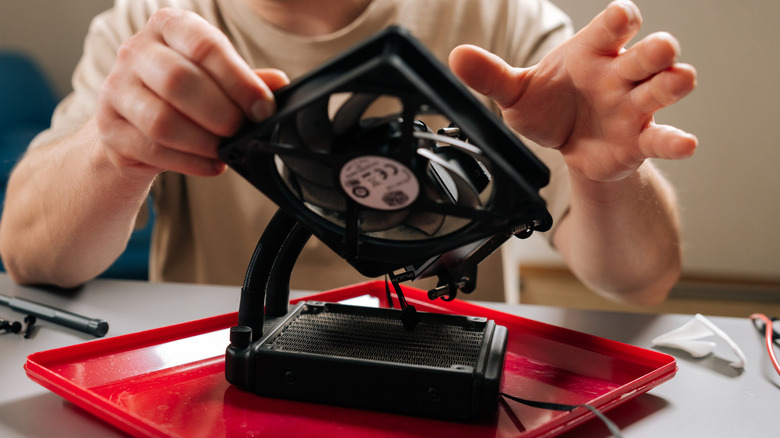
Installing a traditional air cooler is very straightforward. You find a fan of the correct size, screw it into position, and then connect it to the power supply. This simple process becomes much more of a chore when you're dealing with AIO liquid coolers because there are simply more parts to work with.
Before AIO coolers became available, installing a custom liquid cooler was extremely complicated and prone to many risks. AIOs make this a lot better, but they're still significantly harder and more time-consuming to install when compared with air coolers.
A liquid cooler typically consists of the water block that cools your components, a pump that transports the coolant once it's been heated, tubes through which the water is transported, and a radiator and fans to deal with this heat. Each part needs to be connected separately, making the installation process a lot more complicated than simply screwing in a single fan.
4. Longevity
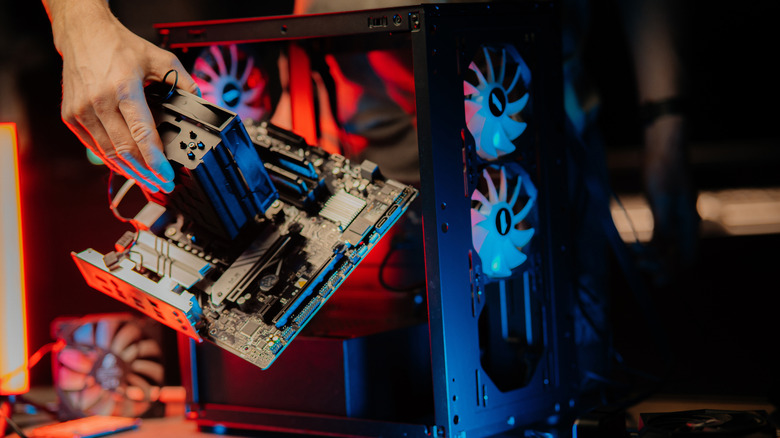
One of the reasons PCs last longer than laptops and other prebuilt devices is the ability to swap out parts. This, however, is still a chore, and unless you're looking to upgrade your PC, the only reason you'd have to switch parts is if one's gone bad. Fortunately, you don't have to replace a cooler often, but how long a cooler lasts depends on what kind it is.
Anyone who's used a traditional air cooler knows that they can last for an absurd amount of time. It's not uncommon for an air cooler to last a decade, and even when it does break down, often all you need to do is dust it off properly and get a fan replacement, rather than switching to an entirely new cooler. This is because air coolers are simple and don't have too many points of potential failure. The only moving component is a simple fan, and there aren't many different parts holding it all together.
Liquid coolers are often called All-In-One coolers for a reason: As the name suggests, there are many more parts to work with. The water block, the pump, the radiator, the fans, the tubes, and even the coolant inside the unit all function as separate areas that can go bad. Unlike with air coolers, you can't just get a replacement for a single part either (unless it's a custom liquid cooler), which means you'll have to get an entirely new cooler instead. This is why liquid AIO coolers usually last five to eight years, compared to air coolers that can last indefinitely.
5. The risk of damage to other components

One of the biggest concerns people have when choosing to buy a liquid cooler is that it might leak and fry your expensive graphics card. This makes sense, as water and electricity have never played well with each other. However, the liquid coolant inside AIOs is almost always a non-conductive mixture of distilled or deionized water and glycol. This means that, even if your AIO coolers were to leak, the fluid won't short-circuit your entire system, at least if you get it cleaned up, pronto.
This, however, doesn't mean that there aren't other dangers. Even if the liquid is non-conductive, continuous, prolonged exposure to moisture can corrode the components over time. Since liquid cooler leaks are much harder to detect than leaks in air coolers — with an air cooler, you'll immediately notice the fan has stopped moving — you can spend hours or even days before you notice a leak, and the liquid might've already degraded your components by then.
It's also important to note that AIO liquid cooler leaks are pretty rare, at least during the first 5-7 years. Still, when a stroke of bad luck can cause your entire PC setup — often worth thousands of dollars — to completely break down, you can never be too careful. In general, if you're going to buy a liquid cooler, choose one from a reputable brand and with strong consumer and expert rankings, and double-check the warranty to make sure it will cover any collateral damage caused by a leak.