

How To Get The Best Bass Out Of Your Soundbar
We may receive a commission on purchases made from links.
One of the best things about adding a soundbar to your home theater setup is the instant audio upgrade it'll bring to your favorite movies, TV shows, and video games. Dialogue and vocals should get a nice boost, and under most circumstances, from floor to ceiling, everything just feels a bit more immersive. But not every soundbar is going to be tuned to your liking the moment you plug it into your TV, especially if you're a bass fanatic.
Many soundbars, both those under $200 and even some pricier units, are bundled with a wireless subwoofer that only needs to be plugged in for power, while other systems include built-in woofers and bass radiators. This hardware pairing may bring enough oomph for most folks, but if you're looking to get as much bass out of your soundbar as humanly possible, you are not stuck with whatever default settings the manufacturer pre-programmed.
There are hundreds of soundbars on the market, and enough features-and-settings crossover between brands that our0 bass advice would apply to most bar-woofer combos, and even some soundbars without a wireless sub. There are also ways to maximize low-end performance through both soundbar settings and making the most of your room's unique acoustics.
Dive into your soundbar's audio settings to fine-tune its performance
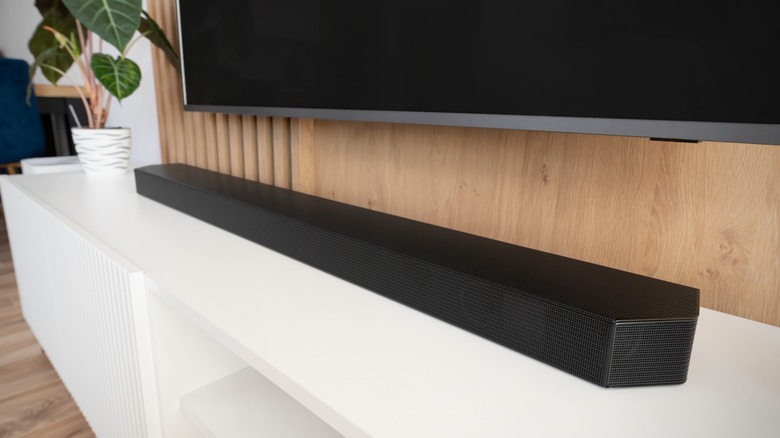
The best way to maximize your sound output is to learn the ins and outs of your system. Most soundbars allow you to make at least a few audio customizations. The first place to check is your soundbar remote, as many manufacturers will include audio preset buttons. Options like "Movie" and "Sports" will usually focus on lower frequencies, while dialogue and vocal presets tend to peel back on thump and rumble.
Some soundbars take things a step further by letting you fine-tune select frequencies, as well as how. loud your subwoofer gets. Depending on the brand and model, you may also be able to customize audio through a separate companion app. Companies like Bose, JBL, and Sonos are big on graphic equalizers, which you can use to give a boost to the sub-200Hz frequency range, the part of the audio spectrum where bass thrives.
There are also soundbars on the market with built-in calibration tech. These kinds of tools will automatically optimize your soundbar based on the acoustics of your listening space, which may lead to an overall boost in the bass department.
Be methodical about where your wireless subwoofer lives
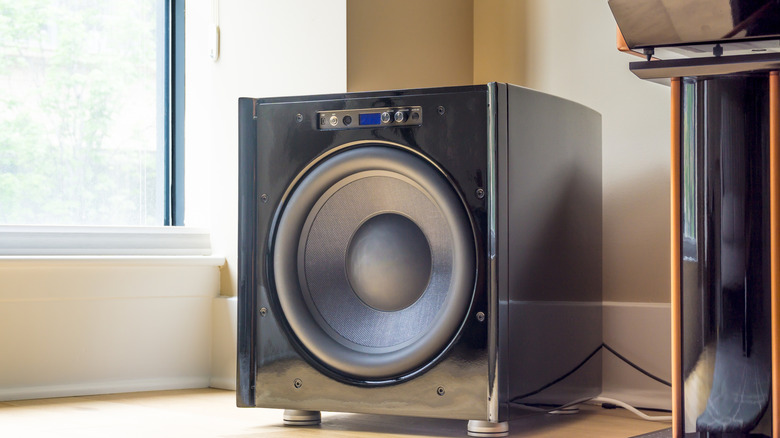
If your soundbar came with a wireless subwoofer, you're already in a much better position than you would be with a bar that doesn't include one. Soundbar speakers can only punch so much low end, but a separate sub's one and only job is to push bass, and as much of it as possible. Ultimately, for the best experience, it pays to think about the layout of your TV or projector space.
One of the best places to plant a subwoofer in a traditional surround sound setup is near but not directly in the front corners of a room. If the sub is too close to the walls, you'll end up acoustically amplifying its sound, which can lead to boomy bass that's hard to control. But if your theater space is crammed with furniture and decor, you'll need to come up with an alternative home for your woofer anyway; and ideally, one that's close to an AC outlet.
Another method that homeowners and apartment dwellers use to pick a woofer location is called the "subwoofer crawl." Start by putting the sub in an ideal listening spot — where your head will ultimately be — and make sure it's at ear level. Then, fire up a bass-heavy song or movie scene, and literally crawl around the room. Listen for the areas where bass sounds best, as well as for spots where low end struggles. Those are the places the subwoofer should ultimately end up. Mark the good and bad woofer locations with some type of labeling as you crawl about. This way, you're reverse-engineering the ideal subwoofer placement.
Introduce acoustic treatments to lasso your listless low end
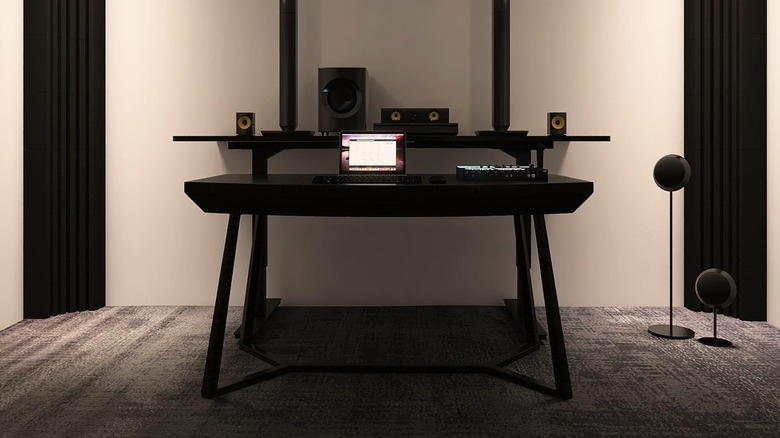
The average room usually isn't designed to accommodate a subwoofer, never mind a space that's smaller than average. Even if you're using an appropriately sized soundbar that won't overpower your square footage, bass frequencies just don't care. Infamously, the sub-200Hz-range of the audio spectrum can sound wildly different in one part of your theater space than in the seat that's only five feet to the left. This is where bass traps come in handy.
A bass trap is an acoustical treatment product that's designed to wrangle low-end frequencies. Most soundbar speakers are actually engineered to push a bit of bass, but it's the separate woofer's job to pick up everything else. The issue is that sub-bass audio doesn't always know when to hush. If these ultra-low frequencies stick around too long, all that standing bass energy could trump other parts of the audible spectrum.
Adding traps to a smaller room is one of the best ways to condition the environment against overly boomy bass frequencies that ring out for too long. Fortunately, bass traps come in all shapes and sizes, and you can start with two or four units in the corners of your room, like this four-pack from Amazon. This alone should result in bass that sounds smoother and more consistent across your listening space.
Use HDMI ARC/eARC whenever possible, instead of digital optical
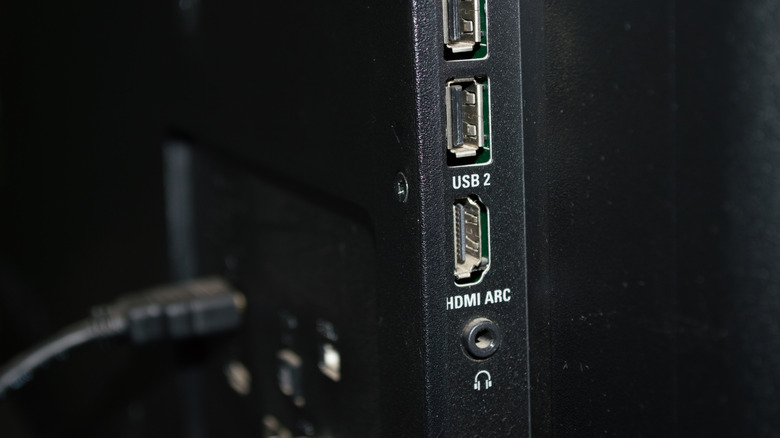
HDMI is better than digital optical in just about every way, but before HDMI ARC arrived, optical was your best bet for connecting a soundbar to your TV. Nowadays, if your display hardware supports HDMI ARC, or the superior eARC standard, there really isn't a reason to wire things using digital optical. Honestly, if your TV doesn't have any free HDMI ports, do yourself a favor and invest in a selector box like this one from Amazon.
As far as bass deliverables go, ARC/eARC doesn't automatically mean improved low end for your soundbar. But HDMI packs in more bandwidth than digital optical, which is how some soundbars are able to decode object-based audio formats like Dolby Atmos and DTS:X. The additional bandwidth may also be used to channel clearer, more dynamic low-frequency effects.
Furthermore, HDMI ARC/eARC supports HDMI-CEC, so you'll be able to control your soundbar's power and volume using your TV remote. Sure, it's no bass perk, but it definitely makes controlling your home theater system much easier. That said, you'll still want to keep your soundbar remote on standby if you frequently use it to customize other system settings.