

Is It Safe To Use Your Laptop To Charge Your Phone?

There are many ways to charge your phone. You can use a wall adapter, a wireless charger, or even a power bank to juice up its battery when needed. However, there are times when you have access to none of these options, and you are left with just your laptop. Fortunately, your laptop's USB ports can transfer power to other devices, including to your phone. While it not seem like the best way to top up your phone battery, charging via your laptop's USB ports is perfectly safe. In fact, some USB-C ports are capable of delivering up to 240 W.
USB, which stands for Universal Serial Bus, typically comes in two shapes: Type-A, the rectangle connector, or Type-C, an oval connector. Older USB ports carry only as much as 5 V; newer ones, which support Power Delivery (PD) can go much higher, up to 48 V.
To keep things safe, the power doesn't start flowing automatically to your phone when you plug it in. Instead, both devices negotiate a safe power draw, and only that is delivered to your phone. All the negotiation is handled by your phone's power management integrated circuit (PMIC). This is the technology that ensures your phone charges efficiently and safely when you connect your phone to a laptop or to a high-powered wall adapter.
However, there is one big caveat in charging your phone from a laptop. The USB ports on laptops are typically designed to deliver a limited amount of power, which means your phone will charge slowly, and can take hours to juice up completely. Also, the laws of physics mean that some energy will be used up and dispersed as it moves from one device to another.
How fast will a laptop charge your phone?
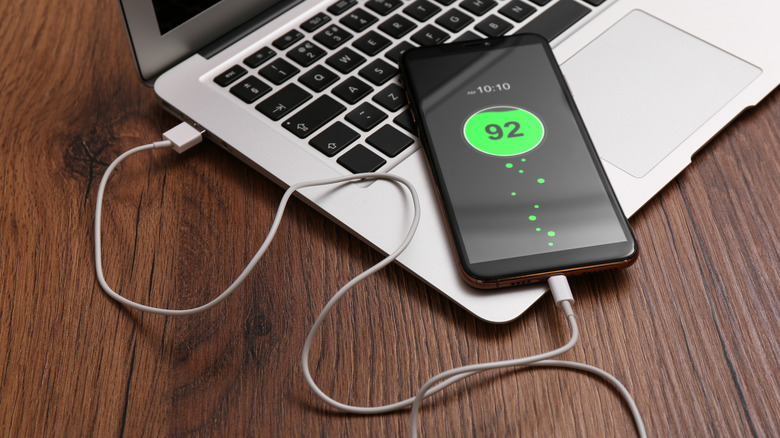
When you charge your phone using your laptop, the charging speed largely depends on the capabilities of the USB port. USB Type-A ports with USB 2.0 support will give you 2.5 W. If you have a USB 3.0 or newer-generation Type-A port, that amount rises to 4.5 W. While some dedicated charging USB Type-A ports can reach up to 7.5 W for charging, those are relatively uncommon in laptops.
The USB-C ports, on the other hand, can be more powerful in terms of power delivery. Still, most Type-C ports that you'll find on laptops are limited to 15 W. Although the USB-PD specification allows Type-C ports to offer up to 240 W power, laptop manufacturers haven't used it to power or charge other devices so far. The reason is likely because the power draw would put too much strain on the laptop's built-in battery. Some laptops, however, do support USB-PD for when they are being charged. But that's strictly for power input, though.
Dell mentions that all USB-C ports on its laptops, including those with Thunderbolt 3 and Thunderbolt 4 capabilities, can deliver up to 15 W. Framework also offers the 15 W or lower output power for all the USB-C ports on its laptops.
Laptops may limit USB power output when running on battery for power-saving needs. As a result, even if a laptop has a 15 W-capable USB port, it might not deliver as much when on battery power. Moreover, if there are multiple USB ports on a laptop, the order in which they are used can matter. There is a good chance the first USB port you connect to will get the most available power, and the output will decrease for others.