

Stop Buying Expensive New Routers — Try This DIY Solution Instead
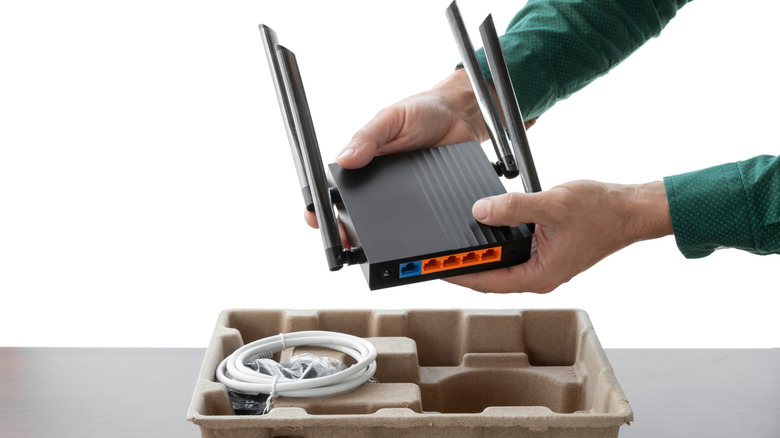
For many, a slow internet connection or high latency is a sign that the router needs an upgrade. When exploring available options, high-end routers may seem like a practical choice, especially as they come with more antennas, better coverage, newer Wi-Fi standards, faster speeds, and advanced features. But sometimes, the idea doesn't work, because the router isn't the real bottleneck. Besides, even after upgrading, you will still be on a wireless connection, which, although convenient, isn't the most reliable, particularly for gaming and other tasks where latency plays a critical role.
That's where Ethernet or a wired connection comes into the picture. Unlike Wi-Fi, which uses radio waves to transmit data between the router and the connected device, Ethernet relies on a cable. This makes it faster and more reliable. Additionally, wireless signals from the router are impacted by walls and solid objects as well as interference from other wireless devices. This means there could be parts of the house where your Wi-Fi connection is rather patchy or unstable. A wired connection fixes most of that, delivering stable speeds and lowering the latency.
The best part is that you don't have to completely let go of the router or invest in an expensive setup. There are Ethernet ports on most routers, which you can utilize for your most important devices. The trick here is to identify these devices and directly connect them to the router.
Run an Ethernet cable
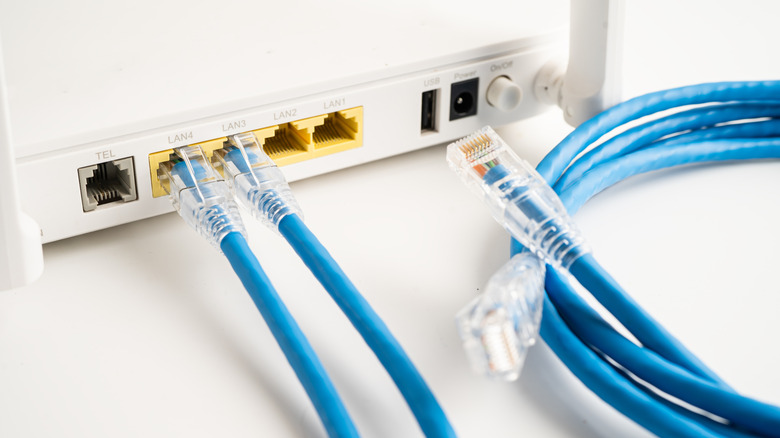
When it comes to running Ethernet cables from the router to your PC or gaming console, you have two options: use a longer cable or a shorter one. A longer cable works when you can't reposition the router, but it's also costly, difficult to manage, and takes effort to conceal. That's why a shorter cable makes more sense to many people. Besides, as the length of the cable increases, so does the resistance, which impacts the internet speed and increases the possibility of packet loss. However, for most people, this shouldn't be a concern, as an average home requires shorter cable runs. As long as the cable is under 10 to 30 feet, its length shouldn't be a concern, irrespective of the type of cable you are using. Remember, you can generally run Ethernet cables for 100 meters (328 feet) without noticing any impact on performance.
Often, the best course of action is to reposition the router closer to the more important device or devices, which could be your PC, gaming console, or smart TV, and run the Ethernet cable directly from the router to the device(s). Simply plug one end into the Ethernet port on the router and the other into the device. If your laptop doesn't feature an Ethernet port, go with a USB to Ethernet adapter. You could use a USB-A to Ethernet adapter or a USB-C to Ethernet adapter, depending on the availability of ports. An adapter is an additional purchase, but it's far more cost-effective than getting a new router.
Hide the setup neatly
The last step of this DIY hack is to neatly conceal the entire setup. For the router, it's best to place it in the open at a height of 5 to 7 feet. If you want to hide your router without losing signal quality, use a crate or a bamboo box, preferably something with small holes to feed the cables. Avoid placing the router in a metal enclosure as it can prevent wireless signals from passing through. Your other devices are still relying on wireless connectivity.
As for hiding the cables, you have a few options. You can run the cable along the baseboard. This is by far the simplest trick. However, the problem here is that cables are still visible and are relatively less protected. To avoid that, you may want to run the cables under a rug or carpet. Another option is to hide cables behind furniture. For instance, if the Ethernet cable runs to your computer, bring the router closer and hang the excess cable behind the desk your PC rests on.
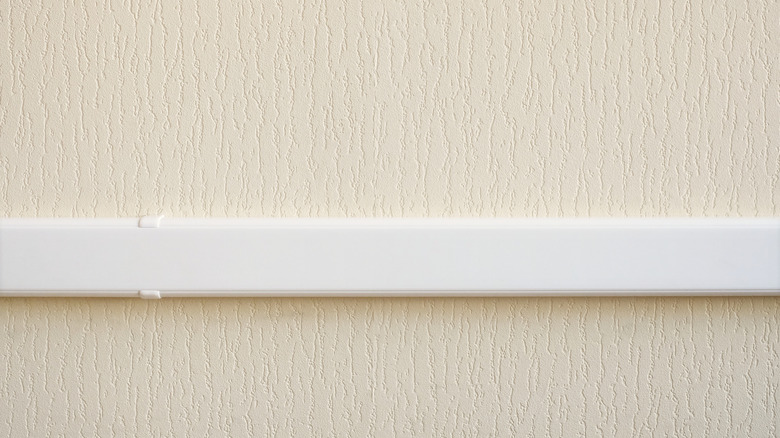
For maximum protection and long-term use, opt for cable raceways. These are essentially enclosed channels that help conceal and protect cables. With cable raceways, you can run multiple Ethernet cables through the same channel. And since these are available in different colors, you can find one that blends with or complements the background. With a little planning, you can enjoy the reliability of Ethernet without all the mess that ineffective cable management sometimes creates.