

4 Reasons To Set Up A Guest Wi-Fi Network On Your Router
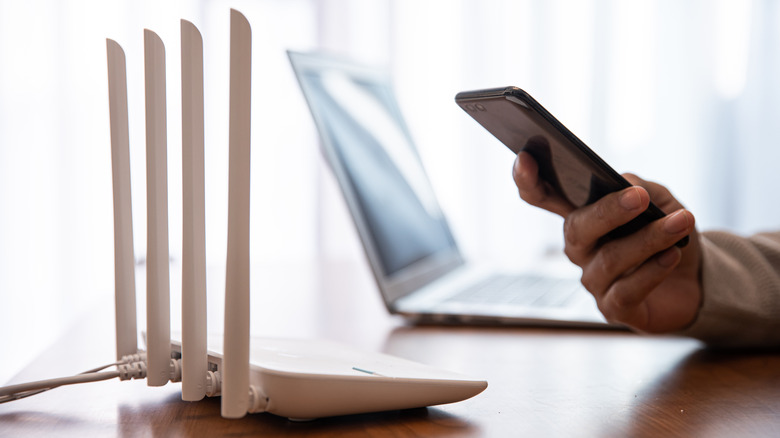
Not everyone knows this, but modern routers come with a unique feature that allows you to effectively set up two separate networks: a primary and a secondary. The latter of which can be used specifically as a guest network. There are actually a lot of cool things like this you probably didn't know your Wi-Fi router can do, but the separate guest network is a clever little addition for many reasons that can also be repurposed in various ways.
The most obvious, and probably most common use for it is to set up a separate guest network that others can connect to when they're at your home. This way, others can access the internet without compromising your core network or disrupting the performance of your other devices. You can even use the guest network strictly for your smart home devices. Your main devices, like a desktop PC, networking equipment, and anything else connected to your router, remain effectively compartmentalized and inaccessible.
Don't confuse this with a dual-band network – some routers broadcast two networks because of dual-band — which is not necessarily the same. Of course, you don't have to set up a guest network if you don't want to. They're often disabled by default and must be configured separately; they have their own name or SSID and a unique password. But if you are considering it, there are a few notable reasons for having a guest network you might want to know about.
To improve your privacy and security
Network segmentation is the practice of dividing a larger or core network into smaller parts, called segments, to improve security, performance, and privacy. It's more commonly used to protect commercial and large-scale networks, but the guest network on consumer routers is a basic form of this. If one of those segments is compromised in some way, only it is affected, and the problem cannot spread to other segments or devices, especially infrastructure like servers.
When you create a guest network, it's segmented from the primary network, including any and all devices connected to it. Keeping the two networks separate protects you and your data, along with the data coming to or from your other devices. If a neighbor connects to your guest network from their laptop, which might be infected with malware, it can't compromise your core network.
You can also use it as a secondary access point to connect devices from brands or sources you don't trust, such as a cheap or foreign smart home device, or outdated devices that no longer get security updates; devices that you don't necessarily want to give access to the rest of your home.
To improve performance and reliability
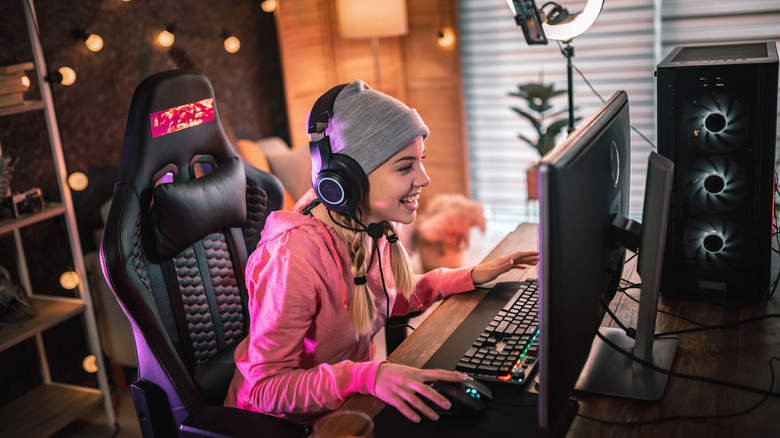
When you have a lot of devices connected to a single network, communicating with a router simultaneously, it can create congestion, like a jam-packed highway. Some activities like streaming or online gaming also use more bandwidth (or more of that connection's capacity). So, the more devices you have connected, and the more people using their devices at the same time, the more likely you are to experience slowdowns, lag, or performance issues. That also matters when you're having a big social gathering or party and lots of people are connecting their phones to your home's router. Sometimes, separating users and devices by moving them onto a guest network can improve performance for both segments, especially your main network.
You can also set bandwidth limits on your guest network to restrict a visitor's access, which aren't applied to your main network. That way they aren't slowing things down when downloading big files or watching online media. You could do similar things with small devices that need constant Wi-Fi and online access, segmenting them to the guest network to leave more bandwidth for your favorite activities. That way, your movies are less likely to buffer while you're trying to enjoy a night in, or your music doesn't cut off in the middle of your party or karaoke session.
To segment your smart home tech
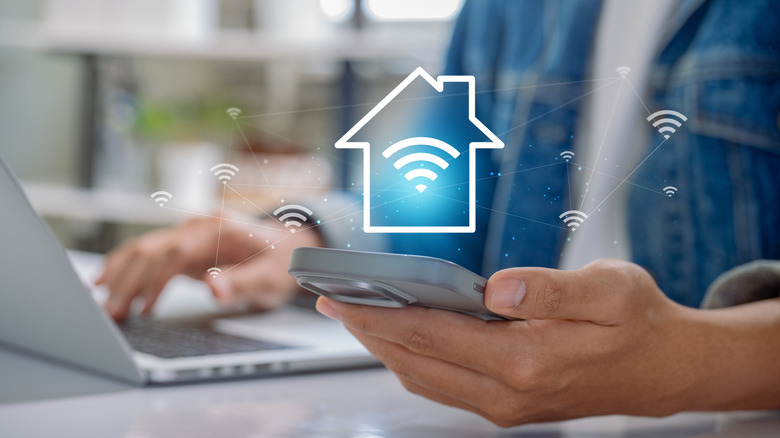
Even if you don't have guests, you can use the separate network to segment devices, like connecting all your smart home gadgets through the single gateway. This is one of the more clever uses for your router's guest network you might not have heard of. Rather than have them constantly connected to and cluttering up your primary network, they have their own channel. There are pros and cons to doing this, like setup difficulties or connection issues when they need to communicate with other access points or devices on your core network.
However, segmenting devices can minimize any vulnerabilities that do exist, and simplify your network management; you know everything "smart" is connected to the guest network. You can also disable features that aren't needed, like UPNP, SSID broadcasting, and guest-to-LAN communications, all things that might be active and useful on a core network but less so on a private, specialized channel for smart home devices.
Simpler multi-user and password management
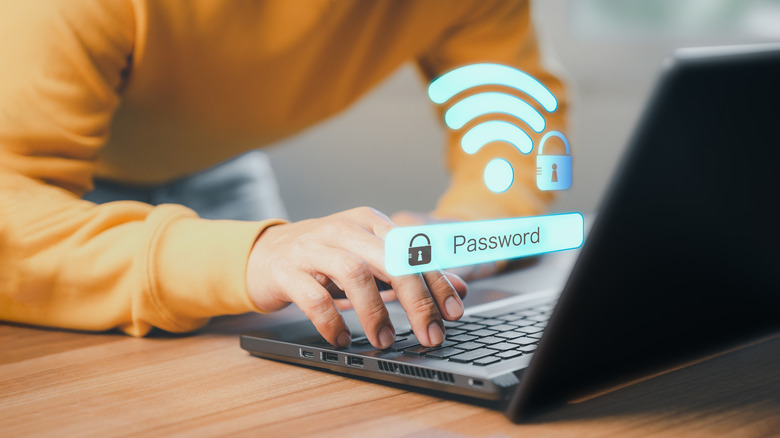
Every time someone new visits your house, they'll likely ask for the Wi-Fi password to access your network. Free Wi-Fi is the saving grace of most social outings, but giving everyone access to your main network and your primary password is a huge compromise. There are no guarantees they'll act in good faith and won't share that password with others. Setting up a guest network, with a simpler password that's also much easier to give out, is an especially convenient way to make it all work.
You can save the more difficult and more secure passwords for your main network, and instead create a simple, easy-to-use password for your guests. On some routers, you can even set up temporary passwords that expire, allowing for limited use while someone is visiting. Once the password expires, to get back in or get access, a new password will need to be created.
You can do all sorts of unique things with this, too, like sharing a QR code people can scan to quickly log in to the network. Or, you could set time limits so the network automatically turns off or becomes unusable after a few hours or days. You could set up online limits this way for kids, as well. TP-Link is one brand that allows you to schedule an effective time for guest networks on select routers, for example.