

Waze Might Know Your Location Even When You're Not Using The App
Waze sets itself apart as a navigation app by turning the often-dull task of commuting into an experience that's interactive and community-driven. Along with using the app to find the fastest routes, you can warn fellow drivers (and receive warnings) about upcoming issues on your route, like a rogue car part in your lane and even where sneaky police are hiding with a radar gun.
For roughly 140 million drivers each month, this app has become an indispensable co-pilot. Users like what Waze offers so much that they rarely second-guess the permissions they grant it when installing it. In fact, it feels like a simple trade: you get a faster commute and the app gets to know where you go each day. However, this trade-off is more lopsided than it appears.
All that crowdsourced magic doesn't happen by accident. It relies on an always-flowing stream of location data in order to work. And just like its corporate sibling, Google Maps, Waze can keep tabs on your exact coordinates long after you've parked your car and closed the app (although there are plenty of differences between Google Maps and Waze).
Depending on your smartphone's settings, Waze has the ability to run quietly in the background, logging your location and route history even when you aren't in your car. If you blindly clicked "Allow" when you first set up this app, you may have handed over the keys to your daily movements without realizing just how much information you're giving away.
What kinds of data exactly is the Waze app scooping up?
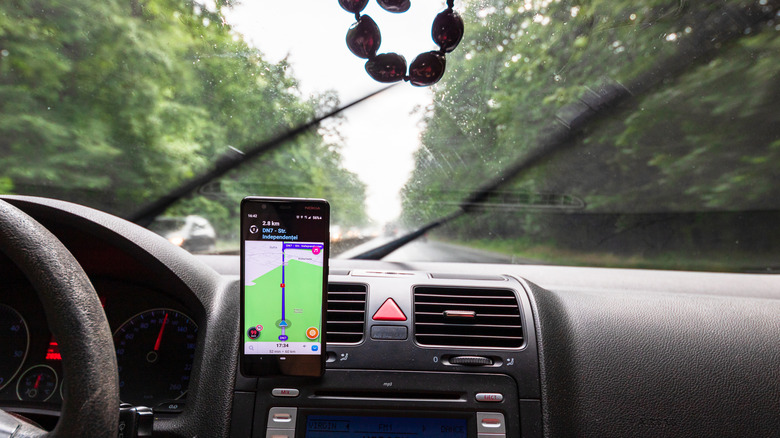
When you look under the hood at Waze's privacy policy, the sheer volume of data collected is staggering. The app isn't just looking at your current GPS coordinates: it collects your regular routes, your driving speed, how often you travel, your home and work addresses, and more. It also scoops up metadata regarding your device type, battery level, and third-party apps or sites you use via the app.
If your phone's location permissions for Waze are set to "Always" rather than just "While Using the App," this data collection can become a 24/7 operation. Waze can use background location data to learn your habits, which it says it does to offer you perks like better predictive routing (such as alerting you that there's heavy traffic on your usual commute to the office before you step out the door).
While that sounds pretty convenient, it means Alphabet (Google's parent company, which also owns Waze, is building a deeply intimate map of your daily life. Every stop at a coffee shop, doctor's office, or friend's house can be logged, stored, and tied to your device profile. That, in turn, pads out the massive data profile the tech giant already maintains on you.
How privacy settings provide a false sense of security
Naturally, Waze offers an array of privacy settings that claim to put you in the driver's seat. You can dive into the app's settings and toggle on "Invisible" mode, which makes your cute little car avatar disappear from the public map. You can also hop into the ad settings to opt out of personalized ads based on your location.
But here's the catch that every privacy-conscious user needs to understand: These settings only limit how your data is shared with other users or utilized by third-party advertisers. To actually and properly use Waze, the actual underlying data collection never stops.
Ultimately, Waze functions on a basic trade-off: You get accurate crowdsourced traffic data, and in return, you act as a constant data node for Google's infrastructure. If you want to limit this background tracking, your best bet is to go into your iOS or Android system settings and restrict Waze's location access to "Only While Using the App." (In fact, these Android features show every privacy permission you've granted.) But if you're fundamentally opposed to your whereabouts being continuously collected and logged, you might consider giving up the app entirely.