

You Can Make Your Own Cloud Storage With A Raspberry Pi — But Is It Worth It?
We may receive a commission on purchases made from links.
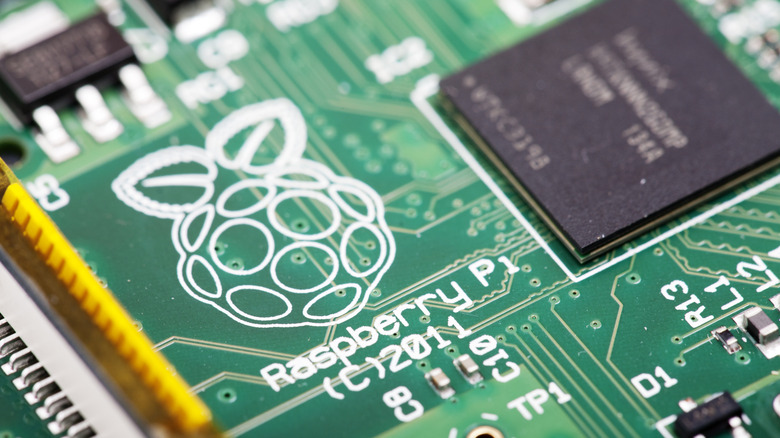
The ever-useful Raspberry Pi is having a bit of a crisis at the moment. One of the most creative ways to use it is building out a NAS, or Network Attached Storage, which can then be made into a makeshift cloud storage by opening it up to the internet. However, with the ongoing AI data center price crisis affecting RAM and storage in particular, this has become an incredibly costly project to undertake.
That isn't to say that other off-the-shelf options — or even alternatives to the Raspberry Pi – haven't also been impacted by this. Almost every facet of the technology manufacturing pipeline has been hit, even driving up the price of the Raspberry Pi to the point it's often no longer worth recommending. Despite this, once the math has been done, it's still cheaper to go the Pi route if you're interested in building out a NAS for cloud storage.
RAM is the heart of the Pi's skyrocketing prices. The latest editions that make up the Pi 5 line have seen increases from $25 to $150. Even older generations have had prices kicked up to $50. You also have to factor in the cost of storage, like NAS hard drives; an 8TB IronWolf drive from Seagate was at its lowest during a sale at $129.99 in 2023, averaging around $170 for a majority of its time on the storefront. Now, it's $299.99, having shot up in price in January.
Price hikes have hit Raspberry Pi like a sledgehammer
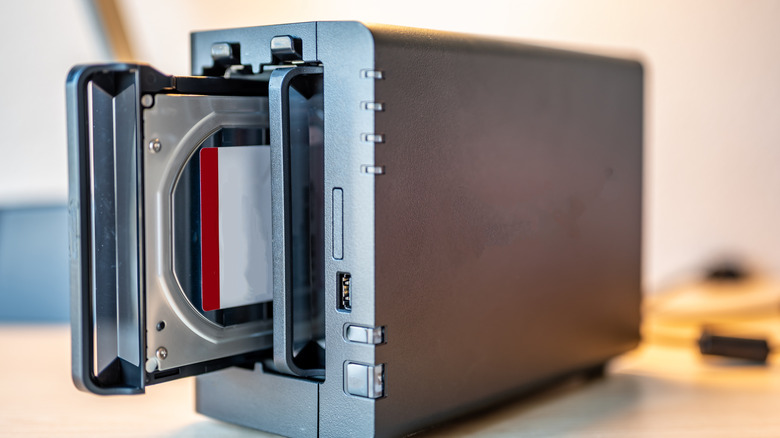
Setting up a NAS as cloud storage with a Raspberry Pi was once absolutely worth it, especially as this could be easily handled by the last-generation models — or even earlier versions of the hardware. Now, in 2026, if we spec'd out the NAS build to be an 8TB RAID cloud storage, we'll need a Pi 4 or 5 as well as two 8TB drives. We can opt to not use NAS drives, but if we want reliability, we'd best stick with them.
Using MicroCenter, the Pi 5 with 4GB of RAM is $109.99. If we opt for a Pi 4, we can get a 4GB model, which is technically slower; for this , though, it should be more than enough. This brings us down to $94.99. Then, it's $599.98 for the pair of drives to use in a RAID to ensure our backup doesn't die. With a RAID, this will leave us at 8TB, even though we're using 16TB. These mirror onto each other, so if a drive dies, it can be easily replaced.
On top of that, we need a RAID enclosure for the drives. The cheapest on Amazon is $59.99, with a 4.1 average review rating. Most customers appear to agree that it does the job, but it's hardly a flagship model. That's a maximum total of $754.88 if we go the Pi 4 route, or $769.96 for the Pi 5.
Off-the-shelf options are just as expensive
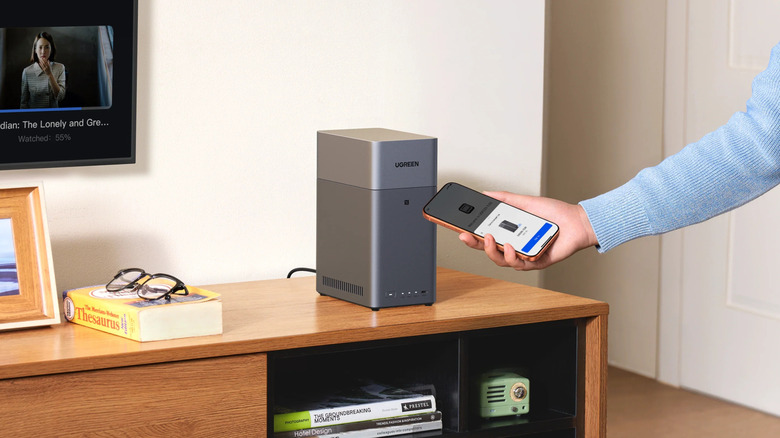
Buying a UGreen DH2300 NAS, which offers two bays over USB, comes in at $199.99. This then increases to $799.97 for a similar setup. The price increase here is mainly down to the NAS being its own single-board computer, with a software system onboard. This model also comes with an HDMI cable, so applications can be viewed via a screen rather than remote connection in a browser.
It's not the only option, of course, but Synology, and even the alternative UGreen option, drive the price up by the tens or hundreds of dollars. That's all before you even begin to get into the drive selection and subscriptions for further protections. On the Pi, you'll have to do a lot of management on your own, but it'll be entirely yours and mainly free.
So, while it's technically not recommended right now to jump into the Raspberry Pi cloud storage ring, that's actually a lot cheaper than going off the shelf. Of course, older laptops and even mini PCs with the NAS designated for cloud storage could all be converted into these types of projects too, and some home lab aficionados opt to go the second-hand route with recycled office PCs over Raspberry Pis.