

Does Using A USB-C Monitor Have An Adverse Effect On Your Laptop's Battery?

USB-C monitors, like the Dell Pro 14 Plus, have proliferated across various online stores. With the increasing need for multiple monitor setups, one may consider getting a USB-C-equipped monitor. Not only do you get video output, but you also get charging capabilities on several new models. However, there's always concern over the impact on battery life when constantly keeping your laptop connected to an external device. The good news here is that you won't have to worry all that much about your laptop's battery health when hooked up to a USB-C monitor.
For those worried that battery health will be negatively impacted by keeping a monitor connected at all times, the fact is that it's not going to damage it. macOS features a battery health management tool that stops charging at 80% or 100% and switches to powering the Mac directly via the mains outlet. Meanwhile, some manufacturers of Windows laptops will hide this feature in the BIOS or in their own software, such as Lenovo's Vantage app.
External monitors with USB-C power delivery are safe
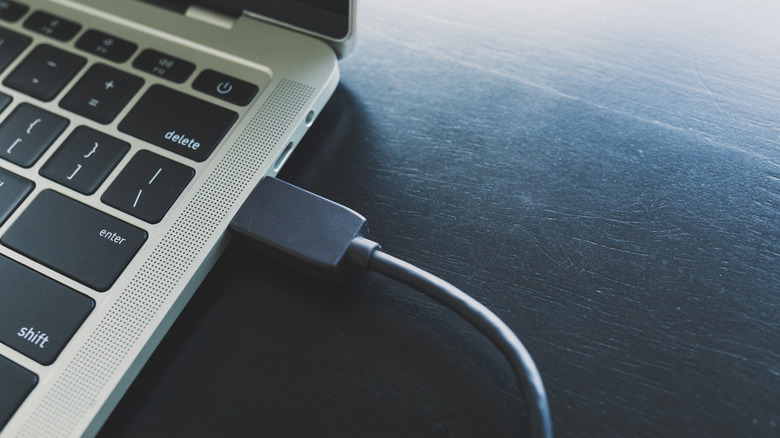
Monitors that support power delivery over USB-C can achieve up to 100W of output. If you want to monitor the exact power being provided to your computer by a particular cable, WhatCable is a program that can display the exact charging speed. Regardless of the charging speed, though, leaving these monitors connected to your Mac or Windows laptop will not impact the battery in a negative way.
What could happen, though, is that you might see your battery draining instead of charging if the USB-C power delivery cannot match the required output wattage. Gaming laptops, for instance, may demand more than 100W of power, which a monitor may not be able to output. In this case, it's best to swap over to the laptop's dedicated charger, which will be able to provide the proper power to keep everything afloat. Lower power delivered to a laptop can also result in poor performance, especially in the case of Windows machines.
Portable USB-C monitors will drain, but not damage, your battery
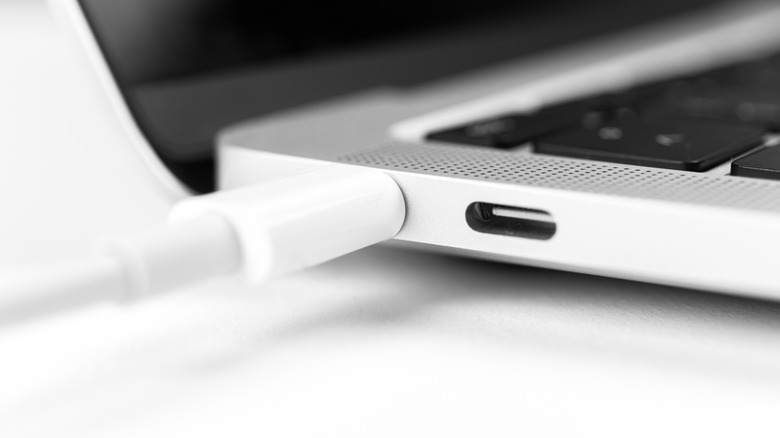
On average, a USB-C portable monitor will draw between four and ten watts of power when rated at 1080p. Due to this, your laptop's battery will drain faster compared to when it's used as a standalone machine. The same can be seen on Macs too; however, Apple's battery management, owing to how the operating system and hardware are developed closely with each other, should prolong your usage a little. On lower-end laptops with weaker batteries, though, just be sure to keep that charger close by.
That said, if you're going to be using multiple portable monitors, you're going to experience rapid battery drain. If your laptop's battery drains quickly, you'll have to charge it more often, which also means the battery's cycle count increases, leading to a reduction in battery health. Moreover, higher-end portable monitors with large screen sizes, like the Arzopa Z1RC, or those with a 1440p or 4K resolution, will draw more power from the USB-C port. Ensure you keep these factors in mind before investing in a portable monitor.