

Are The Stickers On Your Laptop Safe To Remove?
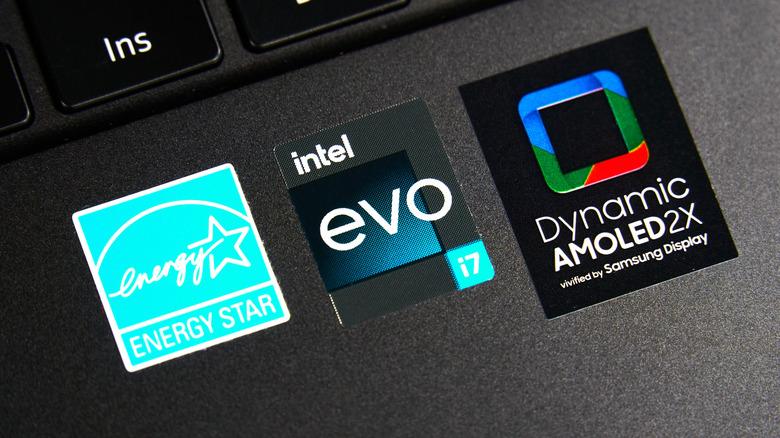
Depending on your laptop (even these major laptop brands to avoid), it's possible, if not likely, it comes covered in stickers. While users are obviously free to add their own stickers to a machine, we're talking about stickers directly from the manufacturer that provide information regarding the laptop. Though these stickers have their purpose, some users may have the urge to peel them off. For the most part, this is completely acceptable — though knowing the specifics is important.
While you're completely fine to remove stickers from your laptop, keep in mind some of them may contain vital information you may eventually need. You may want to consider the resale value before removing anything, if you ever have plans on selling the device. Users in certain regions outside of the U.S. may also want to be mindful of any potential warranty stickers, which can vary. After that, it's up to you what stickers you want to keep.
Should you need some assistance, we've got a guide on easily removing stickers from electronics, which can be a big help in ensuring any residue is safely removed. Just remember you'll likely need a cleaning agent of some sort, such as a solvent, oil-based substance, or another type of mild abrasive. Though users may be annoyed by the random stickers covering their device, a little bit of know-how and a DIY attitude can be just the solution to a sticker problem.
Should I remove the stickers from my laptop?
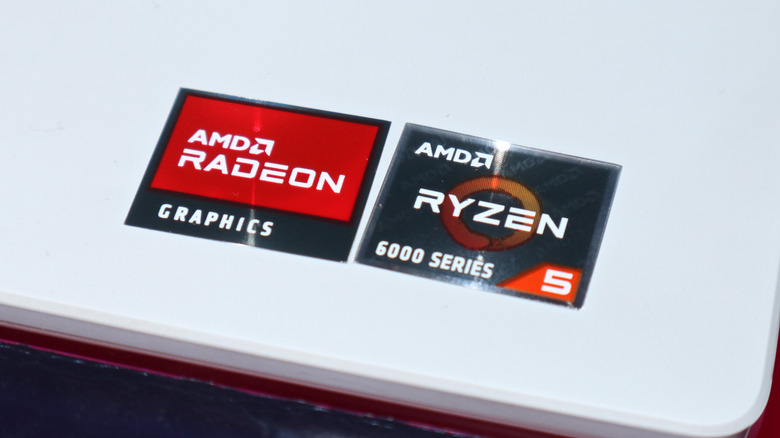
For the most part, removing stickers from your laptop isn't a big deal. If it's a sticker just showing off the model of processor inside your system or anything that just seems like an advertisement for the machine's specs (GPU, operating system, etc.), then removing them is absolutely fine. However, these stickers can be helpful when reselling the machine. Not only does it keep the laptop similar to how it left the factory, but it can also be helpful in proving what's inside (though you can check the laptop's system information).
It's important to remember some stickers may contain valuable information, such as a serial number or other technical information. These stickers are usually found on the bottom of the laptop. Again, you'll likely be able to check the operating system for this information but removing the stickers has the potential to create issues further down the road. But for the most part, removing stickers isn't going to be a common mistake that can ruin your computer.
Users in other regions may need to worry about "warranty void if removed" stickers, which are illegal in the U.S. The Federal Trade Commission (FTC) states these stickers are not allowed in the U.S., but other areas may have different policies, so be sure to double-check your region before removing these stickers. Just as an example, the EU guarantees users at least two years of warranties or repairs, regardless of whether or not you removed said sticker.