

What Switching To A Professional Instagram Account Actually Does
Social media apps can be a powerful tool for individual users and businesses that want their content or products to reach a wider audience, and Meta's Instagram app is a widely used app for promoting content and selling physical goods. That's because Instagram offers personal and professional accounts, with the latter offering more tools to creators and brands who want to expand their reach and get insights about their content. Professional Instagram accounts are available in two distinct categories: Creator and Business. A personal Instagram user can always switch to a professional account and switch back if they so desire. The main trade-offs involve account privacy and access to performance insights. An Instagram user should consider these factors when deciding to switch to a professional account or to create a separate Instagram account for professional use.
Instagram users with many followers may be tempted to switch to a Creator or Business account to broaden their reach and improve sales of digital or physical products. They may want access to the professional tools that Meta offers, including a professional dashboard, content and reach insights, categorized messaging, and Meta's advertising tools. The downside is that opting for a Creator or Business account turns the profile into a public profile that anybody can follow.
A personal Instagram account offers better privacy to the user. Users can make their profile private and restrict access to approved followers, including family and friends. New followers will have to be approved manually, which is an advantage over professional accounts which can't be set to private and automatically approve new followers. On the other hand, creators and businesses may want to extend their reach and gain as many followers as possible. Privacy features available for personal accounts may hinder efforts to increase visibility.
What to choose between a Creator and Business Instagram account
Personal Instagram users who want to switch to a professional account will have to decide which of the two account types to use. Instagram explains in a support document which users the Creator and Business account types are intended for. Individuals who create and share content, including influencers, public figures, and artists, may want to switch to Creator accounts. Companies that sell physical goods, service providers, and other organizations may want to choose the Business option. Regardless of their initial choice, users can later return to a personal account or move between the two professional account types.
A photographer or comedian may want to switch to a Creator account, while a local restaurant or retailer may choose the Business option. Movie stars, politicians, artists, athletes, and other celebrities may also be better served by a Creator account than a private account. Josimar Dias, better known as Vozinha, is the goalkeeper for Cape Verde who went viral during the 2026 World Cup for his performances against Spain and Argentina. He started the tournament with over 30,000 followers on Instagram, a number that rose to over 1 million after the Spain game in June 2026. The figure increased to over 29.5 million as of late July.
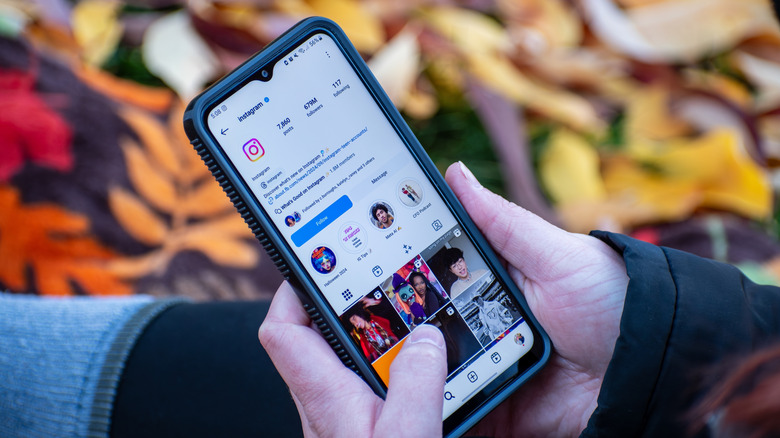
A quick look at his profile shows that he has a professional account, as the "Athlete" category appears under his profile image. Only professional accounts can display a profile category. Without that category designation, it would be almost impossible to determine what type of account the goalkeeper has. It's unclear whether Vozinha opted for a Creator or Business account, but his professional account may have been more discoverable online after his match performances, as search engines can index content from these accounts.
How to switch to a professional Instagram account
Switching to a professional Instagram account will not cost you anything. All you have to do is go to the Settings section of the mobile app and switch to a professional account from the "Account type and tools" menu to start benefiting from the extra features Meta developed for creators and businesses. Once you switch to a professional account, you'll be able to set an optional category label for your Instagram profile that will appear under your profile image. This will quickly tell other Instagram users what to expect from your profile. The category label will match your Facebook page, if you choose to link your Instagram handle to a Facebook account.
A "Contact" button will also be available for your professional account, appearing at the top of your profile. Tapping on the button will give followers access to contact information. Creators and businesses who sell products may want to use this feature to ensure consumers can reach them. Professional account users may also want to take advantage of the expanded messaging system. You'll be able to use folders for your messages, including Primary, General, and Requests, to better manage communications.
The most important tools available to professional Instagram users are not visible to the public. The Instagram Insights feature offers creators and businesses more information about their followers, which can help improve future ad campaigns and content creation strategies. The professional dashboard provides data about the account's performance. Professional users can also set up ad campaigns to further increase their reach. These features will only be available to Instagram users as long as they don't switch back to personal accounts.