

3 Disadvantages Of Using A Cheap Mini PC
We may receive a commission on purchases made from links.
Mini PCs can be an excellent choice, particularly if you want a computer that takes up hardly any space (mounting it behind the monitor gets it completely out of the way) while still being a powerful workstation. Take the Mac Mini M4, for instance, which has a base configuration with 16GB of unified memory and a 256GB SSD for fast and reliable storage. Since it's an Apple Silicon M4, you can be guaranteed that it will provide good value for years to come. But this particular Mac Mini configuration costs $799, which can be out of many people's budgets. However, there are certainly mini PCs you can get at a much lower price, but should you?
Ultra-budget Mini PCs can be very cheap, priced between $100 and $300. However, this comes with major caveats, and you should be aware of them well in advance if you plan to purchase one. A cheap mini PC can be great, especially when you consider the benefits like its quiet operation, especially in low-powered or fanless designs, and lower power consumption (a good way to save on your energy bill). However, you also have to consider that you will probably only be using it for light work and won't be able to upgrade its performance. Bare-bones options at least let you build it the way you like, but the costs can still pile up. Don't worry, though; there are alternatives to cheap mini PCs that balance price and value.
Cheap Mini PCs aren't built for demanding tasks
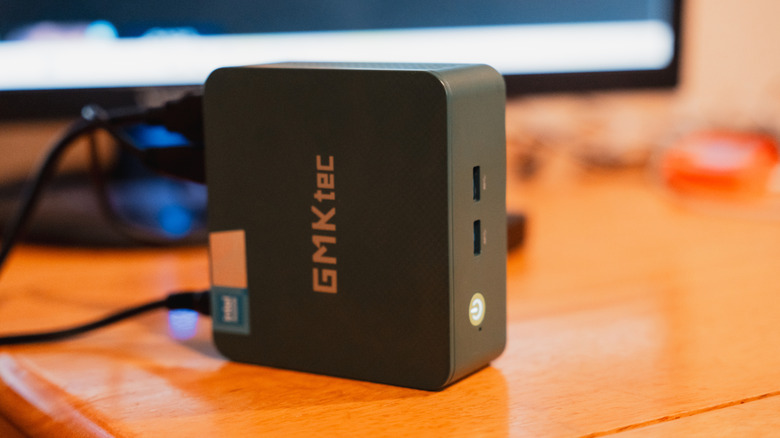
There are many reasons a Mini PC cannot handle demanding tasks. For one, it's cheap, and these types of PCs, even if they're desktop towers, don't come with the RAM needed for intensive tasks. You're looking at 4GB or 8GB RAM configurations, with the former being nearly unusable, even if your computing needs are ultra-low. 8GB is the bare minimum now, but the experience won't be seamless, considering how resource-hungry apps are these days. For instance, opening too many tabs in Chrome alone, especially large ones that can be hundreds of megabytes or more, is enough to make a computer with 8GB of RAM sluggish. That means any workflow that requires a ton of multitasking won't work.
Another thing you won't be able to do comfortably on a cheap mini PC is playing 3D games or editing video in software like Adobe Premiere or DaVinci Resolve. These PCs usually feature entry-level graphics cards that lack the power to run them efficiently. Furthermore, small cases usually accumulate heat quickly, and as demanding tasks push the CPU and GPU to generate more heat to keep up, the PC will either throttle performance heavily or overheat. They are just built for light workflows that don't demand much RAM or generate much heat.
Upgrade options are limited
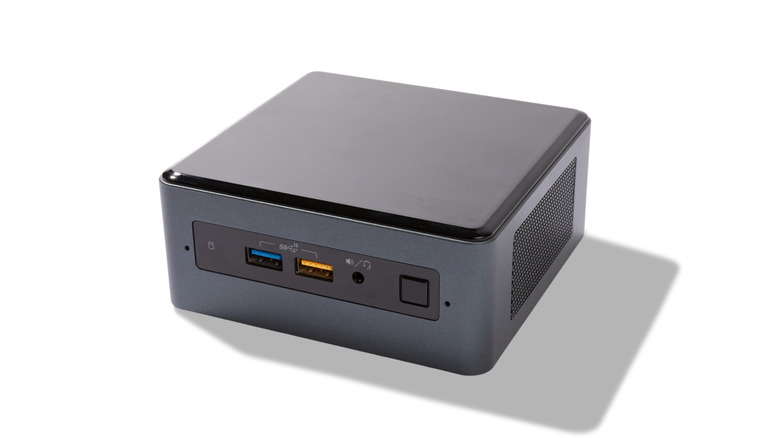
The performance of a cheap mini PC can be impossible to upgrade, even if you have great soldering skills. The CPU and GPU are usually soldered to the motherboard, meaning the only way to upgrade them is to replace the motherboard, which would be a costly and complicated endeavor. So if you decide to move on from your light workflows and onto moderate ones, you're probably out of luck. However, you can add more graphics processing power with an external GPU (eGPU), though that comes at an additional cost. Unfortunately, eCPUs aren't a thing, so you're pretty much stuck with the processor you get. Memory and storage, on the other hand, are upgradable since those are not soldered in.
The problem with GPUs, in particular, is that a mini PC's chassis just doesn't have the space for them. Powerful GPUs are usually larger because their power and cooling requirements are high. The components of a mini PC are low-powered and tightly packed together to make the chassis smaller while being effective at heat management. Adding components that generate more heat can disrupt its thermal equilibrium, leading to overheating. Furthermore, with the power needs of bigger GPUs, a mini PC's power supply may not be able to power them.
A bare-bones mini PC will not save you money
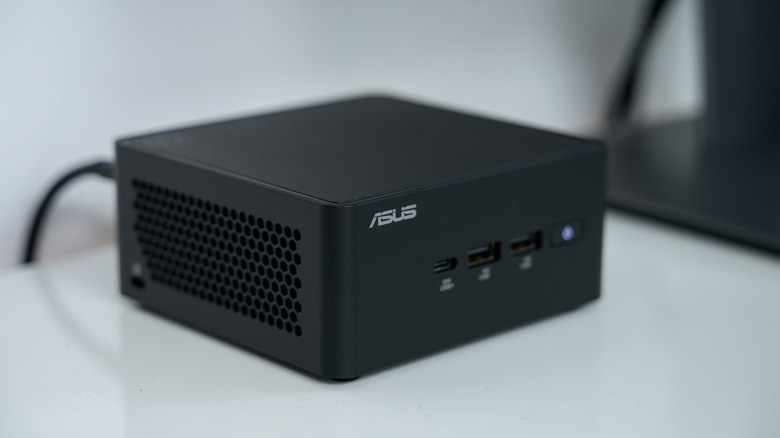
You can get a bare-bones unit that comes with a motherboard at a minimum. You might need to buy a CPU, GPU, RAM, and SSD yourself. These can be cheaper than buying pre-configured units that come ready to use. However, the lower upfront costs might mean getting it to run, especially if you want it to run comfortably, might cost you.
An example is the ASRock Deskmini X300W, which costs $149.99. It doesn't come with an integrated chipset but does have a socket that supports AMD AM4 accelerated processing units (APUs). An APU is a CPU that also does graphics processing, with an entry-level APU like the AMD Ryzen 5 2400G costing $74.89 on Amazon. The good thing is that you can upgrade it to something even more powerful, like the AMD Ryzen 5 5600G, which costs $208.39 (just keep the power and cooling needs in mind).
This mini PC needs SO-DIMM DDR4 RAM, and that can cost upwards of $100 for 16GB. You will also need sufficient storage to run modern workflows; 256GB is typically sufficient for most use cases. You are looking to spend about $50 if you go for the cheap SSDs. Then you will need an operating system. Many PC users go with Windows 11, and the product key costs $139 when purchased directly from Microsoft. When you add all these costs, getting the bare-bones PC to work moves you out of the ultra-cheap price range.
Are there alternatives to cheap mini PCs?

Getting a cheap mini PC isn't bad in and of itself, so long as you get the right one. Consider something like the HP ProDesk 600 G4 Mini, a good productivity machine with a 6-core Intel i5 8th Gen, 16GB of RAM, and a 512GB SSD. It costs over $1,000 on Amazon, but you can find it refurbished for less than $300. Just be sure to buy it from a reputable reseller of refurbished products, and if you're not sure, be sure to ask them the right questions. The bottom line is that you will be getting an enterprise-grade mini PC for the price of a really cheap alternative.
Alternatively, you can buy a very capable refurbished business laptop for less than $300. A good example is the Dell Latitude 5430 14-inch (2022), an Intel i5 12th-generation laptop with 16GB of RAM and a 512GB SSD. Those are good enough specs for comfortable multitasking, and the integrated GPU can do some decent light gaming like "Balatro," "Stardew Valley," and "Minecraft."
Refurbished is the best way to buy second-hand tech. As long as it's from a reputable refurbished tech reseller, you can be confident the laptop will be restored to function like new. You can find these items on reputable refurbished tech platforms like Back Market. For tech like laptops, Back Market guarantees they will come with at least 85% battery capacity, and you also get a one-year warranty on all items.