

The Best Places To Put Mesh Wi-Fi Nodes For Maximum Coverage
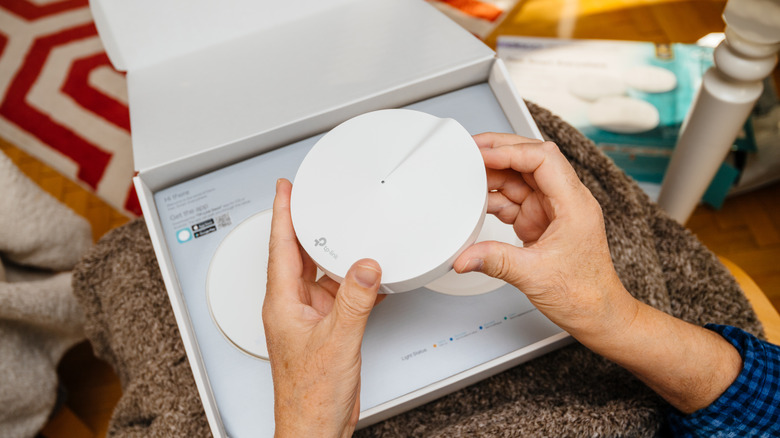
A mesh Wi-Fi system can offer several advantages over a traditional router. Although neither option is universally ideal for all potential users, a mesh Wi-Fi system can be helpful when you're trying to cover a large property or you've otherwise noticed Wi-Fi dead zones. Rather than relying exclusively on a centralized router, a mesh Wi-Fi system distributes the network throughout a property via multiple nodes. However, the effectiveness of this type of system can vary widely based on the placement of those nodes.
The main router of the mesh system should be placed in a spot similar to where you would place a traditional Wi-Fi router for ideal results. That means you should install the system's main router in a fairly central location in your home. Doing so is particularly important with a mesh Wi-Fi system, as all the nodes connect to the main router. The more central the main router's location, the better its signal can reach the other nodes. In addition, to as great a degree as possible, it's helpful to install the main router in a reasonably elevated location where obstructions won't block the signal.
Tips for perfect mesh Wi-Fi node placement
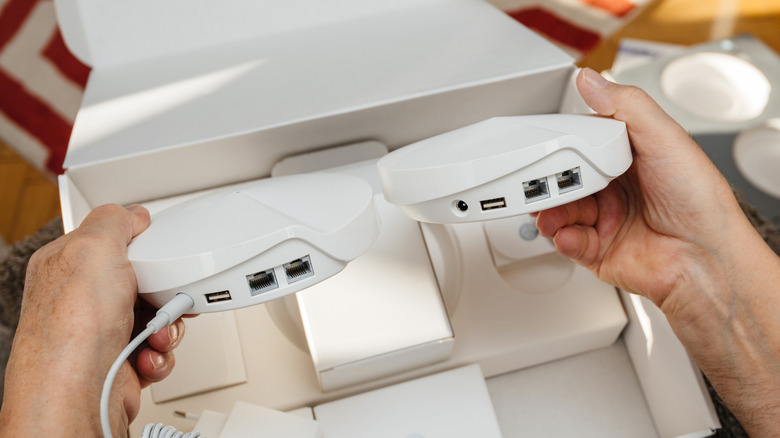
The general recommendations that apply when you're choosing the right spot for your main router or traditional router also apply when you're installing mesh Wi-Fi nodes. Specifically, your goal is to elevate the nodes and place them in reasonably open spots where the signal can travel freely. Because your nodes will have to connect back to the main router, it's also wise to avoid placing them more than two rooms apart from one another.
Do your best to avoid placing the nodes too close to walls and large metal obstructions. Whenever possible, you should also guard against installing them close to certain appliances, like microwaves and Bluetooth-based appliances, as those can interfere with the Wi-Fi signal. Aim to place the nodes at around the same height as the main router.
Be aware that factors unique to your home, such as the thickness of the walls, can affect signal strength. As such, you may need to test the signal as you experiment with different spots for the nodes. Depending on which mesh system you use, your provider may offer an app that allows you to perform such tests easily.
Why you shouldn't place a mesh node in a dead zone
Again, one of the reasons to consider a mesh Wi-Fi system is that it can be a helpful solution if you notice dead zones when using a traditional router. However, that doesn't necessarily mean that placing mesh nodes directly within dead zones will properly address the issue. When experimenting with different spots to place the nodes, you should always remember that they still need to connect back to the main router. In a dead zone, they'll struggle to do so. Instead, test the nodes in different spots near or adjacent to a dead zone, such as a room or hallway between the dead zone and the main router's central location.
Keep in mind that there are various ways you can make small adjustments to the layout of your home itself that may support stronger Wi-Fi mesh system performance. For example, furniture can block signals. Although this would typically mean you should place a mesh node somewhere away from said furniture, in some cases, if you're dealing with a small obstruction, it might make more sense to simply move a chair or other such item to another part of the room.
Once more, experimentation is key when installing mesh Wi-Fi nodes. Keeping these tips in mind will simply help you find the right spots to place nodes more quickly. In the meantime, if you're still looking for the right mesh solution for your needs, you'll also benefit from researching the most reliable mesh Wi-Fi systems.