

How To Get The Best Audio Out Of Your Bose Speakers
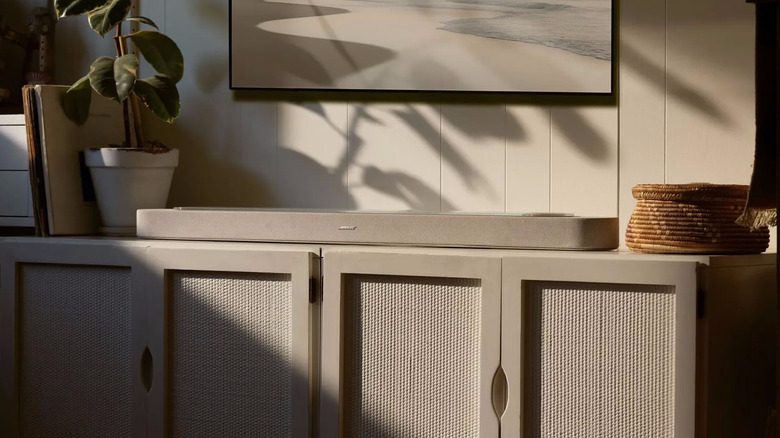
As an answer to Sonos' long-running lineup of wireless smart speakers, Bose has introduced the Lifestyle Collection. It's a set of three unique speakers; including the Lifestyle Ultra Speaker, the Lifestyle Ultra Soundbar, and the Lifestyle Ultra Soundbar. They're designed to adapt to your own personal needs and come with the same focus on audio quality as Bose's popular headphones. Better yet, they can be configured as a full home theater setup, broken apart for multiroom audio, or expanded on to fill your entire home with sound.
After you decide on the right combination from the Lifestyle Collection for your needs, it's important to set these speakers up for success. They sound great out of the box, of course, but there's a number of things you can do to get the best audio out of your Bose speakers. From fine tuning them in the Bose app, to ensuring they are placed properly in your space, here's a few tips on how to maximize your Bose listening experience.
Let the Bose app calibrate your speakers
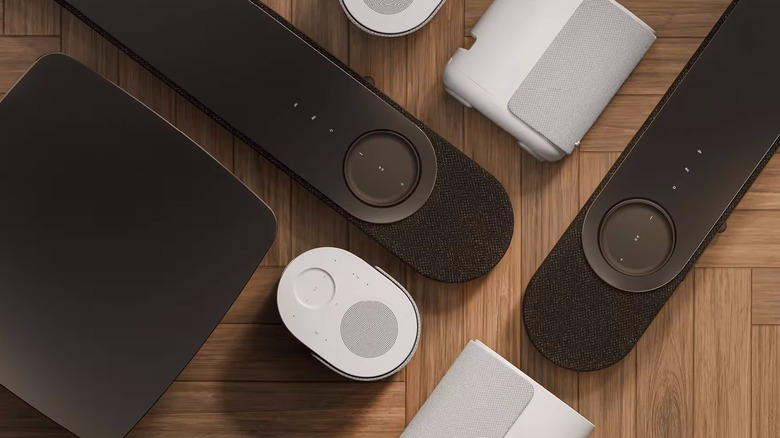
The Bose app, the brand's handy companion to its Lifestyle Collection, offers several ways to dial in the sound quality of your speakers. First, try the app's CustomTune sound calibration feature.
Activating this feature will tap into your phone's microphone to measure the acoustics at different points around your room or listening space, then automatically adjust your system's sound accordingly. It's important to note here that if anything changes, whether it be a new piece of furniture or a new speaker added to the setup, Bose recommends running CustomTune again for optimal results.
If you want to tinker with your sound more after using CustomTune, the Bose app has an entire section dedicated to audio settings. From here you can toggle on features like SpeechClarity, which boosts dialogue for movies, TV shows, or podcasts. The app also has an equalizer with optional adjustments for treble, mids, and bass levels. You can even adjust levels for center, height, and surround drivers in your system, with subwoofer controls built in as well. Admittedly, it's a simplistic approach to audio adjustments, but the Bose app covers its bases if you prefer to manually tune to your taste.
Properly place your speakers within your space
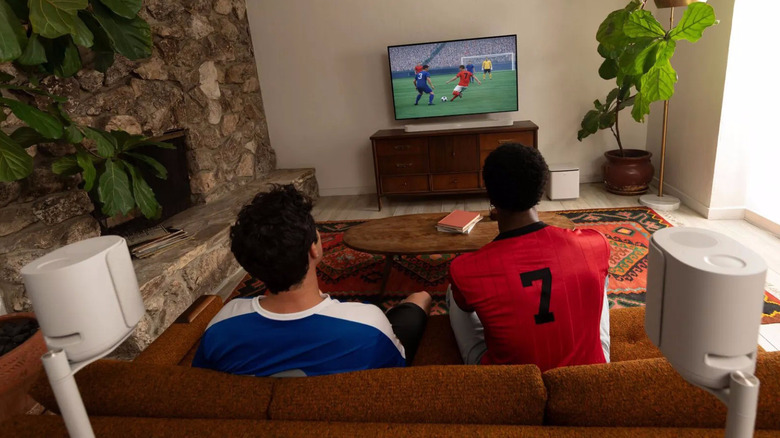
As is the case with finding the right spot for your home theater subwoofer, it's essential to place Bose Lifestyle Collection speakers in spots where they can thrive. For the Lifestyle Ultra Soundbar, avoid recessed spaces like inside a media cabinet to make sure your sound is evenly distributed. Ideally, the soundbar should be on the edge of your media stand in front of your TV, where it can send sound with directionality across your room.
An often-overlooked aspect of speaker placement, particularly with products like the Lifestyle Ultra Speaker, is blocked speakers. Try your best to avoid putting knick knacks, plants, or anything else in front of your speakers. The frequencies they create need a clear path to travel in order to sound best. This is doubly true for the Lifestyle Ultra Soundbar, which features up-firing speakers to produce Dolby Atmos sound.
If you put anything on top of your soundbar, you will miss out on those sweet three-dimensional sounds that add depth and immersion to your movies and TV shows. It may sound like a small consideration, but proper placement with a tuning in the Bose app will unlock peak performance from these state-of-the-art Bose speakers.