

What Does Battery Health Assistance Actually Do On A Google Pixel Phone?
As with any consumable item, batteries go bad. They come out of the factory being able to hold the most charge they will ever be able to and, over time, lose their capacity to the point where they require more care as you charge and discharge them. Lithium-ion batteries are in electric vehicles, they're in phones, and they are most certainly in your Google Pixel phone. Every phone maker has adopted technology, such as the Adaptive Battery feature, to help manage your battery's aging and potentially prevent a thermal runaway event that leads to a potent fire.
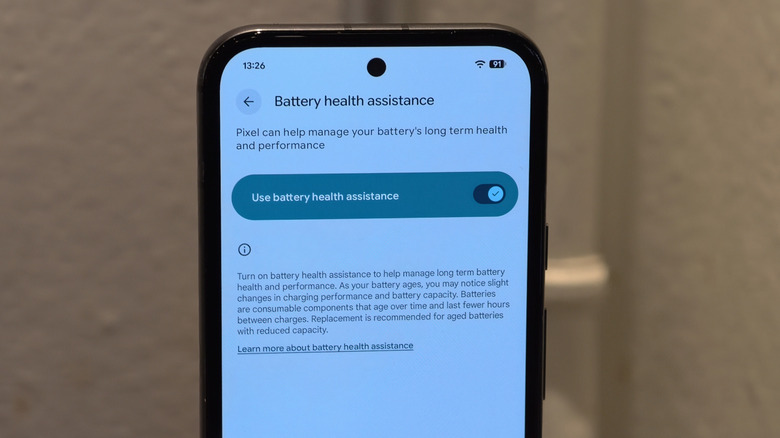
One feature in many Pixel phones acting as a charging safety net of sorts is called Battery Health Assistance. The Pixel 9a was the first device to get it baked into its firmware, with a handful of older Pixel phones getting a toggleable version in a subsequent Pixel Drop update. In short, the feature lowers the maximum voltage the battery can achieve in moving its charge to the rest of the phone. Lower voltages result in less charge that can be delivered between two points at any given time, leading to minor performance dings and slightly slower recharges.
When does Battery Health Assistance begin to work on my Pixel phone?
Google specifies that Battery Health Assistance begins capping your battery's voltage at around 200 charge cycles, with the maximum limitation coming into effect at 1,000 charge cycles. A charge cycle is defined as when your phone is charged for 100% of the battery's capacity — if you charge your Pixel up by 25% now and then again by 75% later on, that would count as one full charge cycle.
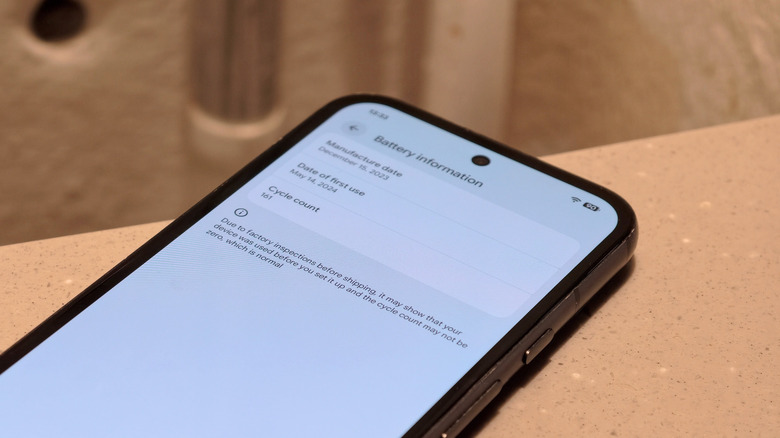
You can see how many charge cycles your Pixel has run through by heading into the system settings, scrolling down to "About phone," and then tapping on "Battery information." You'll also see the battery's manufacture date and date of first use. The cycle count includes any charging performed while the device was at the factory being tested.
Most electronics manufacturers recommend replacing lithium-ion batteries (which can be easy to do yourself if you're handy enough) when charge capacity declines to 80% of the battery's original level. You can check your battery's current level in the system settings by navigating to Battery, then "Battery health." Google says if you own any of its phones, from the Pixel 3 to the Pixel 8 series, the Pixel 3a to the Pixel 7a, and the original Pixel Fold, you should expect 800 cycles before it reaches that threshold. Every phone from the Pixel 8a onwards is rated to hit the 80% mark at 1,000 cycles.
Can I turn off Battery Health Assistance?
You cannot turn off Battery Health Assistance on the Pixel 9a and all newer Pixel phones. It will kick in at 200 charge cycles and will more often than not apply the maximum voltage limitations starting at 1,000 charge cycles. It is toggleable, though, for all Google phones between the Pixel 7 and the Pixel 9 series. If you own one of those devices, you can head to the "Battery health" section of your system settings to access the Battery Health Assistance page and turn the feature on or off.
You might have noticed a mention of the Pixel 6a: Back in July 2025, Google sent out the model's Android 16 software update, and it included a specialized version of Battery Health Assistance as part of what the company called the Pixel 6a Battery Performance Program. The update, which applied to all 6a devices and cannot be rolled back, kicked in mandatory voltage limitations for a subset of "impacted devices" — a list of which was never made public, but owners were notified by in-device messaging if they had one — starting at 400 charge cycles. Through July 8, 2026, impacted device owners were eligible for a free battery replacement.
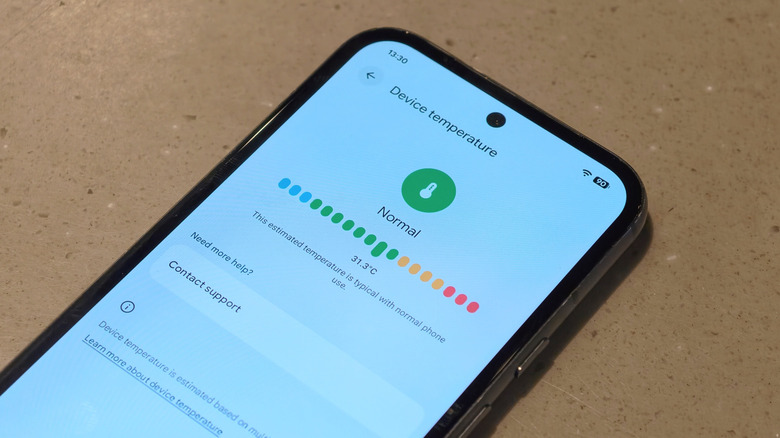
Obviously, if you consume less energy while using a newer Pixel, then you're able to prolong the onset of Battery Health Assistance simply by reducing your charge cycle count over time. Consider utilizing the "Device health and support" menu in your system settings.