

Google Pixel's Hidden Smart Feature Can Save Your Battery Life

Balancing regular use with battery drain on a smartphone can be challenging, especially if you have a mountain of apps installed. That's why manufacturers offer settings and built-in features that give you more control over your phone's battery without being too cumbersome. Google has had an adaptive battery feature in every Google Pixel since Android 9. The best part is that you don't need to enable it (unless you turned it off in your settings) or manually make any changes for it to work optimally; it's already built into your Pixel phone.
It's a smart feature that analyzes your overall app usage patterns with an on-device machine learning model and makes the necessary adjustments to save power. While the feature focuses on your most-used apps to apply the best settings, you can also set it manually through individual app settings, meaning you can technically make tweaks if you find the adaptive battery feature isn't working the way you want.
For example, if you're someone who prefers having Spotify open during a commute and finds that the app is responding too slowly when you open it (because background activity and performance are limited), you can open the app settings for Spotify, select App battery usage, then tap Allow background usage, and choose Unrestricted to remove the adaptive battery settings being applied to your app. That way, you will still have the app function normally, regardless of your usage patterns — be aware that this will drain your battery more, since most apps use the optimized option to match your usage, so they aren't always active.
Do a quick double-check that you have adaptive battery enabled
If you haven't changed your Google Pixel's default settings, the adaptive battery option should be enabled by default. If not, it is pretty simple to turn it back on. On your Google Pixel:
- Open the Settings app.
- Tap Battery Saver.
- Scroll down and tap Adaptive Battery.
- Once you are in the Adaptive Battery setting section, check whether Use Adaptive Battery is toggled on (it should show a checkmark icon in the toggled area).
You can also check through your list of apps for how the battery is being managed by either going through each app in your settings, or you can tap the App battery usage under the App section on your Pixel settings to give you a shortcut to the App battery usage section per app without scrolling through its general settings. However, Google notes that not every option or step works without Android 14 or later installed.
Is the adaptive battery setting always helpful?
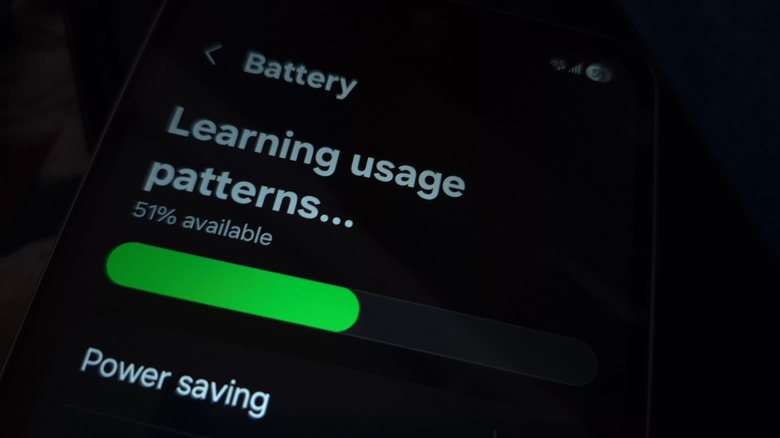
Since Adaptive Battery is a smart feature (AI-driven) that works based on your daily usage patterns, it will either restrict or prioritize the apps you use most regularly. What that means is not all apps will gain the resources to update themselves in the background or free access to your network. Apps not being actively used, like ones that haven't been opened up in months, will likely be dumped into the restricted pile. It's also based on historical behavior, and will erase what it learns after a factory reset.
So you'll get the most mileage from this feature if that smartphone is a primary driver and you open apps more consistently. But for those who irregularly use apps on their Google Pixel, maybe because you split time between a tablet and a computer, your actual usage patterns don't reflect how important those apps are for you to stay up to date, like Gmail. The on-device machine learning splits your apps into five buckets: active, working set, frequent, rare, and never.
It can mislabel your app if you don't spend enough time using it on your device — and remember that the initial learning phase can also drain your battery, since it takes time optimizing them properly (it undergoes calibration, which can take weeks). But generally speaking, it's there to save battery and becomes especially great for those who hoard apps, forget to uninstall them, and haven't touched an app for months, leaving them buried on their phones. Otherwise, if those apps go unchecked, they can drain passively, just by existing.