

These Are The 5 Most Popular Linux Distros In 2026
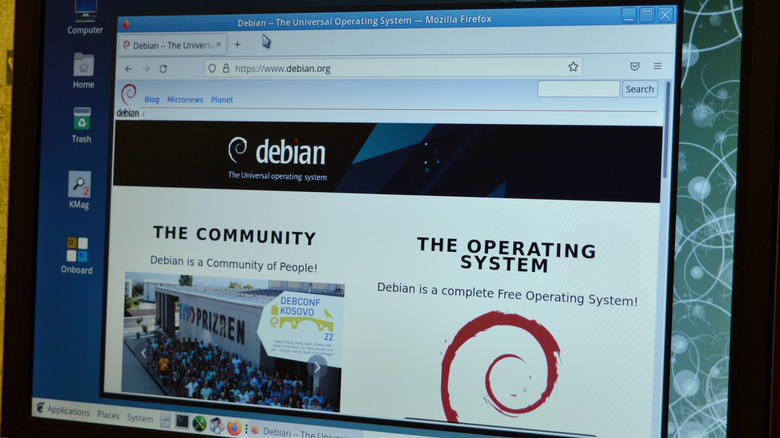
One common mistake people make when they switch over to Linux is not doing enough research to see which distro is best for them. Some people might also mistake "popular" for "the best," and that's not always the case. There are plenty of disadvantages to Microsoft Word and Google Docs, yet they're both more popular than LibreOffice (clearly the superior suite of programs and arguably why there's no need for Microsoft Office anymore). That doesn't mean they're not good, of course.
And when it comes to a Linux distro, everyone chooses one (especially their first one) for a variety of reasons. Maybe they want an extra stable distro like Debian, or they want one that makes the transition from Windows to Linux easier, like Mint. Whatever the reason one has for picking a distro, it's always worth looking to see what's popular, if for no other reason than to see what makes them so popular. DistroWatch has a ranking based on how many people click on each distro's page, which is how we gauged popularity for each one listed here. If you decide to use this method to research Linux distros, take advantage and look beyond the top five.
Pop!_OS
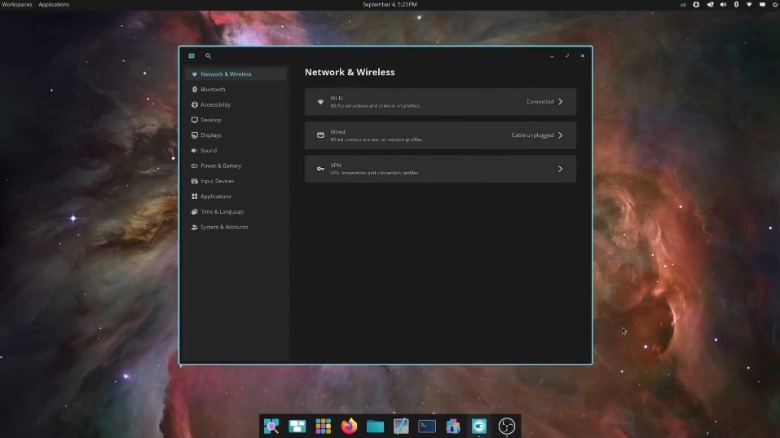
Pop!_OS is an Ubuntu-based distro developed by System76, and it has been at number five on DistroWatch's page hit ranking for the past year. Linus Tech Tips on YouTube might have some influence on that, as Linus chose to switch to Pop!_OS on all of his computers (not his first time with the distro, either). The distro focuses on productivity with its fluid windows, easy search navigation, and simple means to keep the desktop free of clutter. There's a lot of discourse about Pop!_OS on Reddit. Most of it is praise, saying that once they switched over, they never looked back. Others added that "It's clean and fast af," as well as uber customizable, which is typically one of Linux's appeals.
However, some users warn newbies that the distro doesn't work well with older hardware, specifically GPUs. Some have also had issues with it not being one of the most stable distros out there. Chris Titus Tech (not to be confused with the stand-up comedian) on YouTube explicitly warned new users to avoid Pop!_OS for a couple of reasons that include memory leaks and the Cosmic desktop being the heaviest desktop environment out of all the Linux distros.
That said, it would probably be okay if you're a seasoned Linux user and can handle any instability or hardware malfunctions you run into. So if you're one of the half-million Windows users switching to Linux, it's probably best to start with a different distro, like Mint, to begin your Linux journey.
Debian
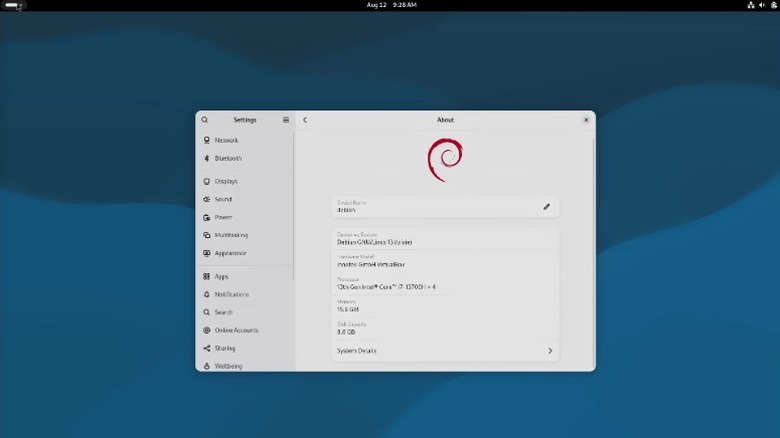
Debian has been around since 1993, when its creators launched Debian 0.01. The project has come a long way since the days of its primitive package system, now being the most stable distro you can install. Part of what makes it so stable is its slower release cycle – something impatient users might see as a drawback, but it's a better distro for it. It's specifically geared toward more experienced Linux users, but it has plenty of programs available for just about anything you need and a huge community that's considerably supportive.
The biggest drawback with Debian is the slow update schedule because it means that you won't get to use all the cutting-edge features other distros are deploying, but it also means that when you finally do get an update, it will be solid. If you are someone who wants cutting-edge features quickly and wants to stick with Debian, you can always use the Debian Test distro. It's not considered as stable, but it isn't known to have many issues.
MX Linux
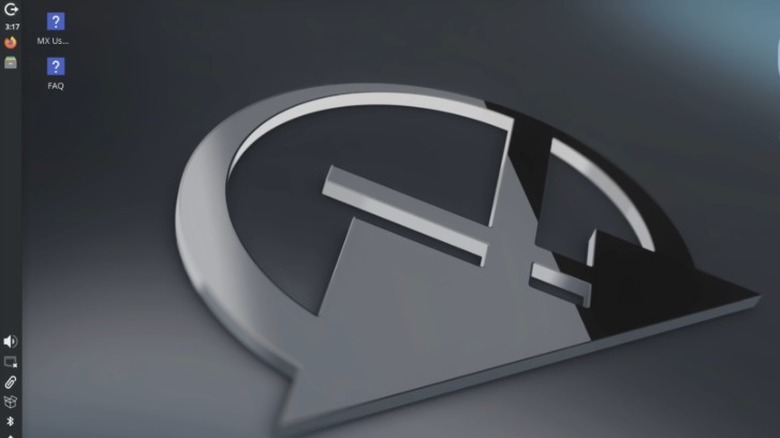
Debian is so stable that MX Linux is based on Debian's stable branch. This might be true of most Linux distros, but one Reddit user found that MX Linux made an obsolete Lenovo laptop with only 2GB of RAM and a Celeron processor useful. Another user agreed after they installed it on a "Vista-era machine" with only 1GB of RAM. MX Linux comes with a small selection of desktop environments to choose from, including Xfce (its first desktop), KDE, and Fluxbox, giving users some variety and customizability. It's praised by many Linux enthusiasts as (on Reddit, at least) one of the best distros out of the box, so it's great for those just jumping over from Windows.
Since it's based on Debian, it is slow with the updates, but again, that is also a considerable strength. Having to use Systemd and Wayland has been unpopular with one or two DistroWatch users due to some small issues, but they still praise the distro as a whole. The majority of reviews still give it an average 8.1 rating, making it easy to see why it's one of the more popular distros.
Mint

If you've considered switching over to Linux at all and have done the smallest amount of research, you've most likely heard of Mint. It's the second most popular distro, according to DistroWatch, with an average of 2,250 daily pageviews for the past 12 months and, in this writer's experience, the most recommended distro. What makes Mint so appealing is its huge community, ease of use, and incredible responsiveness, and it handles just about every common task (email, spreadsheets, browsing the web, etc) easily.
One of the features many users look for is a distro that can handle gaming, and Mint supports over 7,800 games from Steam, making it appealing to a large number of PC users. You can gain access to more games if you install the Heroic Game Launcher or Lutris. Unfortunately, unlike Windows, you have to hunt for hardware support, especially for something like an Nvidia or AMD GPU. You may even struggle with something as simple as drivers for a printer.
One Linux Mint user wasn't a fan of Mint's Nemo file manager, saying, "It's slow, laggy, has trouble loading icons and is generally poor compared to already faster ones like thunar or pcmanfm." They go on to say that it's worse than Windows 10's file manager. They decided to switch to another distro, and, as other users pointed out, Linux is all about choosing what works for you, embracing Linux's freedom. So, if Mint doesn't work for you, you could try any number of distros.
CachyOS
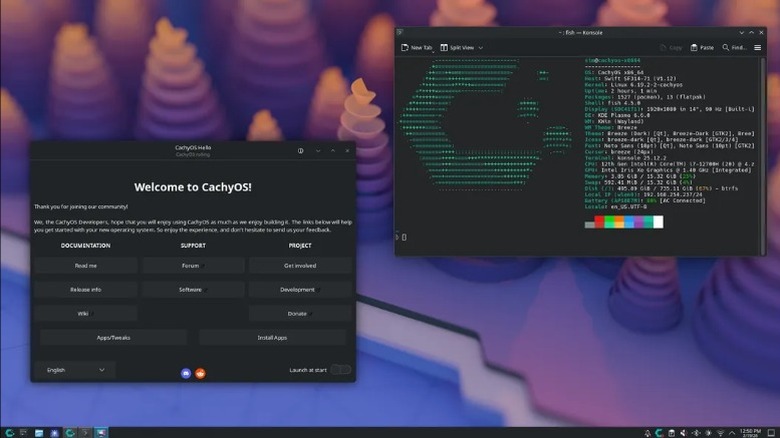
In the same LTT video where Linus chose to go with Pop!_OS, Luke opted for CachyOS, despite having been familiar with Arch, which may or may not have something to do with Cachy's standing on DistroWatch at number one with an average of 3,751 daily pageviews. Cachy is based on Arch Linux, along with so many others, and lets you choose from two installers. One guides you along the way while the other is under your full control. This isn't a distro for beginners, but it can be tempting to install because it does offer some variety in terms of its desktop environment, letting you choose from more than 17, including KDE Plasma, Gnome, and Cosmic.
Sadly, Cachy doesn't come out of the box with some of the most familiar Linux apps installed, like LibreOffice, GIMP, or even Thunderbird. Rest assured, you can easily find them and install them yourself, or any number of other apps you want, and it will install them incredibly fast. However, Cachy works on a rolling release schedule for updates, which can lead to features being broken, forcing you to put in some work to find out the issue. Every distro has its pros and cons.
While Cachy might not be the distro to use if you're just getting used to Linux, perhaps it will be the one to jump to after you've had your hand at some of the more beginner-friendly ones, like Mint, Zorin OS, or Ubuntu.