

Here's Why Everybody Should Get This Accessory Live Streamers Swear By
We may receive a commission on purchases made from links.
I've been streaming online in one form or another for many years. I can still remember Twitch when it was called Justin.tv, broadcasting on Mixer, and even streaming VR games on Facebook Gaming. And while I'm always experimenting with the more oddball alternative platforms to stream on, I've been in the game a long time.
One of the best tools in my streaming arsenal is the Elgato Stream Deck. Elgato, known for their video capture cards, sent me a Stream Deck when it launched back in 2017. I still daily drive that same original model all these years later. And any piece of technology that you're still using ten years after it first released probably works pretty darn well. But what's interesting about the Stream Deck is that, in all the years I've owned it, I use it for gaming the least.
The Stream Deck has become an essential piece of my daily work and home life. The device might have been built for gamers and creators, but its uses go far beyond that. So much so that I often recommend a Stream Deck or a similar device to just about anyone who uses a computer.
A versatile tool for streamers
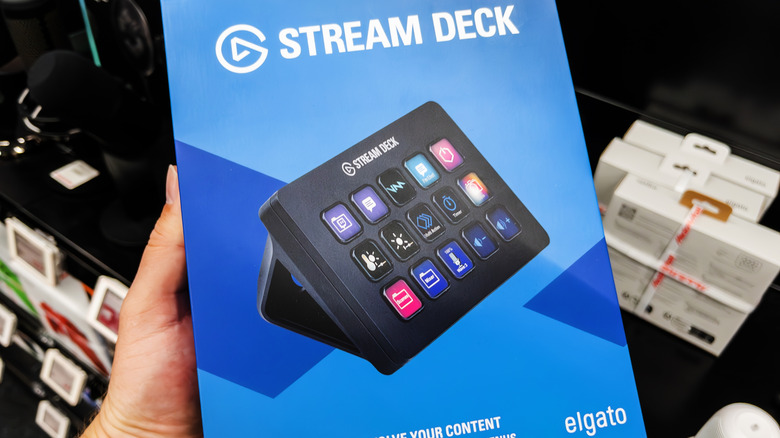
The standard Stream Deck is a pretty simple device. It's a small black frame with a series of 15 square buttons arranged in three rows on its face. These buttons each feature an LCD, allowing you to customize them in almost any way you see fit through the Elgato software. For game streaming, you can assign commands to each button, with a visual representation of your desired action.
In my setup, I have a button with a microphone icon and another with a crossed-out microphone icon. Tapping the crossed-out button mutes my microphone during streaming, while the other turns it back on. Other buttons include settings for my OBS streaming software, such as tossing up a Be Right Back screen, volume controls, camera angle changes, and several audio triggers for various on-stream events/goals.
The Stream Deck essentially lets me be my own live producer when streaming, giving me the kind of dedicated control that would have cost thousands in the medium's early days. But this little device can do so much more beyond gaming or streaming.
Optimize your workflow
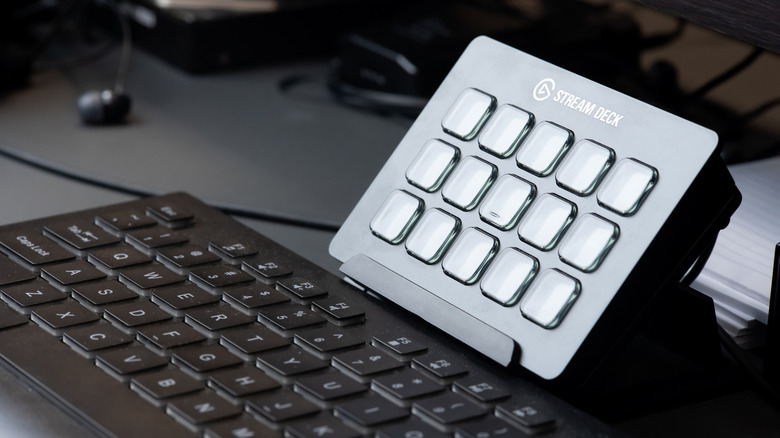
Today, I use my Stream Deck more for work than for gaming. Because each button serves as a hotkey, you can program each for a nearly endless array of tasks. If you work in photo or video editing, you can assign buttons to your most-used tools, helping optimize your workflow in Microsoft Office or one of its many free alternatives. I run my video editing software almost exclusively with only a mouse and my Stream Deck.
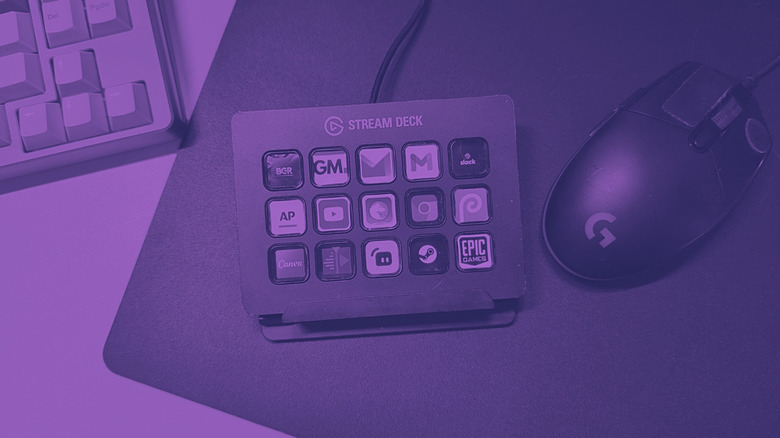
You can also assign programs to open via each button through the Stream Deck software. When my computer turns on, my Stream Deck loads my desktop preferences, each button representing a program I use. I can tap the Email icon to open my mail, the Firefox logo for my browser, and even Slack to load up work.
I also have a different set of commands when I launch my browser. Each button changes to represent my most-visited websites, so all I need to do is tap the BGR button to read the latest news. If there's a command that you want, chances are that you can assign it to a button, making it a pretty invaluable tool for many who love optimizing their workflows.