

5 Apple Watch Accessories You Should Avoid
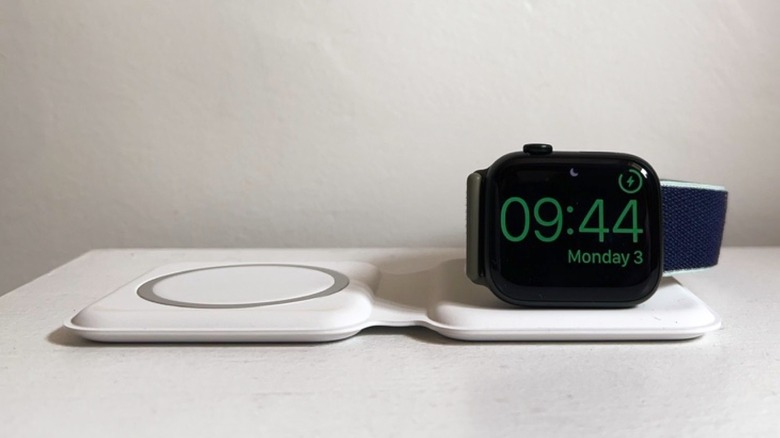
The Apple Watch is the best smartwatch for iPhone users. It offers deep integration not only with iPhones, but also Apple's AirPods, Macs, and more. Since the Apple Watch plays such a big role in our day-to-day lives, it's normal that people see it as a fashion accessory and as something that needs to be protected from possible bumps, scratches, and other marks. Still, unlike with an iPhone (or a smartphone in general) where the accessories market has had plenty of time to mature, Apple Watch accessories can be a little hit or miss. Many times, a screen protector, a case, or even a third-party charger can cause issues — and customers should actually avoid them.
Whether you just got your first Apple Watch or you've had one for years, there are several common mistakes that people make with accessories, as they assume a smartwatch has the same needs as a smartphone. The same way people should avoid specific accessories for their MacBook, an Apple Watch works best when it doesn't have anything on it besides an official (or trusted third-party) band and when it's being charged with an approved cable or stand. Given that, we'll go over some of the Apple Watch accessories you should avoid and talk about what you should look out for to ensure you don't get burned — metaphorically or literally — by problematic smartwatch accessories.
Cheap magnetic charging cables
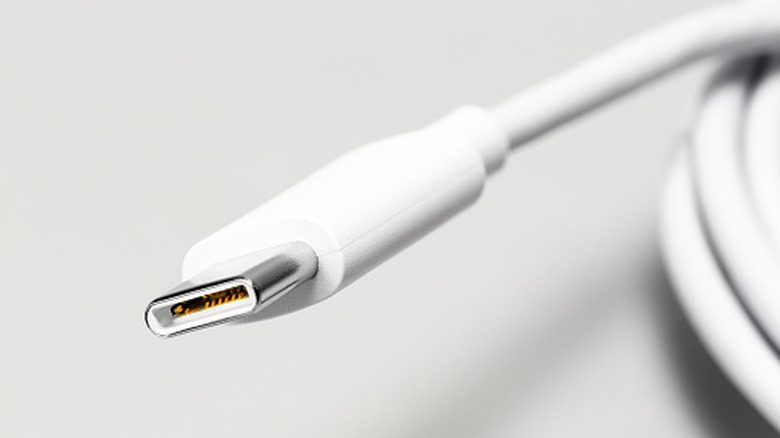
Unlike all other mainstream Apple products, the Apple Watch uses a proprietary charging solution. Different from the MagSafe chargers available for iPhones, this cable only works with the Apple Watch and AirPods. Since it only comes bundled with the Apple Watch, it's normal that customers don't have more than one (unlike the several USB-C cables we all now have at home), and in the event it breaks after years of usage, customers need to pay $29 for a replacement.
Considering the price and lack of options, some customers would rather get a more affordable solution from third-party manufacturers. However, the Apple Watch's charging puck uses inductive charging with a specific voltage, which off-brand cables don't always adhere to — especially those that are trying to be as cheap as possible. This means that the charger can run hotter than it should, which, in the long run, could degrade your watch's battery. Another common problem with cheap chargers is weak or misaligned magnets that can make you think that your watch is charging even though it actually stopped mid-charge.
In this case, the best solution is to check for a "Made For Apple Watch" certification, which is a designation carried by accessories that can often end up being as expensive as Apple's option. Still, it ensures that your watch will charge properly, and it's a solid indicator that the cable should last longer than an uncertified version. And most importantly, you won't run the risk of ruining your expensive wearable just to save a few dollars in the short term.
Bulky rugged cases
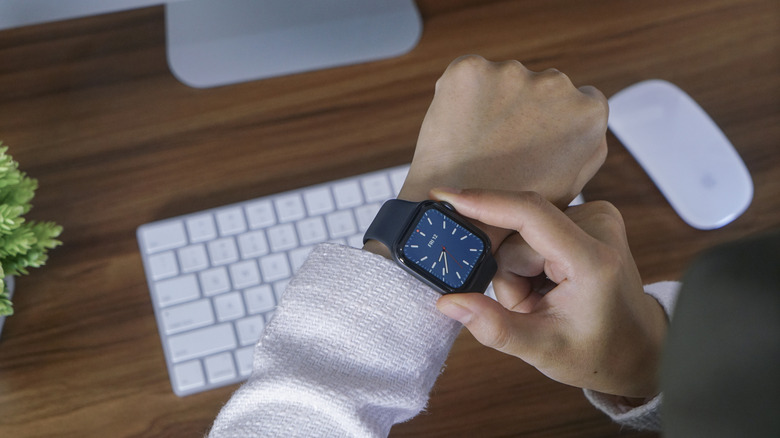
Here's a classic mistake that people make whether they have an Apple Watch SE or even the most expensive, rugged Apple Watch Ultra. To protect against scratches and dents, some people go for rugged cases that improve drop protection and bezel coverage. However, cheap cases can partially cover the Digital Crown and the side button rather than cutting a precise notch. With one of these installed, the Digital Crown feels stiff or gritty to turn, scrolling becomes a pain, and dust can get trapped in the gap between the case and the crown's edge, causing further issues.
If you have an Apple Watch Ultra, you should know that your watch is made to support a rugged lifestyle. If you have a regular Apple Watch or Apple Watch SE, it will be slightly more fragile by comparison. Still, you should look for cases from reputable accessory makers like Spigen, as they feature an open cutout around the crown to avoid trapping debris between the accessory and the Digital Crown.
It's also important to note that your Apple Watch was designed to be used without a protective case. If you're still uneasy, consider that Apple itself has never introduced such an accessory, nor have Hermès or Nike, some of its official partners. But if you insist on a protective case, don't forget that the Digital Crown and the side button need space, and keep in mind that the case shouldn't be so bulky that even the sensors on the underside of the watch might not work properly.
Non-perforated silicone bands
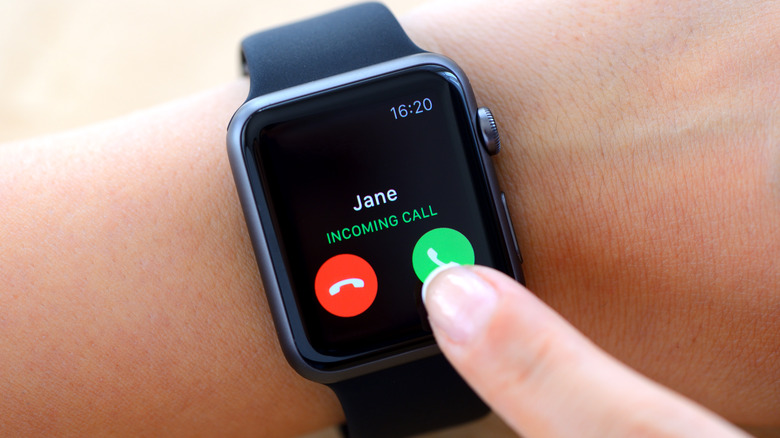
Apple Watch bands can be expensive, especially if you're looking at first-party options. On the other hand, counterfeit or third-party options can be extra cheap, and they might look just as good as the original ones — but there are several issues with these. A counterfeit band, for example, can interfere with the attaching mechanism, damaging it over time.
However, a more serious issue could occur with non-perforated silicone bands, as they trap sweat against the wrist with nowhere to evaporate. If worn on a daily basis, this could cause what people call "watch band rash." Considering that some people with more sensitive skin already suffer from watch band rash when using Apple's thoroughly tested options, you can imagine what might happen with one that uses subpar materials and hasn't been properly tested.
If you're already seeing redness, bumps, or itching under the band, you should take it off entirely for a few days, wash and then properly dry the wrist area, and stop using the problematic band. Apple's own Sport Band and Sport Loop are designed to allow air to flow and can be a direct fix after your skin gets better. If you're going third-party, always check for "breathable" options, and if you can, switch bands after you practice sports, sweat, or swim with the Apple Watch. It's important to keep your wrist, the band, and the watch itself dry to avoid possible rashes, even with official options.
Thick screen protectors
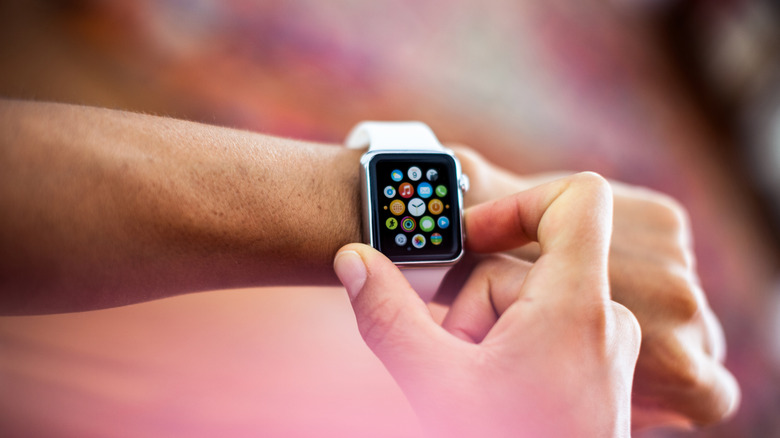
The same way rugged cases can be an issue with the Apple Watch, thick screen protectors are often problematic. While they might help protect your watch against drops, bumps, and possible scratches, there's an ambient light sensor that sits just under the display, and it reads light bouncing back through the crystal to adjust brightness, assist with always-on display functionality, and even count the amount of time you spend outside in the sun.
That said, a screen protector that's thicker than the Apple Watch glass — which is usually the case with cheap tempered glass protectors that prioritize "extra protection" marketing claims rather than precision — can scatter or block enough light to make the sensor readings inaccurate. In other words, the always-on display might fail to show and the screen could appear brighter or darker than it should be, which could also interfere with battery life. Another issue is that touch responsiveness can degrade due to the added layers between the Apple Watch's digitizer and your finger.
If you've already applied a screen protector and something looks off, you should remove it. Test how your watch behaves afterward to ensure that the issue you were experiencing wasn't related to another problem. After that, look for ultra-thin protectors, as they can preserve sensor accuracy while adding scratch resistance. Still, if you have an Apple Watch with sapphire crystal, which is usually the case for Apple Watch models with steel or titanium finishes, you really don't need a screen protector, as the display is already scratch-resistant enough that no protector is going to be as effective without a possible trade-off.
Magnetic watch stands with strong magnets
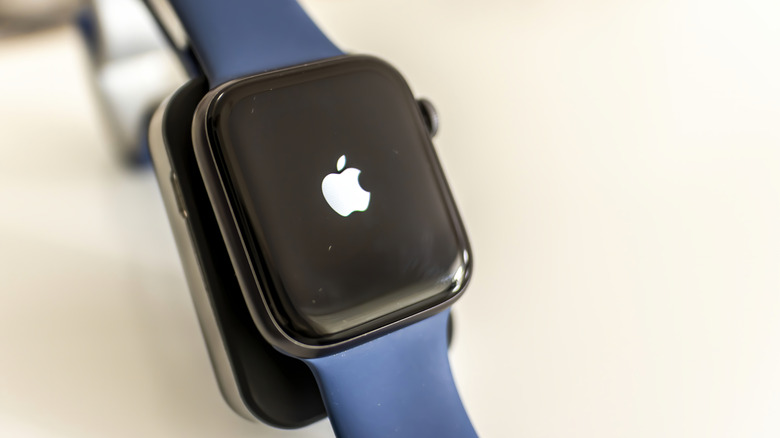
Apple Watches use a built-in compass to figure out which way is north by reading the Earth's natural magnetic field. However, this sensor can be easily tricked if there's a strong magnet nearby. Considering this, if you're docking your watch every night on a cheap charging stand with a stronger-than-necessary magnet in it, then the magnet can quietly throw off the watch's sense of direction. This could be a very serious issue not only because your location history might be thrown off when working out, but because you won't be able to rely on your watch for directions while hiking, for example.
This can also be an issue when trying to use Find My's Precision Finding feature to locate a lost item or an AirTag. However, there's an easy fix, which is to stop using this accessory, as the sensor can reset itself once it's away from the magnet. Another option is to reset the watch's sense of direction. You can do that manually by going to Settings > Privacy & Security > Location Services > System Services > Compass Calibration.
After that, the best way to protect your watch is to use the magnetic charger Apple provided in the box with your watch or a Made for Apple Watch charging dock, as you'll ensure that the watch is charging properly and the accessory isn't messing with the watch's sense of direction or any other sensors. In other words, while the iPhone can thrive with a few cheap accessories, the Apple Watch works best when you keep it simple.
How we selected these products
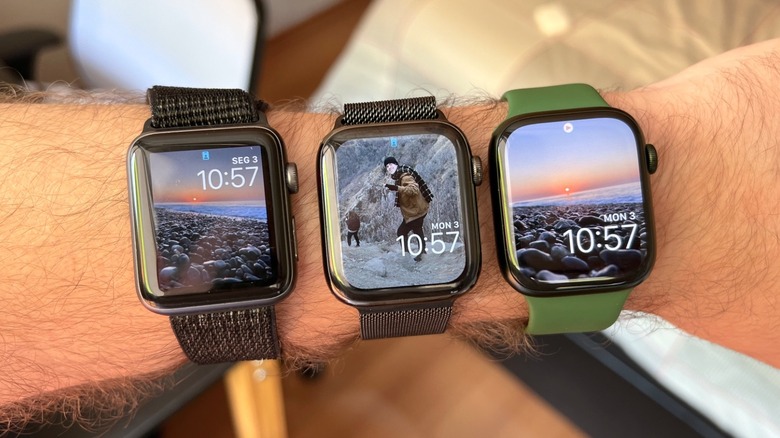
After using and reviewing Apple Watches for almost a decade, I've come across a bit of everything in the industry. For example, I once broke a brand new Apple Watch Series 3 while unboxing it because it fell out of my hands, and all the aluminum Apple Watch models that I've owned were full of little scratches on the display since they didn't feature a sapphire crystal (which never happened again after upgrading to a stainless steel model and eventually to the Apple Watch Ultra, for what it's worth). While it's understandable that the most budget-friendly Apple Watch models can be more fragile, it's also important that customers keep an eye on the quality of the accessories they pick. After all, if a product is a lot cheaper than Apple's official version and even major third-party accessory makers, it's a good sign that something's off.
For tech products, this could mean many things, like parts not attaching properly, the Apple Watch overheating and not charging how it should, or even the watch's internal sensors getting thrown off. Since this product was made to be used in constant contact with our skin, we need to be careful about the bands that we use, and even with how we maintain the wearable, as it shouldn't be in contact with our wrists if the band or the watch itself are wet to avoid rashes. That said, none of this means that customers shouldn't buy Apple Watch accessories — they just need to be careful about them.