

5 Apps That Add Live FM Radio To Your Android Auto
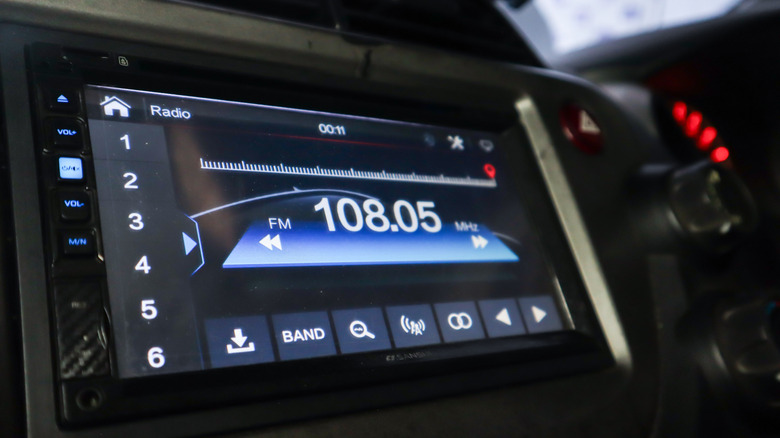
While a built-in FM radio tuner is pretty much a modern car staple, it leaves your radio access dependent on the signal, you are limited to channels in range, and the audio quality can suffer in tunnels and remote areas. If you're running Android Auto, it can also be cumbersome to switch back and forth between the factory-installed infotainment system and the one projected from your phone, especially as physical radio controls are disappearing. This is where radio apps, like iHeart and VRadio, come into play, as they significantly increase your options for listening to live FM radio.
You can also control these apps from the Android Auto interface, making it easier to switch between stations. Besides regular FM channels, you'll typically find internet-only stations on these apps as well. While there is no dearth of options on Google Play, including the free app for making an adventure out of local radio, they do not all support Android Auto. Moreover, the user experience can vary between apps.
If you don't want to go through the hassle of trying out all the popular options to find one for your essential Android Auto app arsenal, here are some of the best-rated choices that are confirmed to work well in cars, though it's important to note that you may not get all your local FM stations on these apps. We picked these FM radio apps after considering user reviews shared on Reddit and the Google Play store as well as our own experience with them.
Non Stop Radio
Non Stop Radio is a widely-liked radio app that works with Android Auto. Notably, it does not require any sign-up and is free of advertisements. You'll still have to deal with ads that are part of an FM radio channel's regular programming or those inserted directly by the station. It offers access to over 60,000 radio stations and podcasts from around the world.
You can browse based on genre, There is a built-in search function to find stations from your car, and the phone app can be used to find and favorite stations for quick access. It also offers support to play locally stored content. The Android Auto version is fairly bare-bones, but you get more controls in the phone version, including support for requesting an unavailable radio station, as well as a built-in Lucky button to jump to random stations.
The phone app also allows you to save song titles when available. Reddit users appreciate the app, highlighting its fast connection and support for extended buffer functionality to deal with any connection dropouts. Although the app is generally well-received, it is maintained by a single developer, which means that there are occasionally rough edges and it takes time for newer features to be added.
iHeart
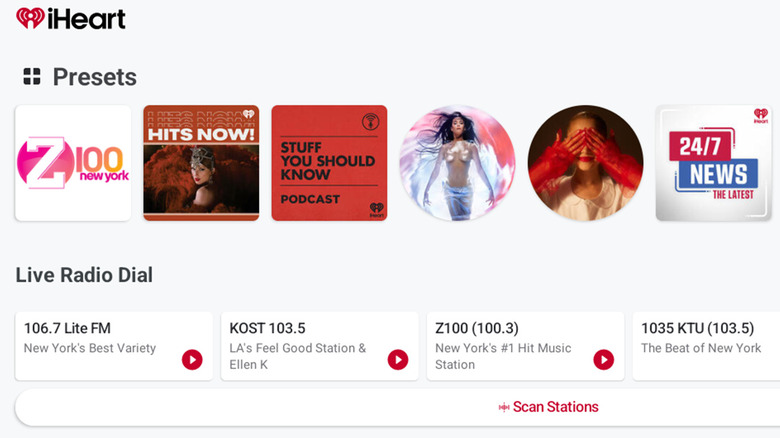
If you're looking for U.S. radio stations, iHeart is a good option. It offers access to 850 live AM/FM radio stations in the United States and has built-in Android Auto support. The app allows you to save up to 15 stations, playlists, and more, for quick access in your car. It also has a scan feature to give you that nostalgic feel of scanning radio stations on an actual car radio.
Besides U.S. radio stations, iHeart offers access to thousands more from around the world. You can browse categories, recommendations, and local stations within Android Auto, and there is a built-in search function for more targeted listening. Google Play store users have given it an average rating of 4.6 out of 5, based on over 2 million reviews. Reviewers call it a great radio app, offering a good mix of stations and music.
However, the free tier is filled with advertisements, which can be exhausting, and some say these ads ruin the app experience. That said, you have the option to choose from Plus or All Access subscriptions to remove ads and unlock features, like saving songs from the radio to your playlist. The Plus plan costs $6 per month, whereas All Access will set you back $12 a month. There is also a Family plan that brings All Access benefits for up to five family members at $15 per month.
TuneIn Radio
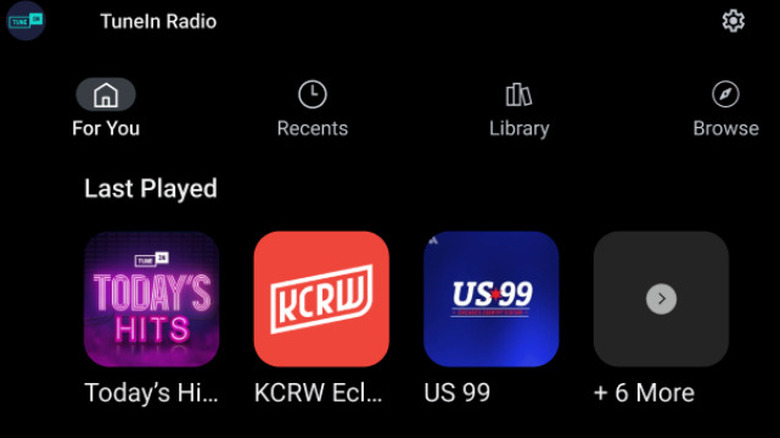
TuneIn Radio is a popular app on Google Play, with over 100 million downloads, and features among our free Android Auto app recommendations. It has one of the biggest collections of radio stations on offer, with access to more than 100,000 live channels worldwide. It's also the only non-Apple product to deliver Apple Music live radio access.
In our brief interaction with the app, it worked seamlessly on Android Auto, and unlike some other options with a fairly simple Android Auto interface, TuneIn Radio has a richer, but still relatively uncluttered interface. You get auto-populated station recommendations front and center with any last played station. You can also search for stations, browse categories, and access recent or favorited stations from the app's home screen.
While the free version includes full radio access and podcasts, you can pay for the premium version to remove ads and gain access to live sports, audiobooks, and news. TuneIn Radio is generally well-liked, with a Google Play store rating of 4.7 out of 5, based on millions of reviews. Users say it's easy to use, features good radio station selection, and provides excellent streaming quality. However, not everyone is happy with the number of commercials they have to deal with while using the app.
Simple Radio
Simple Radio is another popular radio app that you can use with Android Auto. It focuses on a clean listening experience and has a no-nonsense interface, both on the phone app and the Android Auto version. You can choose from over 90,000 AM, FM, and online radio stations, including popular names like NPR, BBC, and WNYC, along with local stations.
The Simple Radio Android Auto app has three main sections: Recently listened, favorites, and recommended radio stations. Rather than giving you a random list of stations from around the world, the app's recommendations include channels based on your region and location, making it easier to find something that you're more likely to enjoy. During our time with the app, we noticed that it doesn't offer search functionality in the Android Auto version, but you can use it on the phone app and favorite any stations you might like to listen to later in your car.
The app has garnered an average rating of 4.7 out of 5, based on over 900,000 reviews on the Google Play store. Users like its bloat-free approach, minimal design, and reliability. However, the frequency of advertisements remains a chief complaint. Fortunately, there is an available premium subscription priced at $40 a year that removes ads and brings a sleep timer feature.
VRadio
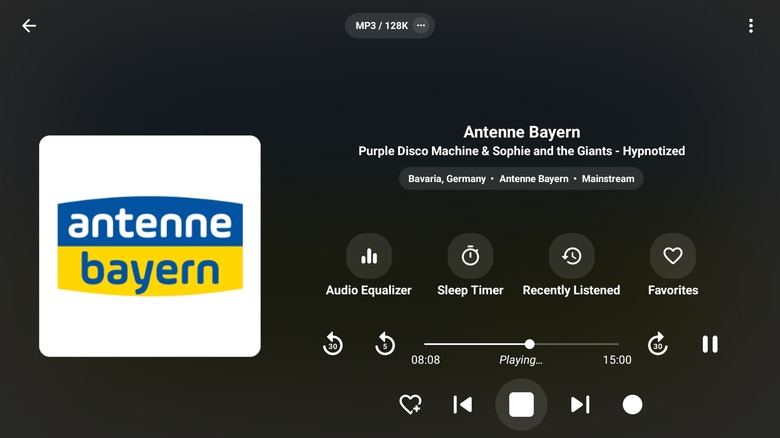
Many radio enthusiasts recommend VRadio for Android Auto. Like our other picks, it gives you plenty of choice when it comes to radio stations and podcasts from around the world. In testing the app, we found it to have a clean Android Auto interface, with separate sections for stations and podcasts. While it lacks a search feature within Android Auto, you can quickly access recent, favorited, and featured stations. It also differentiates itself from other radio apps by offering recording support.
If you find something interesting while listening to the radio, simply press the record button on the playback screen to save it for later. While VRadio has advertisements, it's not overwhelming, and you can buy the premium version to remove them for $13. Besides removing ads, the premium version allows you to save recordings in MP3 and unlock all features on Android TV. Google Play store users give VRadio an average rating of 4.9 stars across some 37,000 reviews. These users appreciate the variety of radio stations on offer, clean interface, and recording support. That said, some are not happy with the subscription cost.
How we selected these FM radio apps for Android Auto
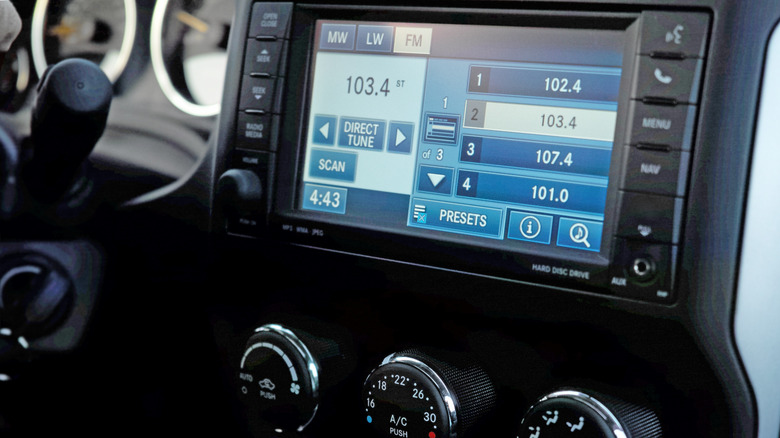
While choosing these radio apps, we focused on those that are available in the Google Play Store and confirmed to support Android Auto, ensuring they are easy to download and run in your car. We considered user reviews from Reddit, especially the Android Auto subreddit, to refine our selection. We also accounted for ratings and reviews from the Google Play Store to gain an idea of the wider Android community's thoughts on the different radio apps. As well, our own experience with the apps was factored in to the final list. All these recommendations are free to download and use. However, some include advertisements, which can typically be removed with a premium subscription.